

Visualize bass guitar scales and chords on your fretboard
Work with notes, intervals, scales and chords on 4-string, 5-string or 6-string bass, with standard tuning or your own custom configuration.
Explore the features in screenshots
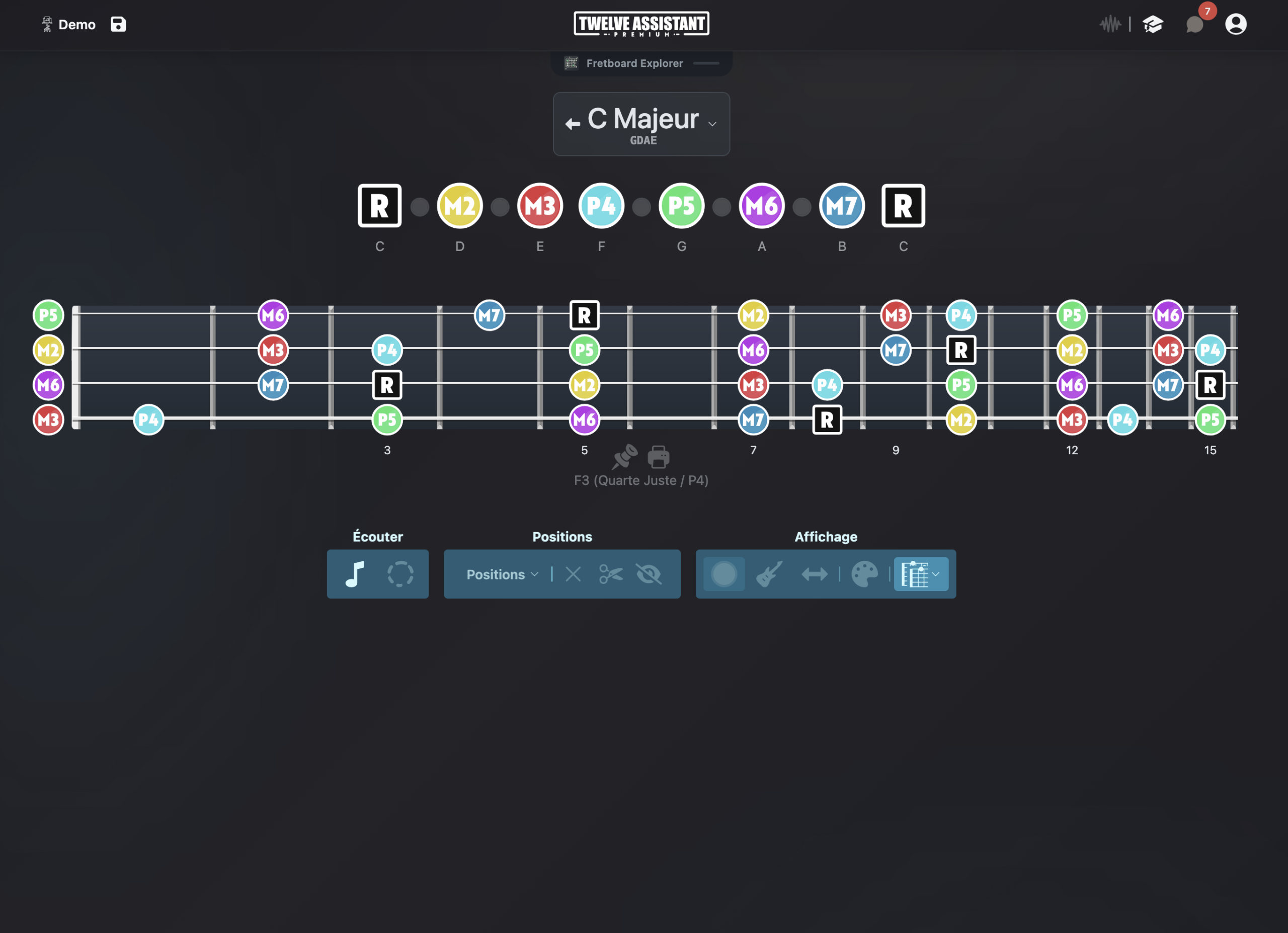
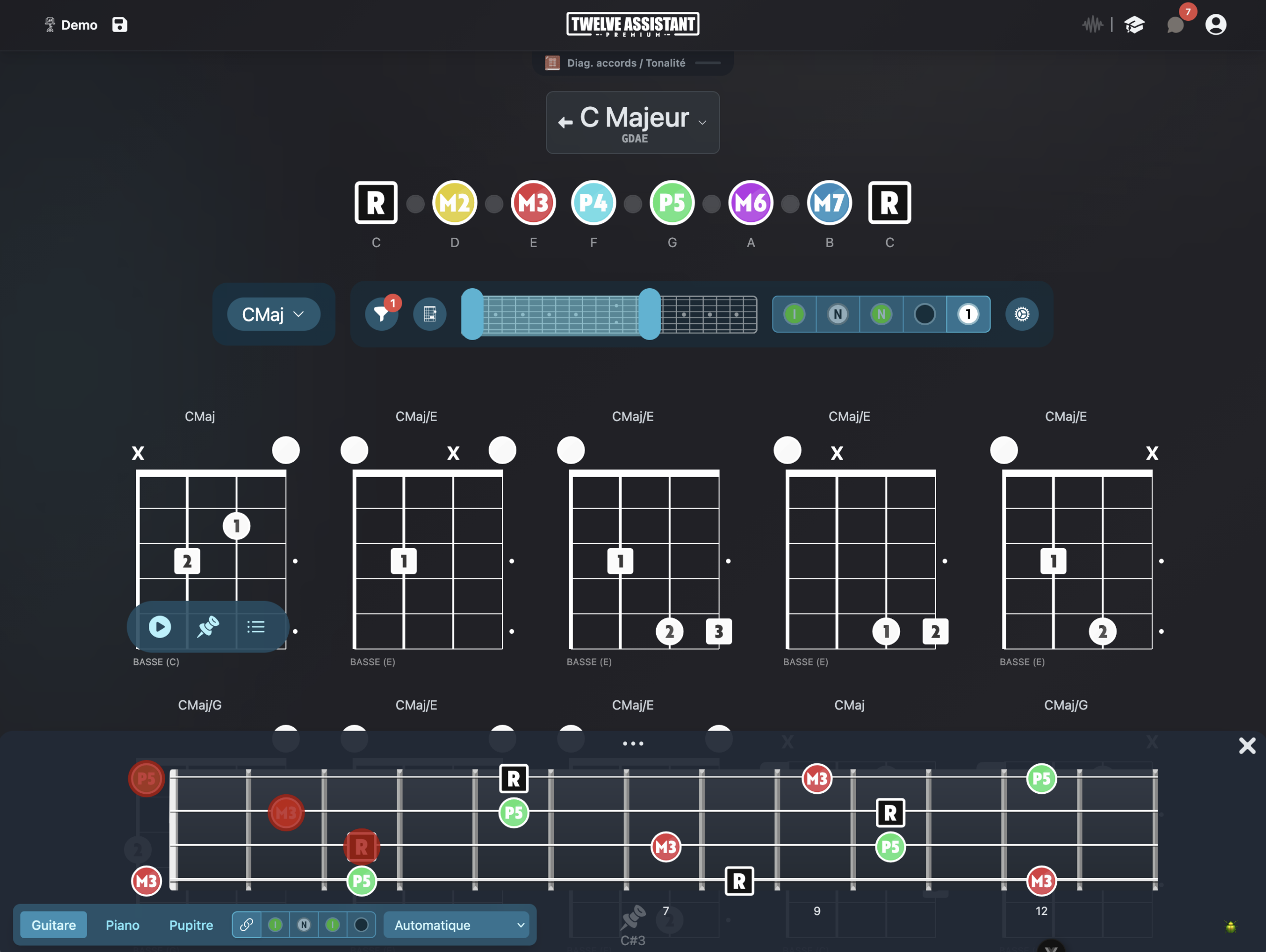
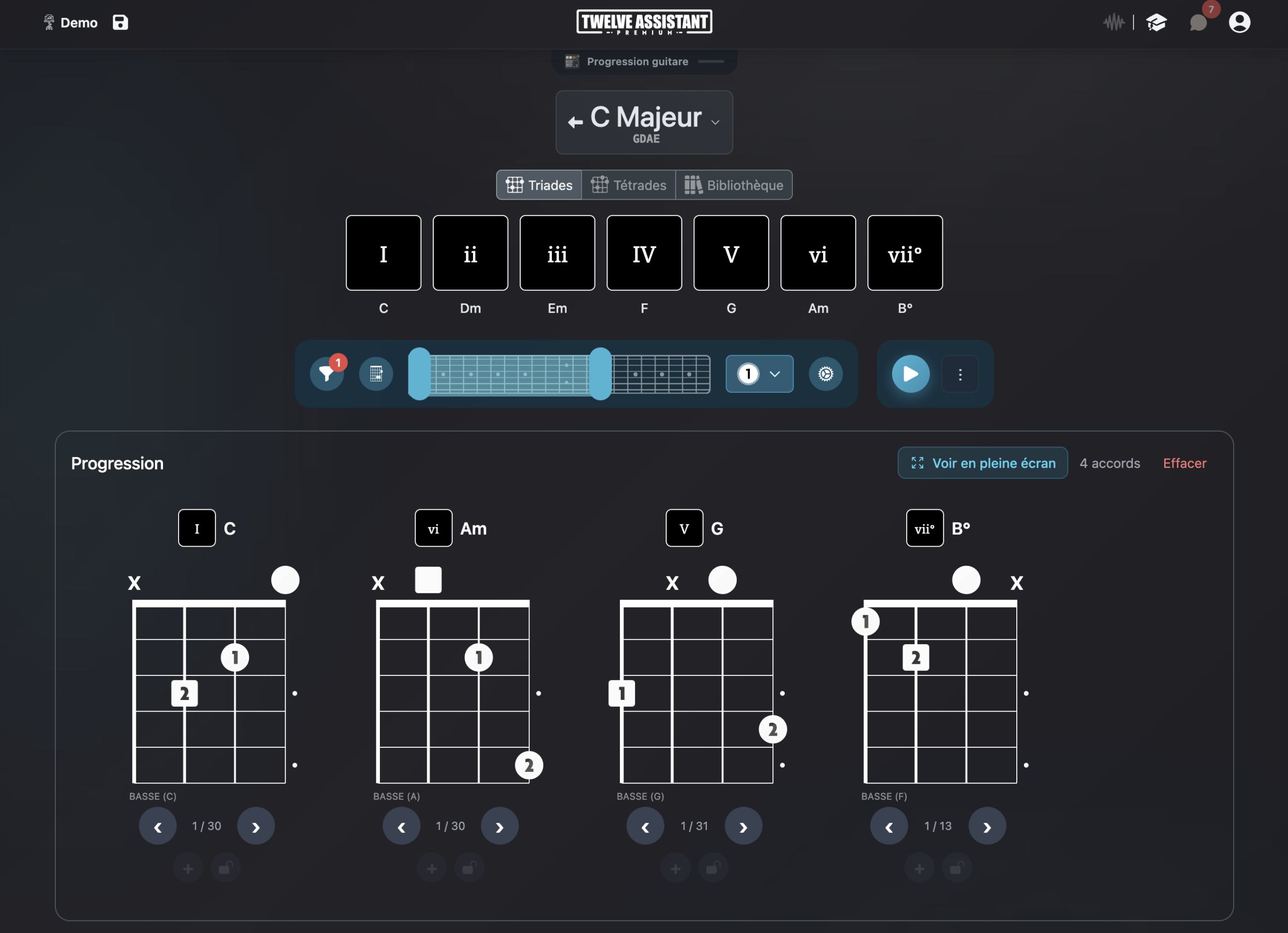
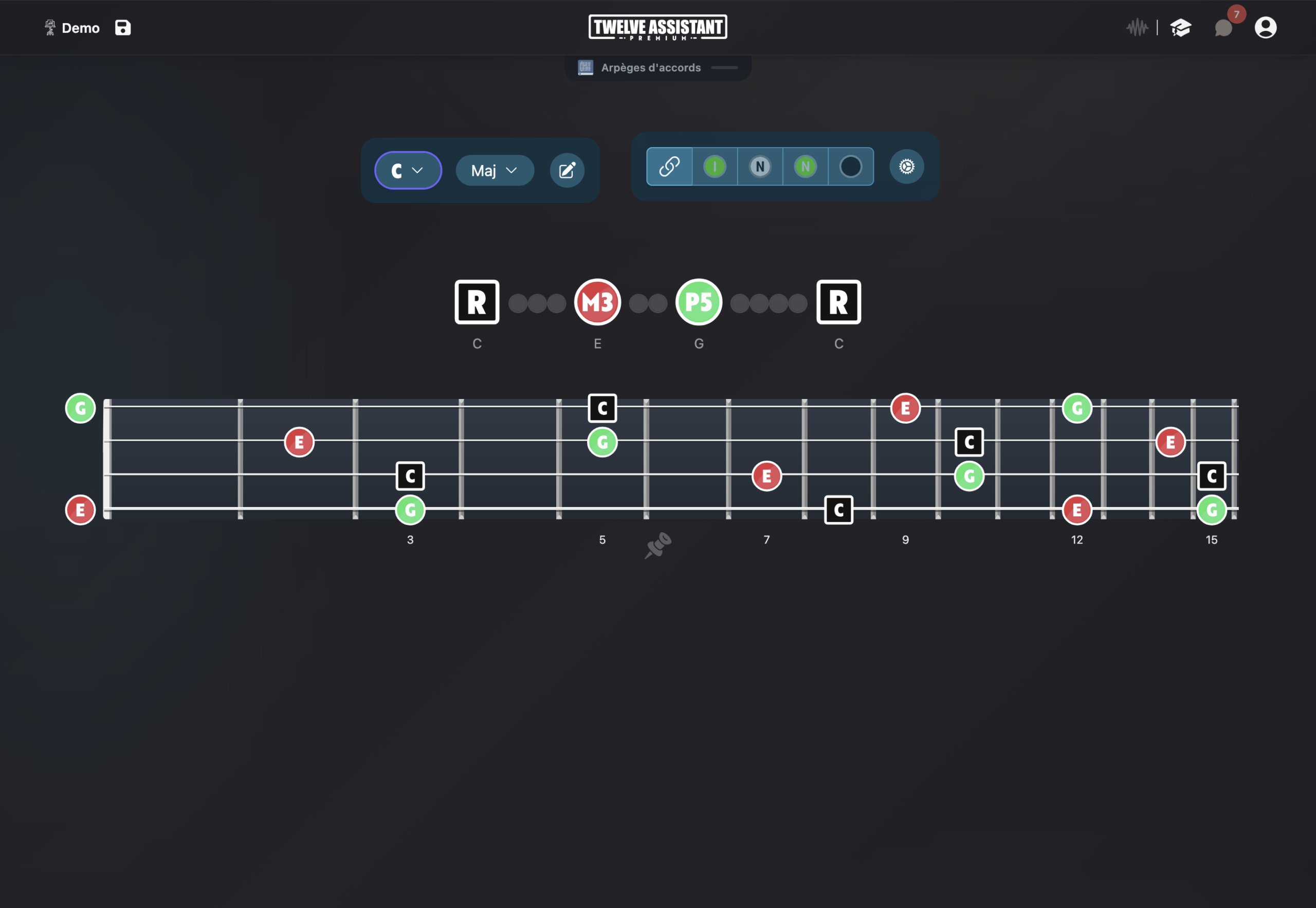
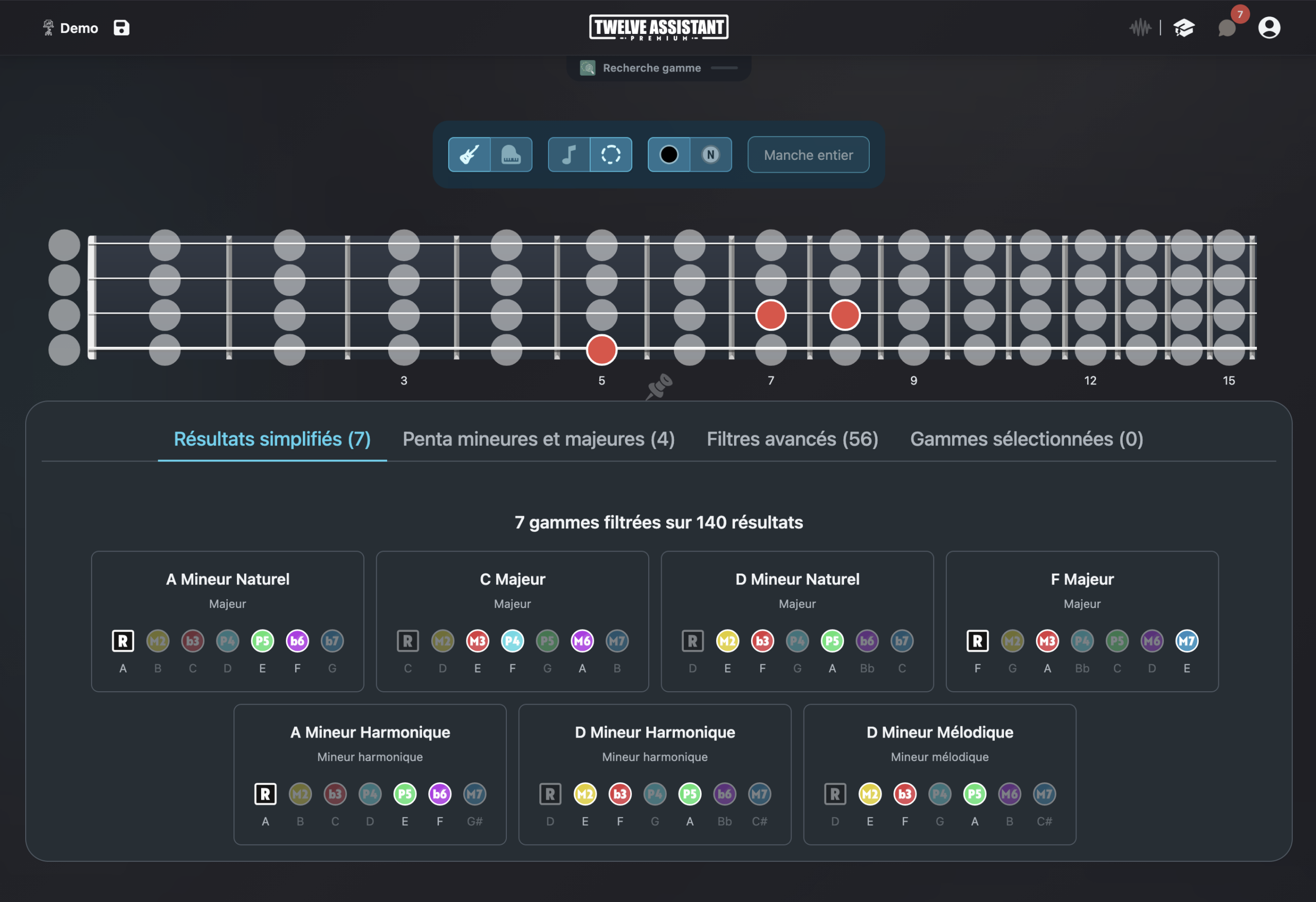
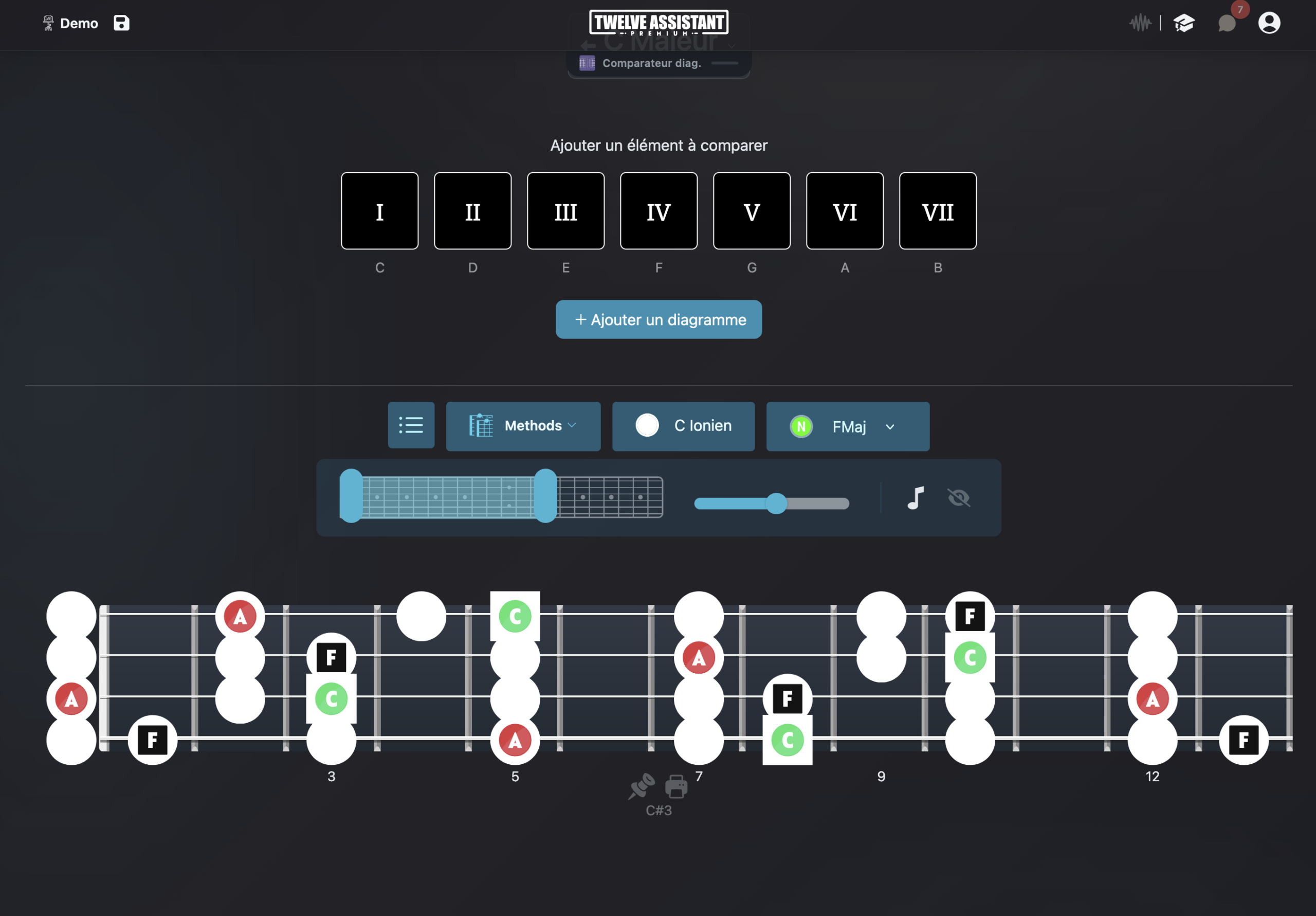
Display designed for the bass role
Bass players need to connect roots, chord tones and passing notes quickly. Twelve Assistant displays this information directly on a bass fretboard, with clear interval reading and available positions.
You can start from a scale, mode or chord, then observe useful notes across the entire neck. Playback, zone selection and visual customization features turn theoretical information into practical exercises.
Standard E A D G tuning is available, along with 5-string bass, 6-string bass and custom tunings. The same environment serves daily practice, harmonic analysis and bass line preparation.
Tools to build coherent bass lines
Bass fretboard
Display adapted to a 4-string bass, 5-string bass, 6-string bass or a custom configuration.
Roots and scale degrees
Spot the tonic, thirds, fifths, sevenths and extensions immediately.
Scales and modes
Visualize available notes and playing zones across the full range.
Chords and arpeggios
Study chord tones and their inversions on the fretboard.
Left-handed mode
Display the fretboard in the orientation matching your instrument.
Music Stand
Organize your positions, progressions and practice notes.
4-string, 5-string or 6-string bass and custom tuning
Start with a 4-string bass in E A D G, add a low B string for a 5-string bass in B E A D G, or configure a 6-string bass in B E A D G C. You choose the string count and the open note for each one.
You can also create your own bass tuning for a song, an additional high string, a Drop configuration or a custom luthier instrument. Scales, chord notes, intervals and positions are recalculated for this specific neck.
The chord library, arpeggios, chord progression generator and fretboard displays remain accessible with these configurations. Left-handed mode can also be applied without changing the tuning.
Connect harmony, rhythm and positions
An effective bass line goes beyond the root. By displaying each chord’s intervals and the key’s notes, you can prepare stepwise motion, chromatic approaches and position changes without losing the harmonic context.
The chord progression generator and editors give structure to your work. You can test a progression, spot common tones between two chords and save useful positions in the Music Stand for rehearsal.
Advanced features around your tuning
Scale and chord libraries
Start from a key, mode or chord, then display musical information on your fretboard’s actual configuration.
Chord progressions
Create a chord sequence, listen to its movement and search for positions or voicings adapted to your instrument and tuning.
Personal Music Stand
Gather useful diagrams, positions and analyses in a practice sheet you can organize according to your workflow.
Display everything left-handed
String count and tuning are independent from orientation. You can therefore keep exactly the same musical configuration and display the fretboard mirrored for a left-handed instrument.
When the left-handed preference is saved in your profile, compatible fretboard and diagram displays automatically apply it. The setting remains adjustable at any time.
A preference that follows you
Choose right or left-handed once in your preferences. The fretboard keeps the same tuning and only adapts its visual orientation.
This preference then applies to fretboard displays and compatible diagrams.
A simple path to work on a progression
Select your bass and its tuning, choose the key, then display the scale or the progression’s chords. Narrow down the fretboard zone to the position you want to practice and listen to the notes before playing.
Choose instrument
Define string count, tuning and orientation.
Display content
Select a scale, chord or progression and choose visible information.
Save results
Listen, compare and place your useful diagrams in the Music Stand.
Discover all features in video
See how Twelve Assistant connects fretboard, scale and chord libraries, voicings, progressions and Music Stand in a single workspace.
Frequently asked questions
Can I display a 4-string bass?
Yes, with standard E A D G tuning or custom tuning.
Is the 5-string bass supported?
Yes. You can use B E A D G tuning with the low B string or define your own notes.
Can I configure a 6-string bass?
Yes. The B E A D G C configuration is possible, as is any other custom bass tuning.
Can I display only intervals?
Yes. Display options let you favor notes, intervals or a custom presentation.
Does left-handed mode work for bass?
Yes. The orientation can be adapted for left-handed bass players in compatible displays.
Explore other instruments and tunings
Try Twelve Assistant with your instrument
Start for free, watch the feature video or compare plans based on your needs.