

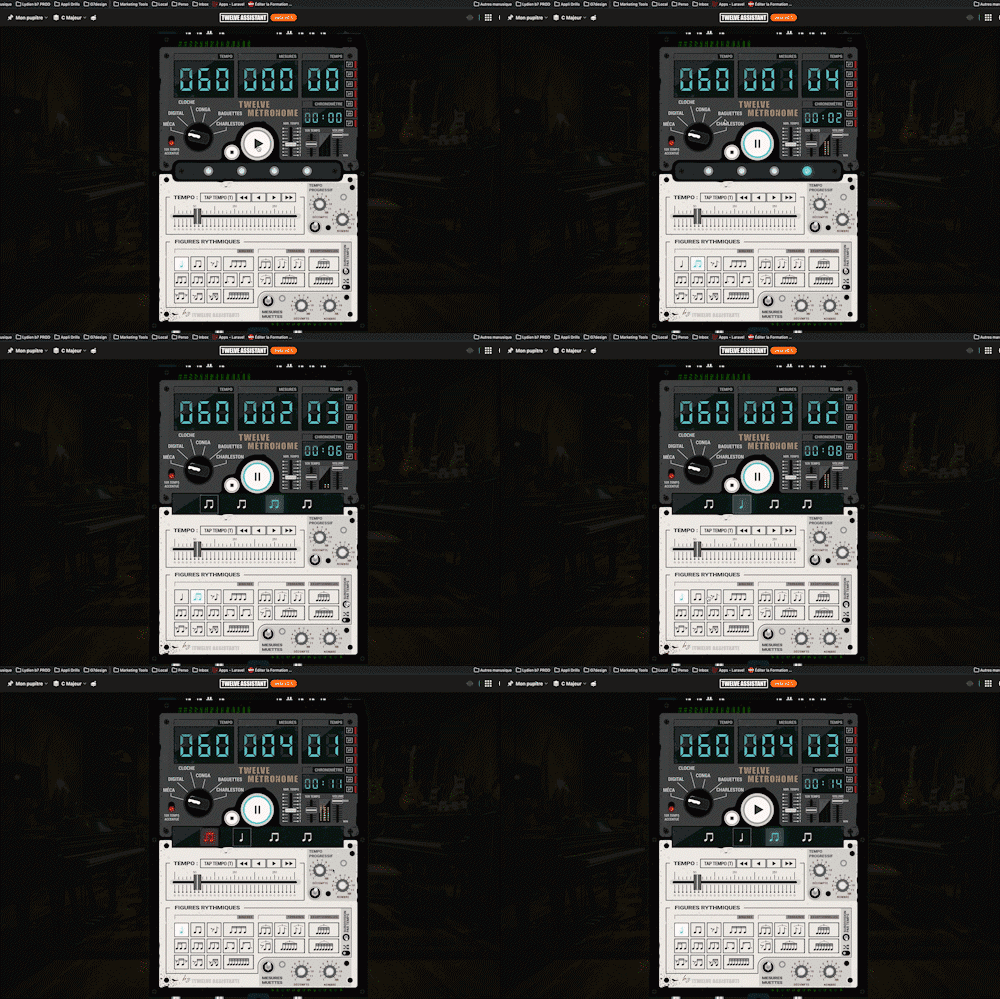
Twelve Metronome
A full-featured metronome with a complete selection of rhythmic figures and advanced settings and functionalities
 by Loni Musique
Visualize your chords, scales and progressions on the guitar fretboard or the piano. Interactive tools to understand harmony, and improve while playing.
Chords, scales, harmony, ear training: pick your product and explore its applications.
 Guitare
 Harmonie
 Trainer
 BTF
BTF
 Métronome
Découvrez la plateforme complète pour musiciens et compositeurs. Une suite d'outils professionnels pour l'apprentissage, la création et la pratique musicale.
Every app below can be played right in your browser, no sign-up needed.
 Bibliothèque de diagrammes d’accords
Try the demo →
Bibliothèque de diagrammes d’accords
Try the demo →
 Guitar chords progression editor
Try the demo →
Guitar chords progression editor
Try the demo →
 Strumming Pattern Generator
Try the demo →
Strumming Pattern Generator
Try the demo →
 Fretboard Explorer
Try the demo →
Fretboard Explorer
Try the demo →
 Key chords diagrams
Try the demo →
Key chords diagrams
Try the demo →
 Backing Track Finder
Try the demo →
Backing Track Finder
Try the demo →
 Key Degrees Analyzer
Try the demo →
Key Degrees Analyzer
Try the demo →
 Piano Harmony Player
Try the demo →
Piano Harmony Player
Try the demo →
 Key Piano Chords
Try the demo →
Key Piano Chords
Try the demo →
 Progression piano editor
Try the demo →
Progression piano editor
Try the demo →
 Chords Chart Editor
Try the demo →
Chords Chart Editor
Try the demo →
 Desk Layout Studio
Try the demo →
Desk Layout Studio
Try the demo →
A free 10-chapter guide written for guitarists: from sound to harmonization, with interactive visuals to understand by doing.
Twelve Assistant (le Twelve pour les intimes) est une formidable réserve d'applis consacrée à la guitare. Sa première grande qualité réside dans son accessibilité pour tous les guitaristes quelque que soit leur niveau. Le débutant trouvera réponse aux notions de bases, construira en deux secondes des enchainements ou des apprentissages de gammes simples. Très visuel et très intuitif avec une ergonomie particulièrement soignée depuis la version 2. A titre personnel, c'est la partie Harmonie qui la plus réjouissante et la plus inspirante. Le tout pour quelques euros par mois, imbattable sur ce plan là vu les possibilités de la bête. Merci encore, Nico
Salut Nico ! Très bel outil que ce nouveau Twelve assistant. Le Backingtrack finder est une vraie bonne idée ! je suis loin de l'avoir correctement exploré et exploité. Bravo et merci à toi !
Voilà un site unique en son genre ! Quelle prouesse ! Soif d'apprendre, de créer, de découvrir, de jouer, de tester ? tout est là pour les guitariste et autres musiciens. la clarté du site est bluffante. les multiples modules toujours simples d'accès, très pédagogiques, colorés avec justesse, nous invitent à progresser dans l'univers musicale de la guitare. J'en suis encore épaté. Bravo l'artiste !
Bravo et merci Nico pour cette superbe évolution du Twelve. Je la trouve bien plus facile à utiliser avec en plus des fonctions à la pelle. J'adore le pupitre.
Cette nouvelle version est vraiment superbe. Tout a été repensé, c'est d'une fluidité et d'une facilité d'utilisation impressionnante par rapport à la V1. Avec un tel outil, plus d'excuses pour ne pas devenir curieux et se lancer dans la composition.
Superbe instrument. Je ne m’en lasse pas, je découvre. Merci
Une sélection aléatoire d'applications musicales pour enrichir votre pratique
A full-featured metronome with a complete selection of rhythmic figures and advanced settings and functionalities

Instantly search and identify the chord being played based on its position on the fretboard

Arrange and lay out all your pinned items—diagrams, composition scales and charts—in the Desk Editor so you can save and print your work.
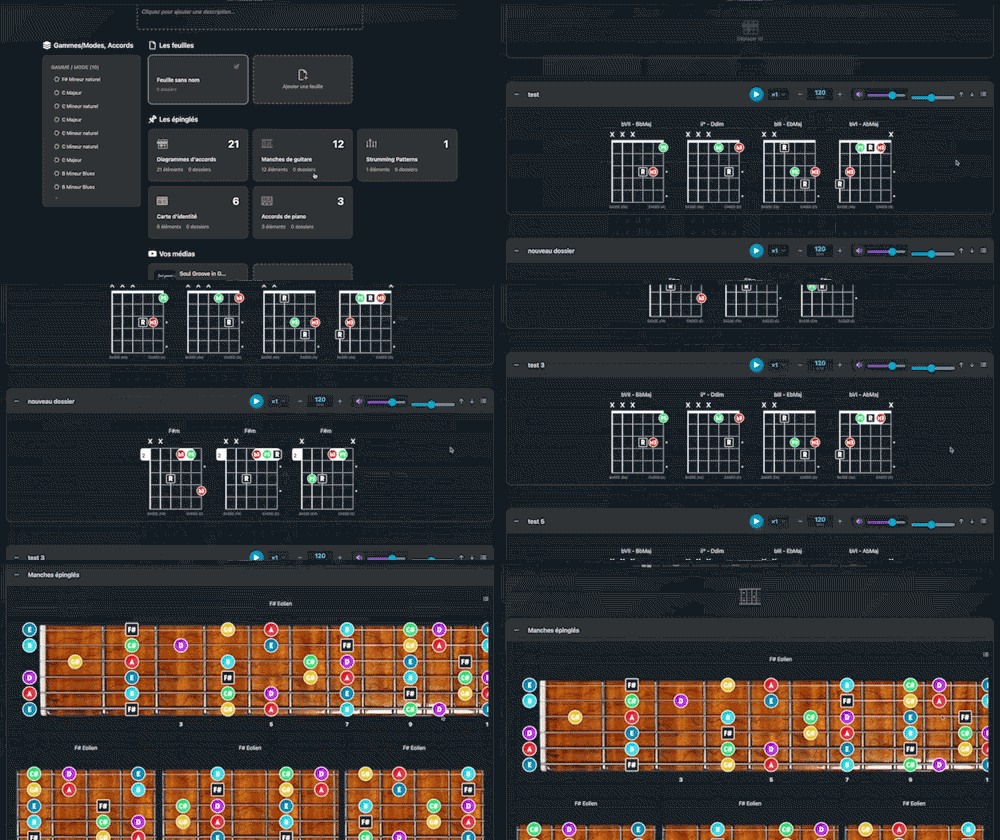
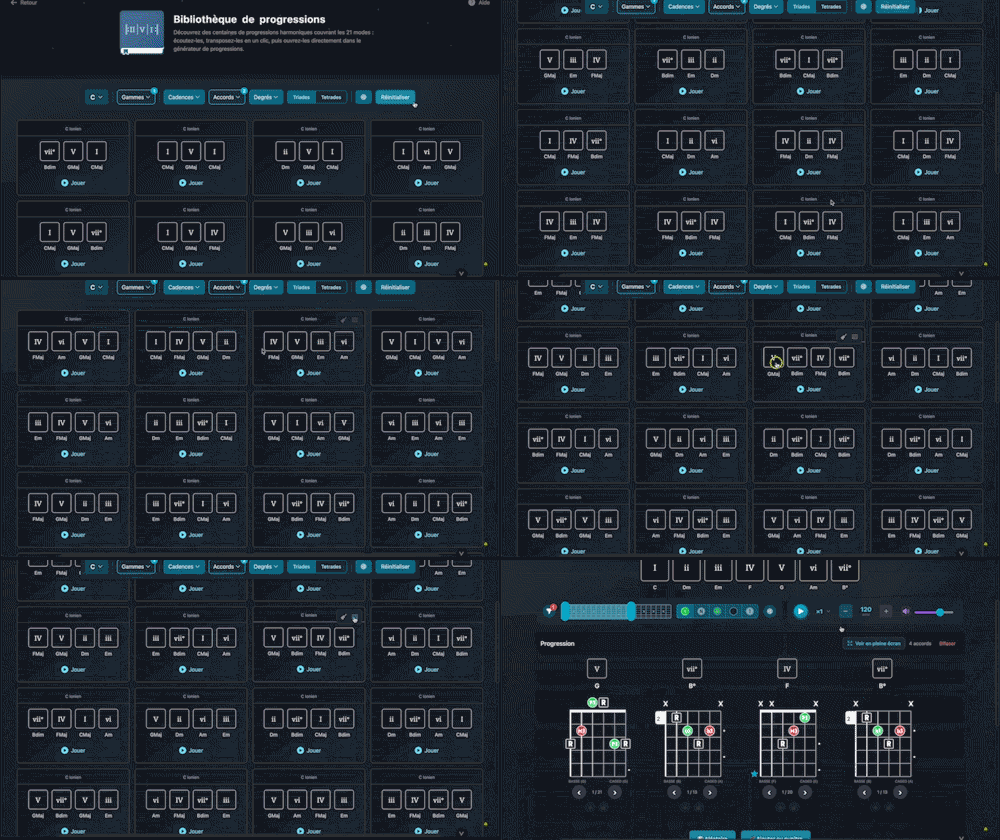
Explore hundreds of harmonic progressions spanning all 21 modes: audition, transpose, and send them straight to the progression generator with a single click.

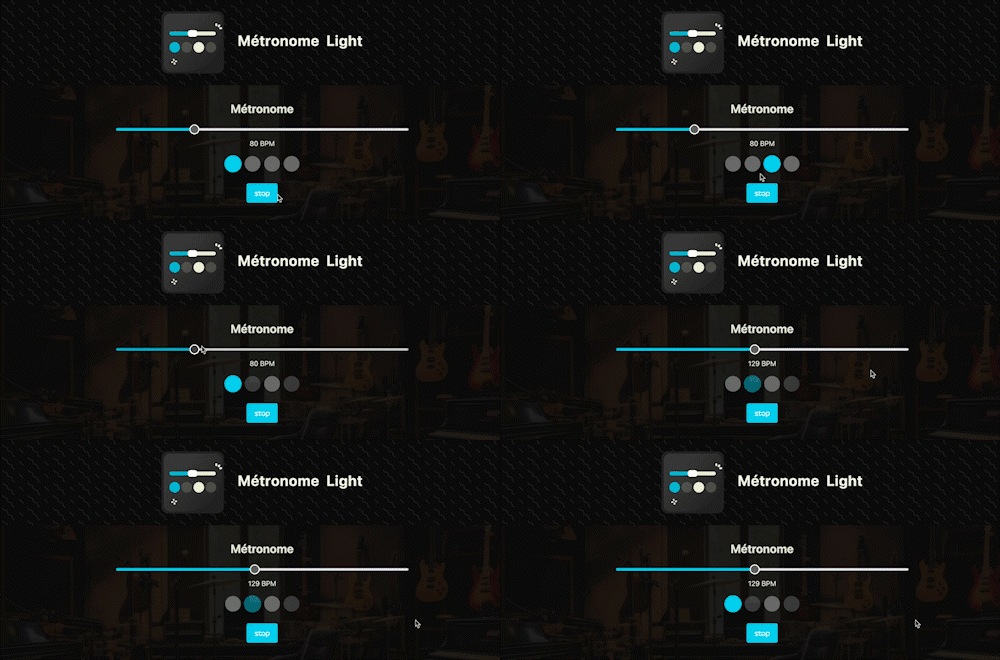
A straightforward, visual metronome: customize the tempo intuitively by clicking on the beat LEDs to set your perfect pulse.

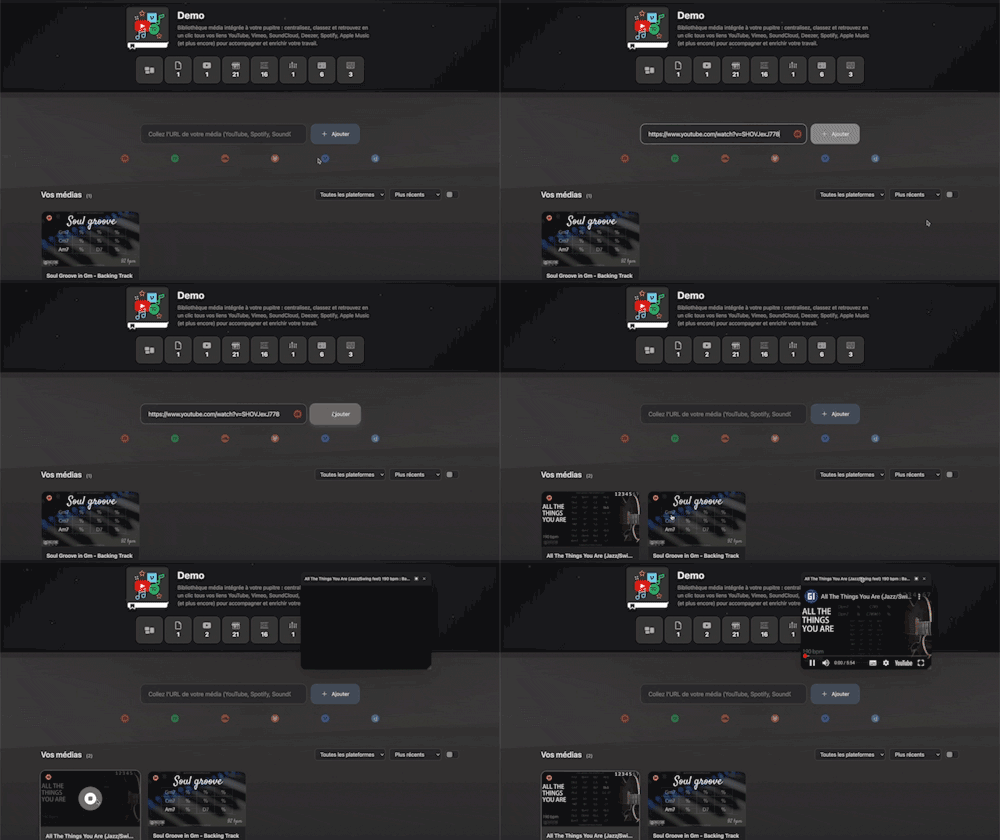
Integrated media library for your workspace: centralize, organize, and access all your YouTube, Vimeo, SoundCloud, Deezer, Spotify, Apple Music links (and more) with a single click to support and enrich your work.

Instantly determine the key of any chord progression: import the sequence or play it live, the app scans the notes, identifies the key and mode, and offers the most relevant harmonization options at a glance.
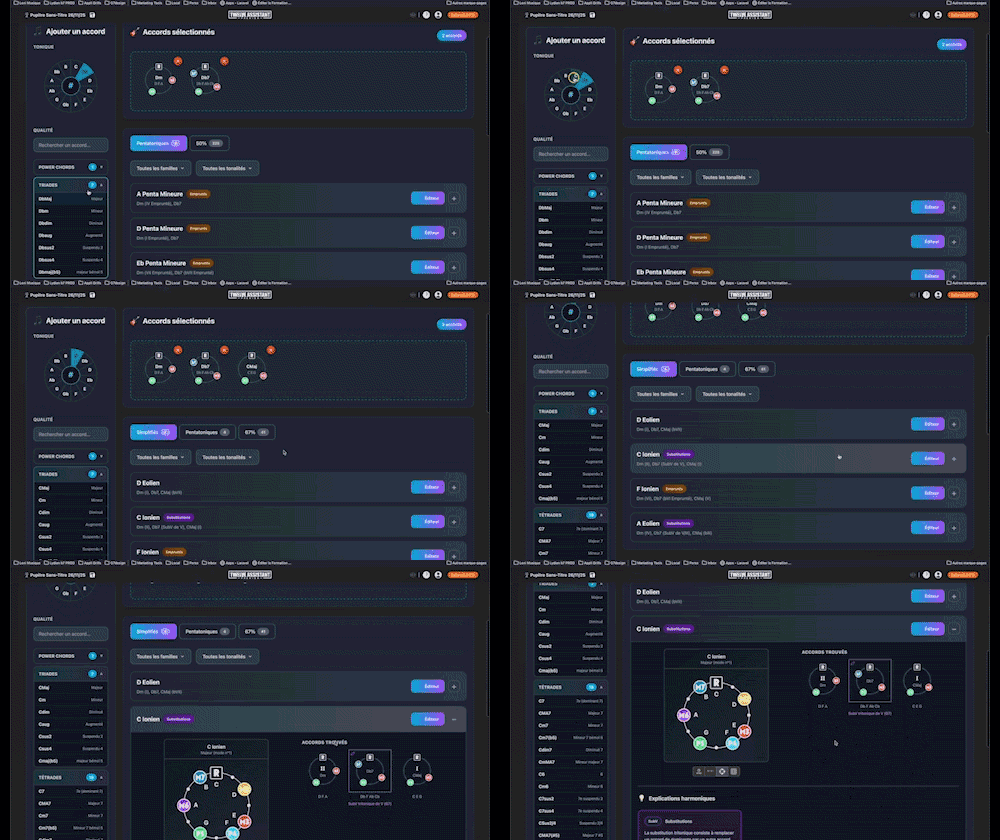

Search for and identify the scale that matches the notes being played
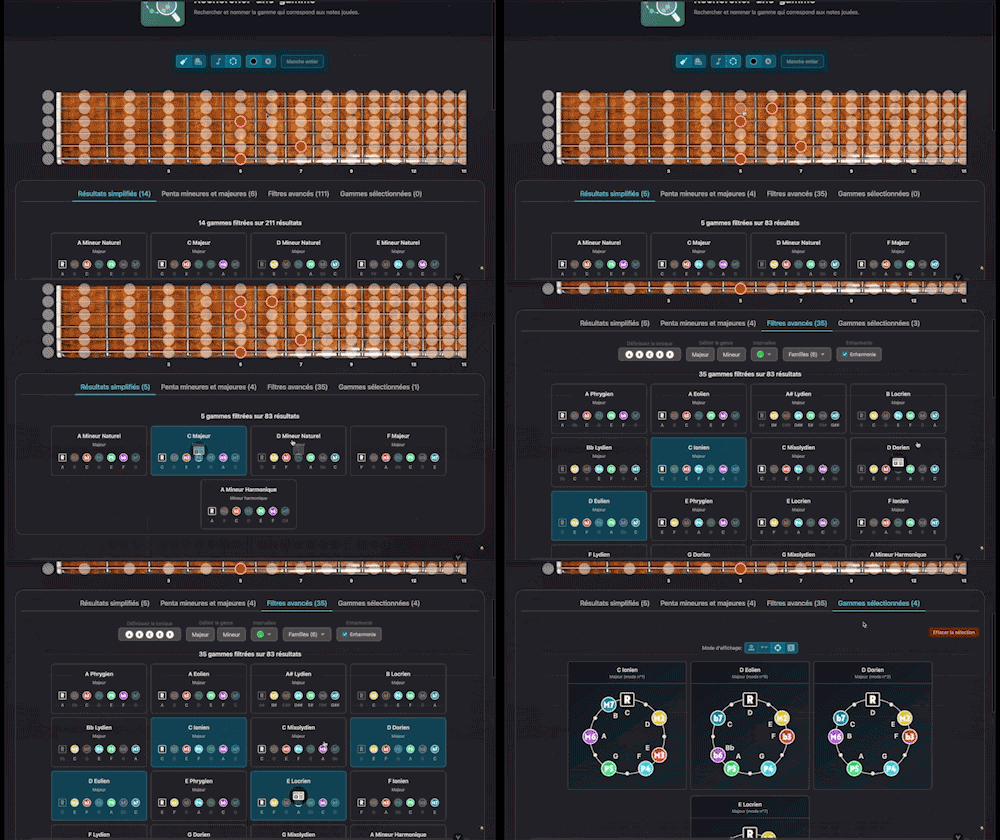
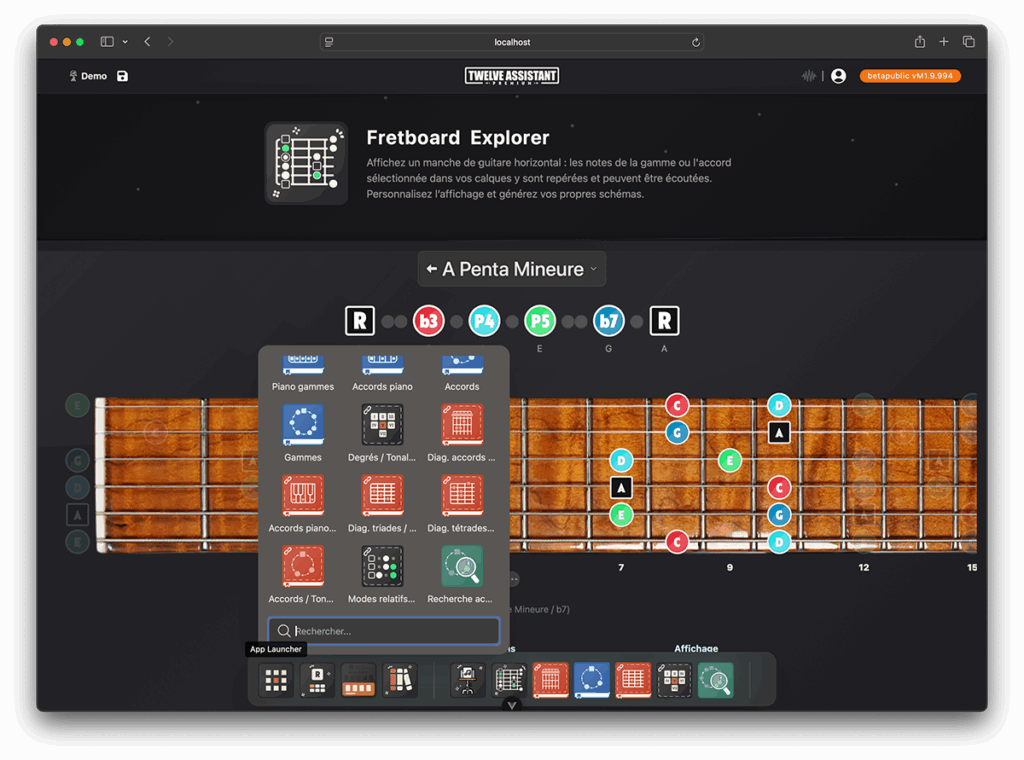
Twelve-Assistant brings together everything you need to explore, understand, and play harmony — all in a single application. Search for a scale, visualize its degrees on the fretboard or the piano, hear its colors, stack chords and diagrams in a ready-to-use workspace… everything happens quickly, clearly, and without ever losing your work.
Originally designed for guitar, the tool adapts to your practice: right-handed/left-handed, 4 to 12 strings (including 7/8-string), clear high-definition SVG fingerings, and instant switching between guitar ↔ piano. Whether you’re a curious beginner, a teacher preparing a lesson, or a composer looking for ideas, Twelve-Assistant puts theory at the service of music — simply.
Because a good theory tool should disappear as you use it. Twelve-Assistant lets you play, experiment, and memorize — with no pages to reload and no settings to redo. Open, explore, create — the music comes first.
Want to give it a try? Jump in, try out a few scales, build your first workspace… and see how quickly your ideas take shape.
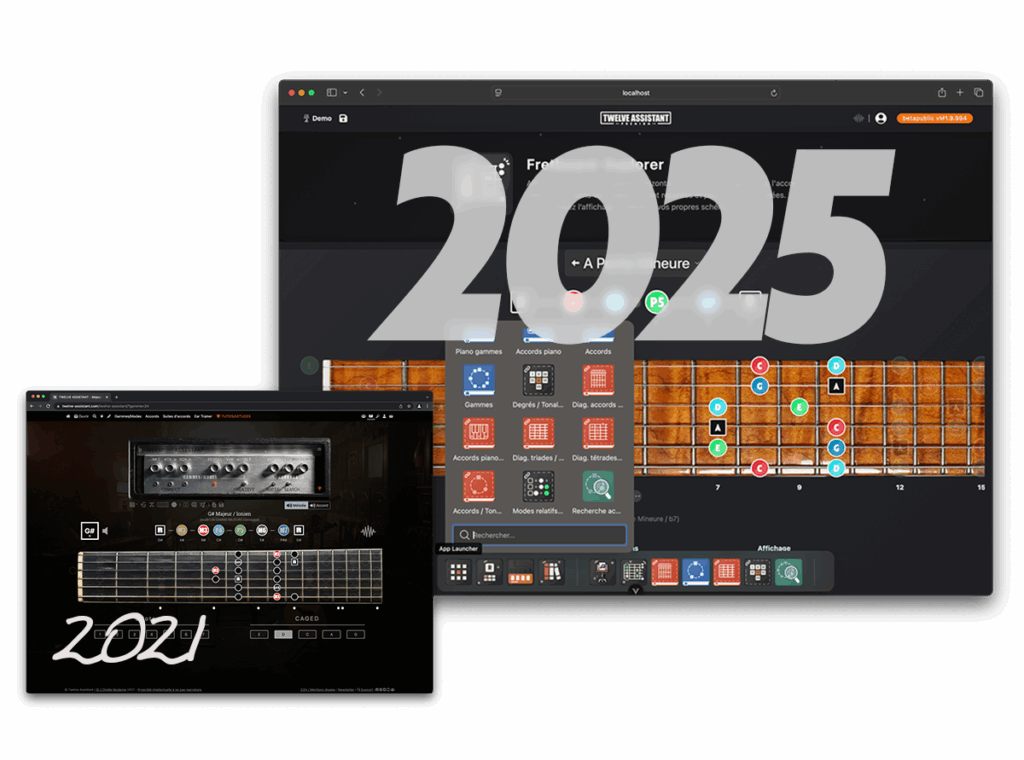
What are the differences between the Twelve-Assistant V1 from 2021 and the Twelve-Assistant V2 from 2025, and why did its development take four years?