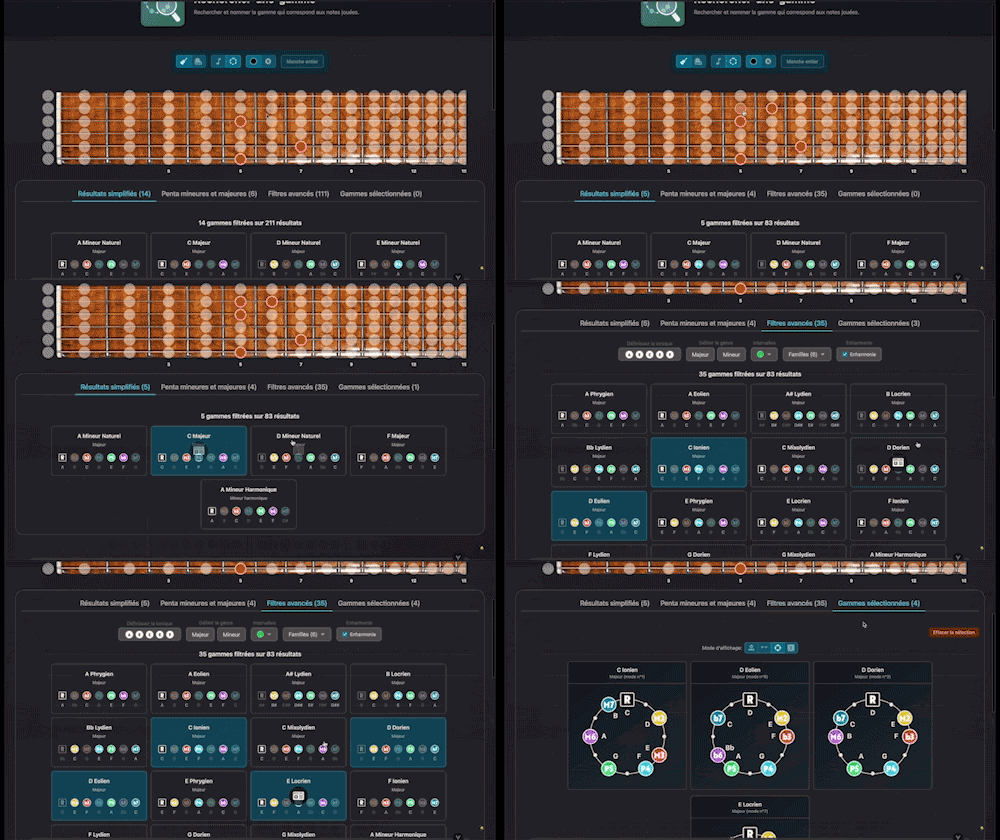
Find Scale
Search for and identify the scale that matches the notes being played
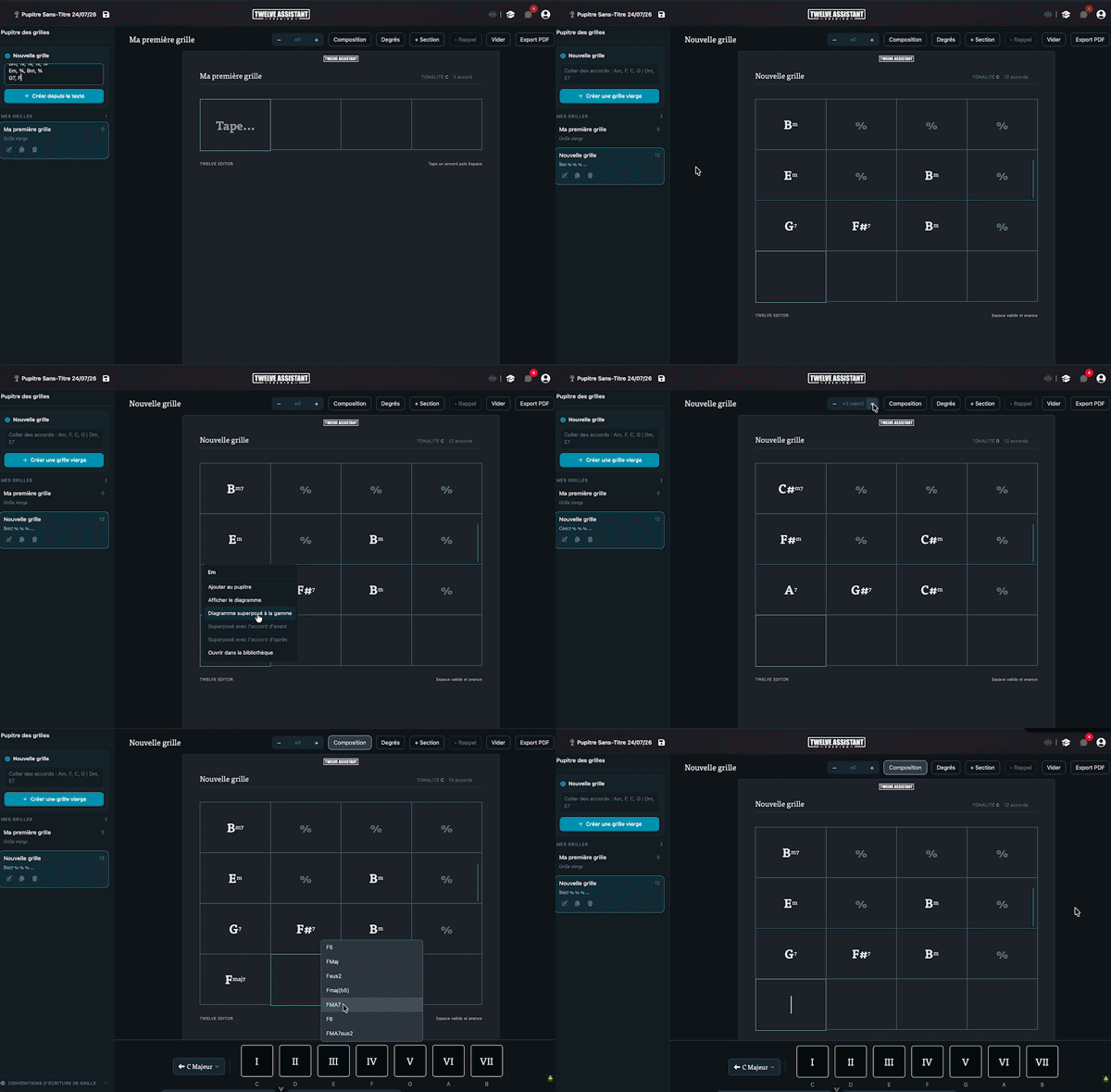
Create and edit chord charts with sections, repeats and alternate endings effortlessly. Export to PDF and integrate with digital music stand featuring intuitive harmonic drag & drop.
Plans: GUITAR
 PREMIUM
The real application, right below. No installation, nothing to sign up for to give it a try.
Without an account, the preview lasts 2 minutes. Create your free account to remove the timer and use the tool without limits.
Create my free account
Twelve Assistant is a comprehensive suite of music tools designed to help musicians of all levels improve their practice, understanding, and creativity. From guitar to piano, from harmony to rhythm, we have everything you need.
Learn More →Every app below can be played right in your browser, no sign-up needed.
 Bibliothèque de diagrammes d’accords
Try the demo →
Bibliothèque de diagrammes d’accords
Try the demo →
 Guitar chords progression editor
Try the demo →
Guitar chords progression editor
Try the demo →
 Strumming Pattern Generator
Try the demo →
Strumming Pattern Generator
Try the demo →
 Fretboard Explorer
Try the demo →
Fretboard Explorer
Try the demo →
 Key chords diagrams
Try the demo →
Key chords diagrams
Try the demo →
 Backing Track Finder
Try the demo →
Backing Track Finder
Try the demo →
 Key Degrees Analyzer
Try the demo →
Key Degrees Analyzer
Try the demo →
 Piano Harmony Player
Try the demo →
Piano Harmony Player
Try the demo →
 Key Piano Chords
Try the demo →
Key Piano Chords
Try the demo →
 Progression piano editor
Try the demo →
Chords Chart Editor
You are here
Progression piano editor
Try the demo →
Chords Chart Editor
You are here
 Desk Layout Studio
Try the demo →
Desk Layout Studio
Try the demo →
The Twelve Assistant chord chart editor turns a chord sequence into a real, ready-to-play chart you can read, structure and share. Built for guitarists, pianists and teachers, it lets you write a chord chart in international notation (C, Dm, G7) in seconds, then organize it into sections, transpose it and export it to PDF. Whether you are preparing a song for a rehearsal, a worksheet for a student or the harmonic skeleton of a composition, you type your chords or paste an existing sequence, and the chart lays itself out. Integrated with the digital music stand, the tool becomes the starting point of a complete workflow, from the first chord idea to the printed sheet.
The editor brings together everything needed to compose, organize and share a chord chart, without leaving the page.
Type a chord then press Space to move to the next cell, or paste a full sequence directly. Vertical bars and line breaks automatically create bar breaks. A single slash writes a slash chord (for example D/F#) and a double slash places several chords in the same bar (D//G shows as D/G). Writing stays instant, with no intermediate dialog.
Split your chart into named sections (Intro, Verse, Chorus, Solo) and reorder them by drag and drop or with the arrows. You can recall an already written section without redrawing it, which is handy for a song that repeats the same chorus several times. Sections can also be placed at the very start of the chart.
A bar can hold several chords in the same row, with an optional rhythm line underneath to show where each chord falls. One character per beat marks the attack or the hold of the chord. This lets you notate a chart where the harmonic rhythm changes within the bar.
Transpose the whole chart in one click: the chords and the key indication at the top update together. The composition bar, which shows degrees I to VII of the active scale, follows the transposition too, without ever changing the mode by mistake. A chart in A blues minor transposed up two tones stays in B blues minor.
A right click (or long press) on a chart chord opens a menu that adds it to the music stand, shows its diagram, or overlays it on the active scale on the fretboard. Two advanced entries, overlay with the previous chord and overlay with the next chord, display the fretboard with both chords compared and a color legend to spot common notes and changing notes.
The sheet is A4, aligned with the music stand, with automatic pagination, a logo at the top and a copyright note at the bottom. The PDF export stays clear, sheet-music style, even in dark mode. The add to stand button files the chart in your workspace, where you then drag it onto a sheet with an adjustable width.
Creating a chart takes seconds, structuring and exporting it barely longer.
Concrete example: to prepare a blues in A, type A7 | D7 | A7 | A7 | D7 | D7 | A7 | A7 | E7 | D7 | A7 | E7, add a 12-bar section, transpose to C if your singer asks, and export the sheet for the evening rehearsal.
The chord chart editor pairs naturally with the Chord Chart Library, which offers charts ready to customize. Send your chords to the Progression Generator to explore harmonic variations, or to the Tab Editor to write the matching riff. Finally, the Chord Diagram Library shows you how to play each chord on the fretboard.
Whether you are a guitarist, a pianist or a teacher, the chord chart editor takes you from idea to playable chart in a few gestures, then to a printed sheet or a music stand page. Open the tool and compose your first chart right now.
Choose the plan that fits your needs and unlock this app along with many others.
View Plans14-day money-back guarantee. Cancel anytime.
Explore our full suite of music tools
Search for and identify the scale that matches the notes being played
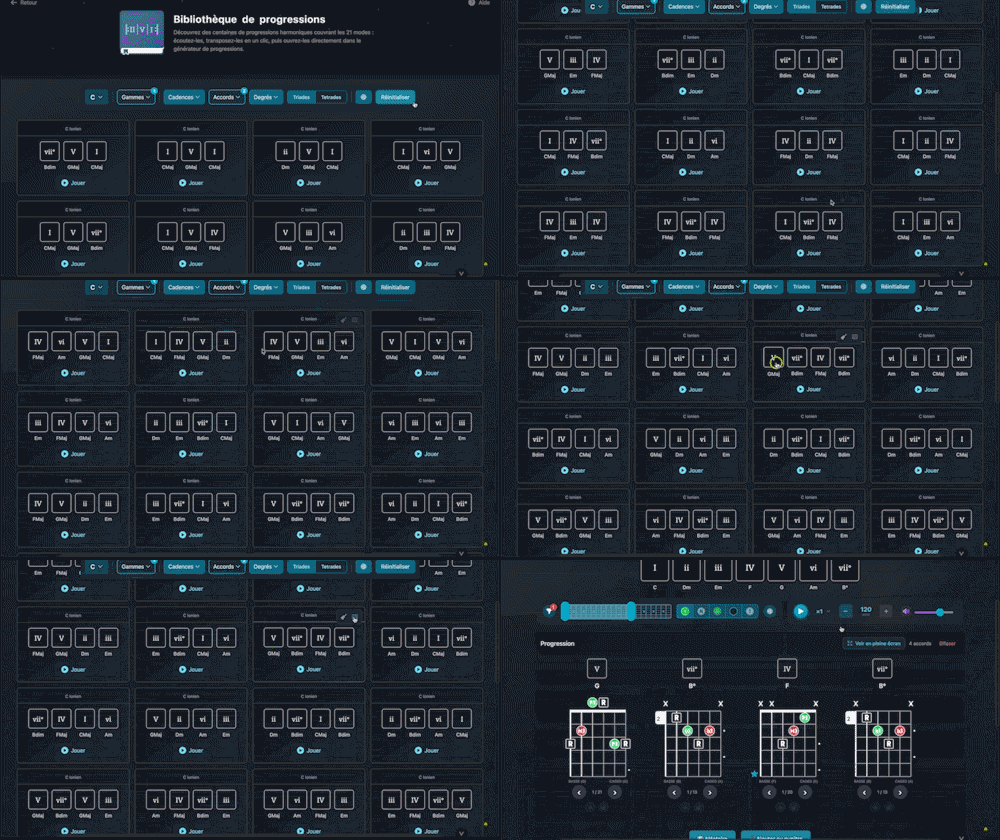
Explore hundreds of harmonic progressions spanning all 21 modes: audition, transpose, and send them straight to the progression generator with a single click.
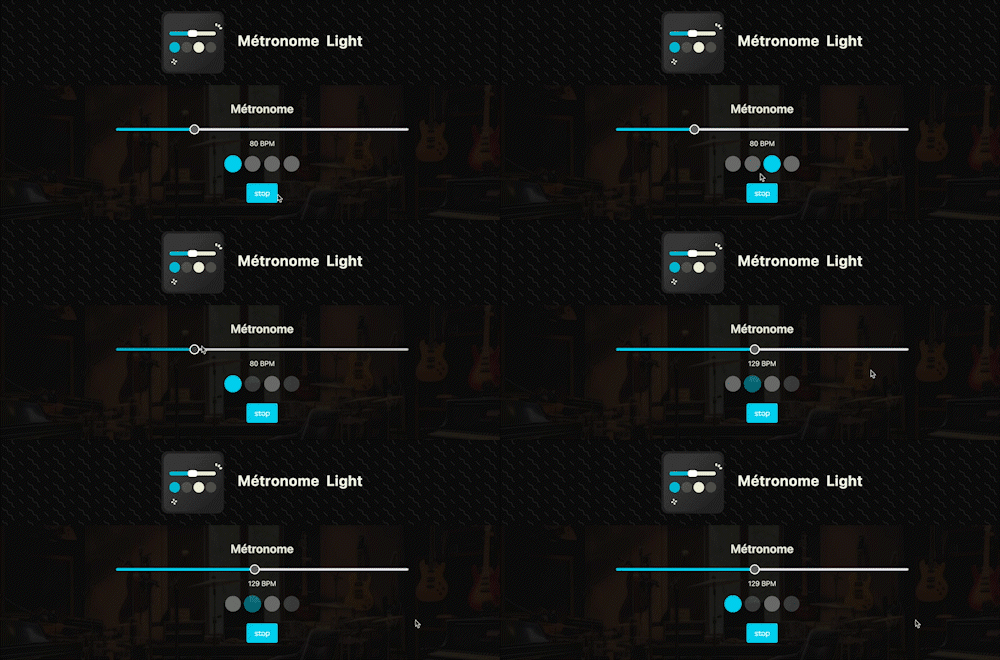
A straightforward, visual metronome: customize the tempo intuitively by clicking on the beat LEDs to set your perfect pulse.

Integrated media library for your workspace: centralize, organize, and access all your YouTube, Vimeo, SoundCloud, Deezer, Spotify, Apple Music links (and more) with a single click to support and enrich your work.
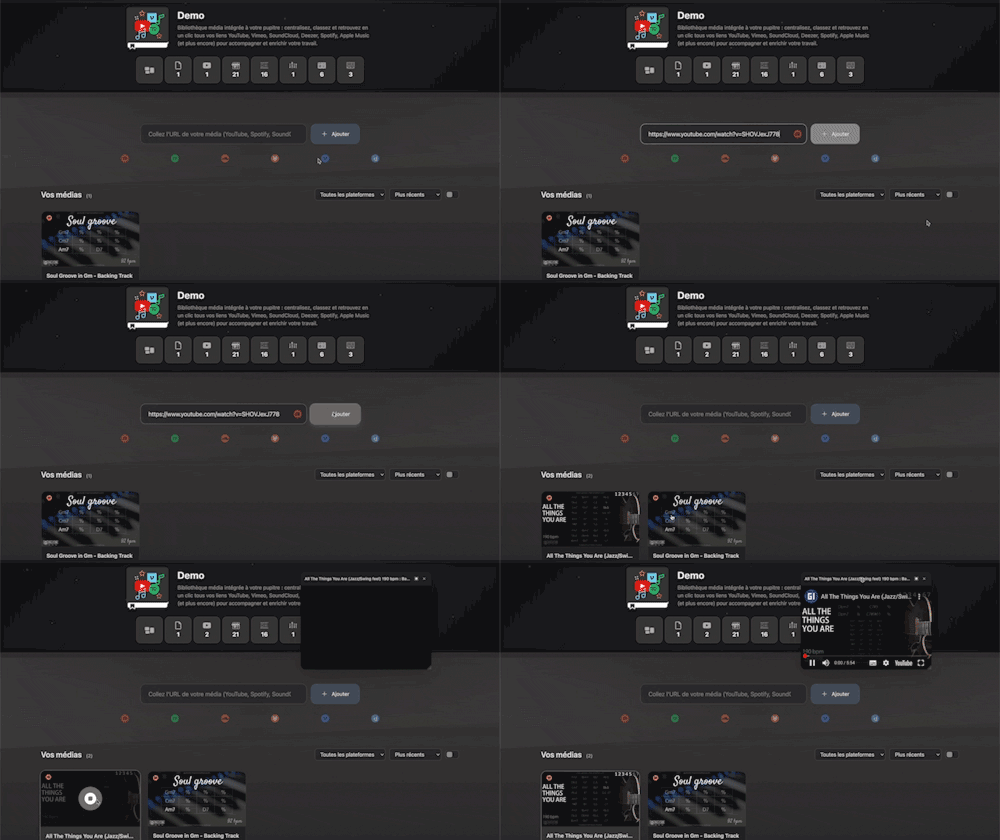
Arrange and lay out all your pinned items—diagrams, composition scales and charts—in the Desk Editor so you can save and print your work.
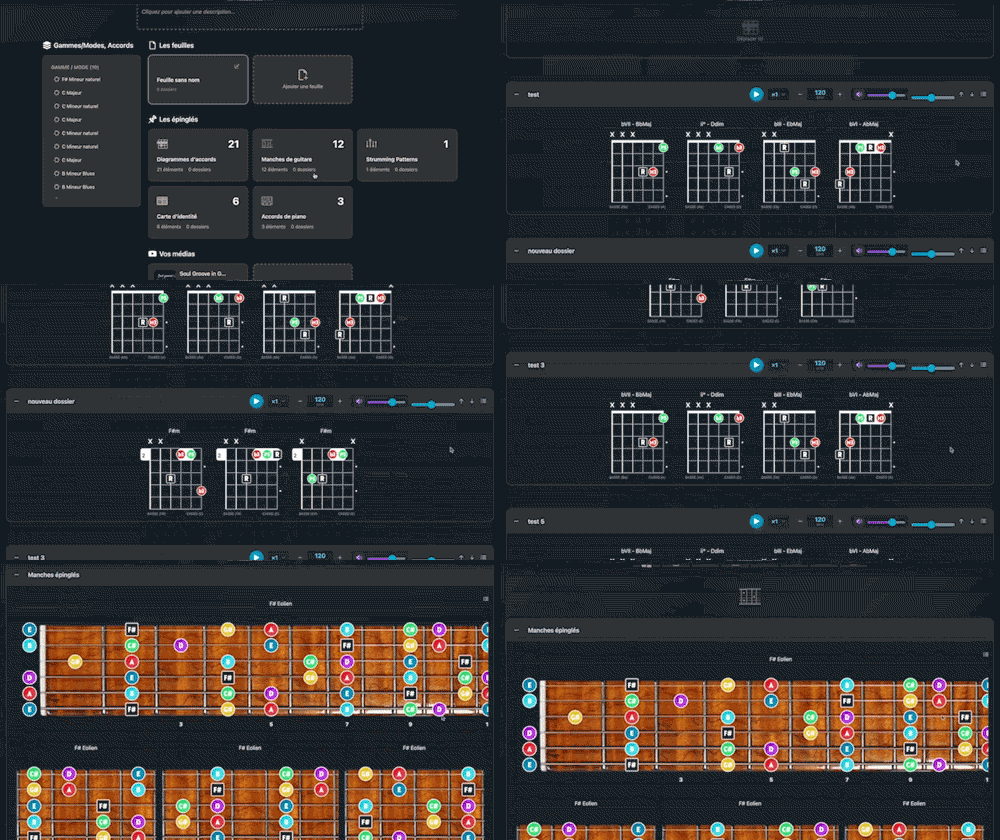

Instantly determine the key of any chord progression: import the sequence or play it live, the app scans the notes, identifies the key and mode, and offers the most relevant harmonization options at a glance.
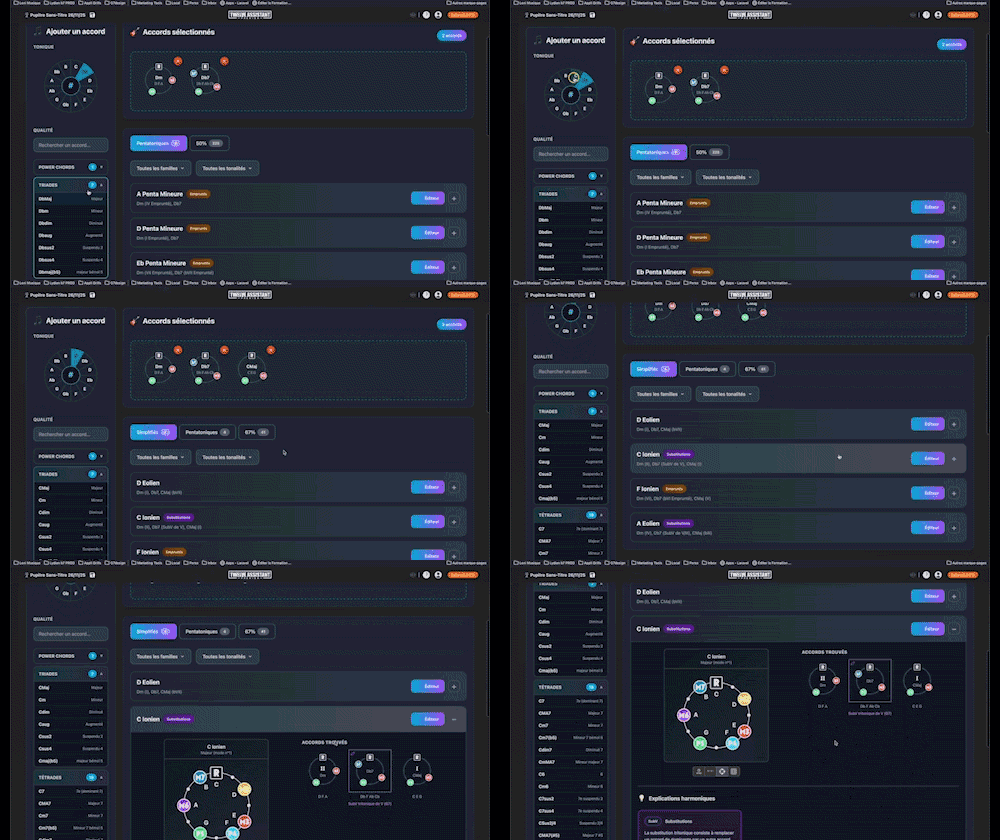

Instantly search and identify the chord being played based on its position on the fretboard

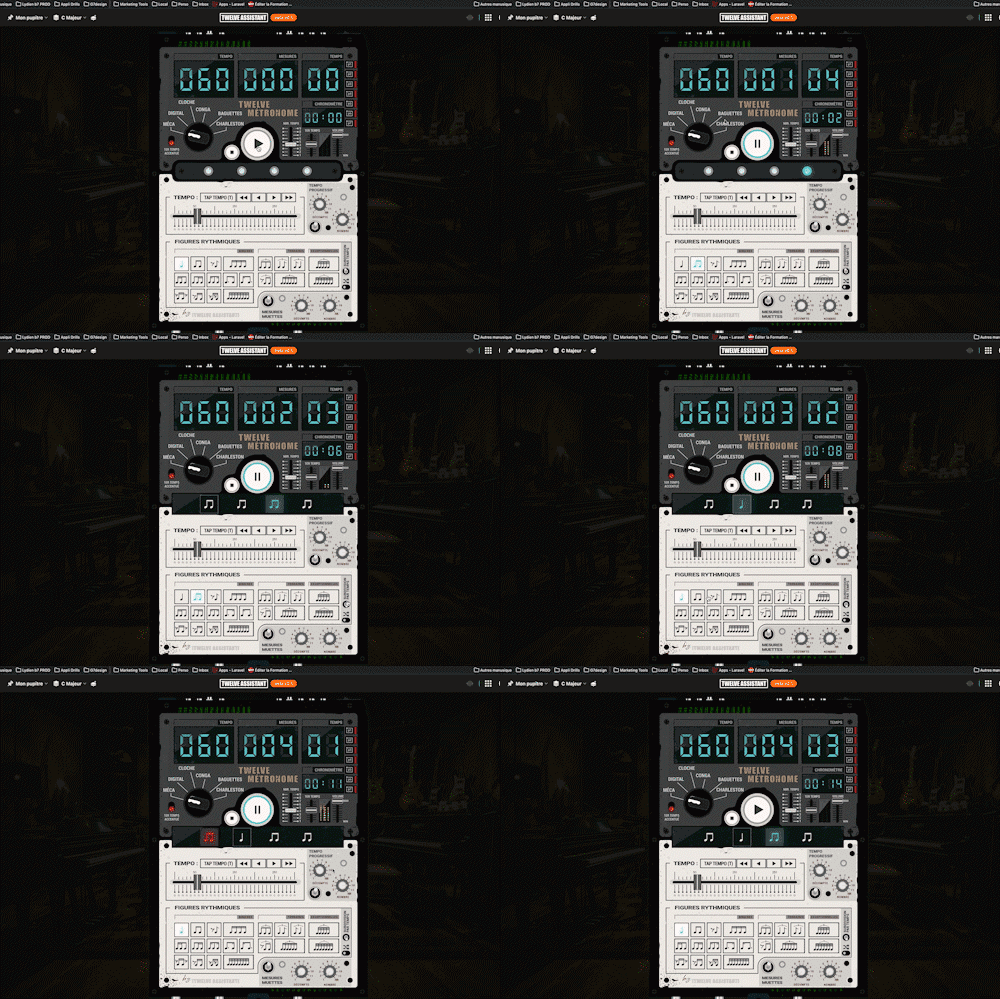
A full-featured metronome with a complete selection of rhythmic figures and advanced settings and functionalities