Find Chord
Instantly search and identify the chord being played based on its position on the fretboard


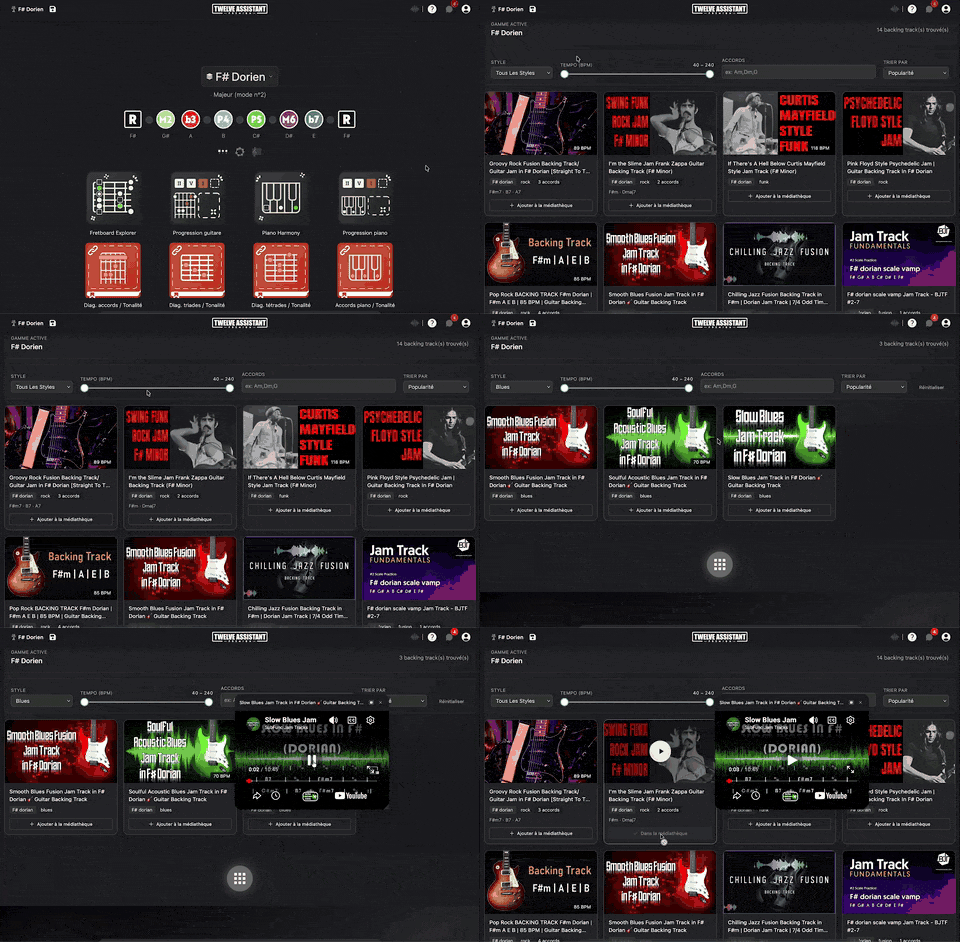
Find every backing track compatible with the active scale of your layer. Filter by style, tempo and chords, then play them directly in the integrated player.
Plans: PREMIUM
 GUITAR
 HARMONY
The real application, right below. No installation, nothing to sign up for to give it a try.
Without an account, the preview lasts 2 minutes. Create your free account to remove the timer and use the tool without limits.
Create my free account
Twelve Assistant is a comprehensive suite of music tools designed to help musicians of all levels improve their practice, understanding, and creativity. From guitar to piano, from harmony to rhythm, we have everything you need.
Learn More →Every app below can be played right in your browser, no sign-up needed.
 Bibliothèque de diagrammes d’accords
Try the demo →
Bibliothèque de diagrammes d’accords
Try the demo →
 Guitar chords progression editor
Try the demo →
Guitar chords progression editor
Try the demo →
 Strumming Pattern Generator
Try the demo →
Strumming Pattern Generator
Try the demo →
 Fretboard Explorer
Try the demo →
Fretboard Explorer
Try the demo →
 Key chords diagrams
Try the demo →
Backing Track Finder
You are here
Key chords diagrams
Try the demo →
Backing Track Finder
You are here
 Key Degrees Analyzer
Try the demo →
Key Degrees Analyzer
Try the demo →
 Piano Harmony Player
Try the demo →
Piano Harmony Player
Try the demo →
 Key Piano Chords
Try the demo →
Key Piano Chords
Try the demo →
 Progression piano editor
Try the demo →
Progression piano editor
Try the demo →
 Chords Chart Editor
Try the demo →
Chords Chart Editor
Try the demo →
 Desk Layout Studio
Try the demo →
Desk Layout Studio
Try the demo →
Compatible backing tracks are an essential tool for any guitarist or musician seeking to enhance their playing and musical understanding. With the Backing Track Finder app, easily find accompaniment tracks that perfectly match the active scale of your layer. Whether you are a beginner guitarist or an experienced musician, this tool helps you practice your scales and explore new musical styles. The integration of advanced filters and a built-in player makes your musical experience seamless and rewarding.
Those looking to enrich their musical practice and experiment with different styles will find this tool a precious resource for improvisation and composition. With just a few clicks, you can access an extensive library of backing tracks and refine your search according to your specific needs.
The Backing Track Finder app offers several features designed to optimize your musical practice. Here are some key features:
This feature allows you to search for backing tracks not only in the user’s local media library but also in the official Twelve Assistant library. This ensures access to a wide range of tracks suitable for your practice.
The app automatically detects backing tracks that harmonize with the active scale of your layer. This ensures you always practice with tracks that match your key, facilitating improvisation and scale learning.
Displays a compatibility score indicating how well a backing track’s key matches your current scale. This helps you quickly select the most relevant tracks for your practice session.
Use filters to refine your search by musical style, tempo (BPM), and chords present. This allows you to quickly find the perfect track for your specific needs, whether practicing blues, rock, or other styles.
With a built-in audio player, you can listen to and control your backing tracks directly from the app without needing another player or tab. This simplifies the process of listening and adjusting during your sessions.
Here’s a quick guide to fully leverage the Backing Track Finder app:
For example, if you are working on a piece in C major, the app will suggest tracks that harmonize with this key, facilitating your improvisation.
Using the Backing Track Finder offers many benefits to musicians:
To complete your musical experience, Twelve Assistant offers other tools such as the scale library, progression generator, and voice leading. These tools enhance your musical understanding and provide additional resources for composition and improvisation.
The Backing Track Finder is an invaluable resource for any musician looking to improve their practice and creativity. Try this tool today and discover how it can transform your musical experience.
Choose the plan that fits your needs and unlock this app along with many others.
View Plans14-day money-back guarantee. Cancel anytime.
Explore our full suite of music tools
Instantly search and identify the chord being played based on its position on the fretboard
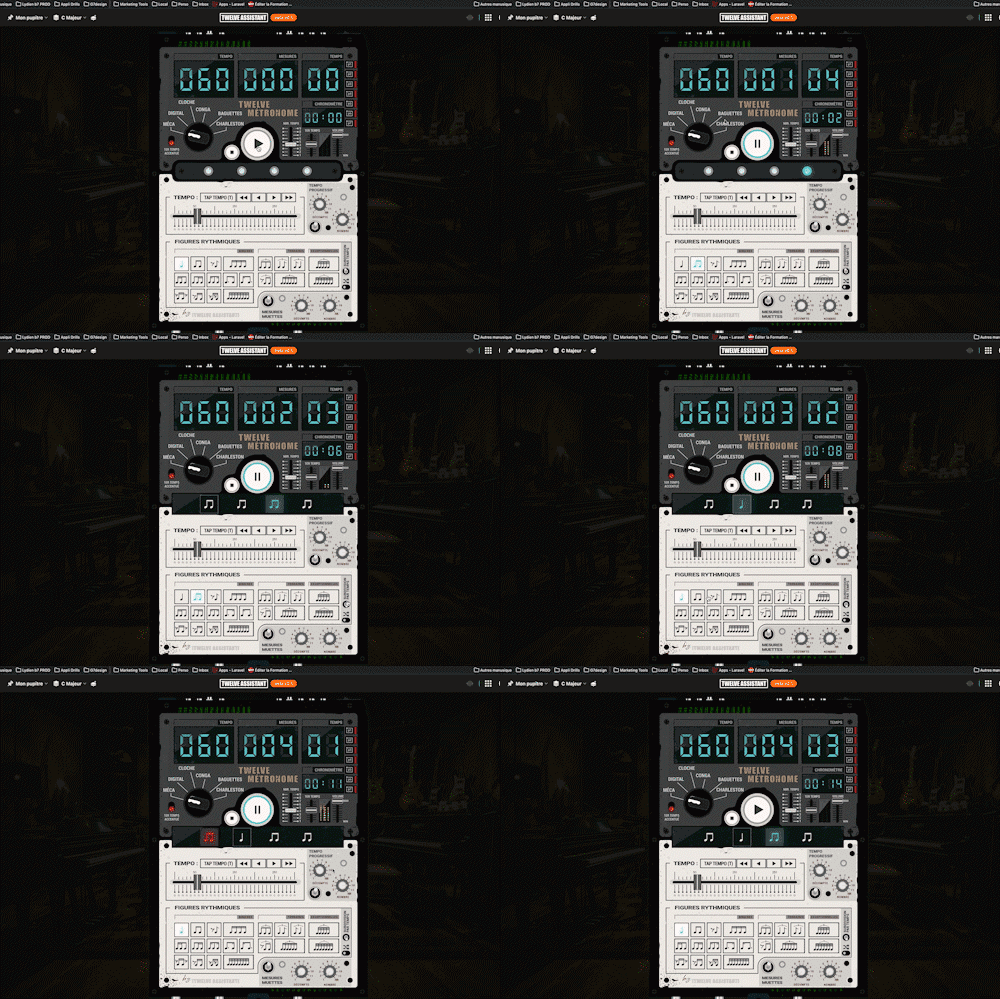
A full-featured metronome with a complete selection of rhythmic figures and advanced settings and functionalities

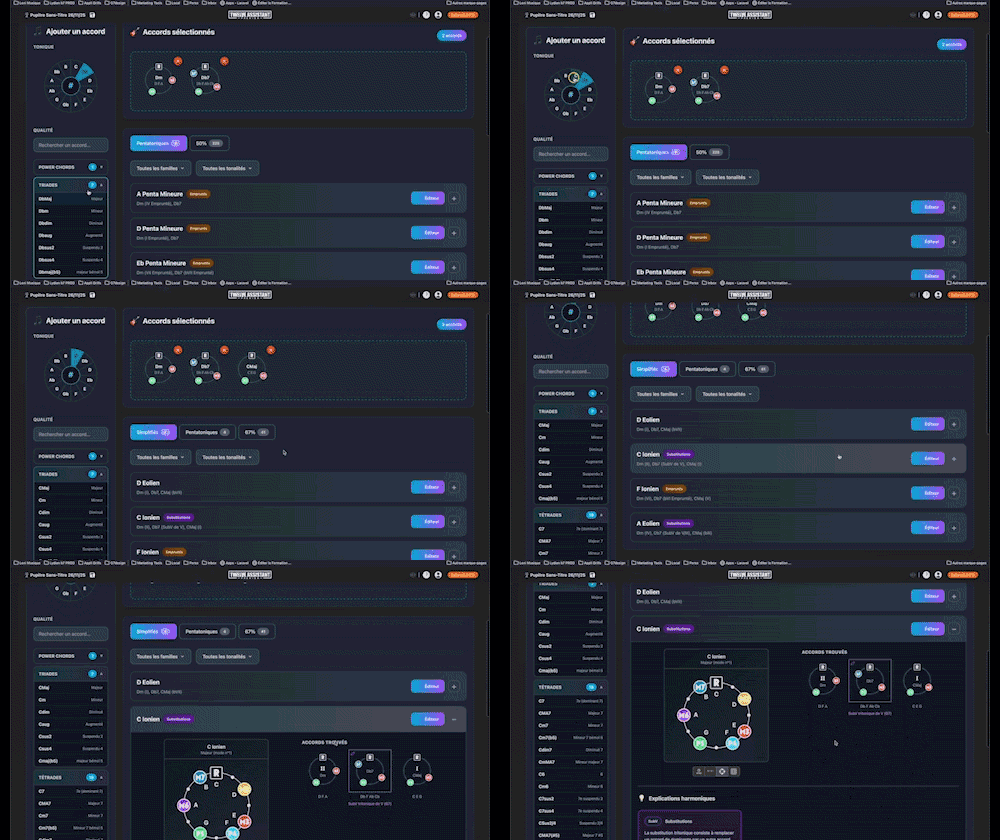
Instantly determine the key of any chord progression: import the sequence or play it live, the app scans the notes, identifies the key and mode, and offers the most relevant harmonization options at a glance.
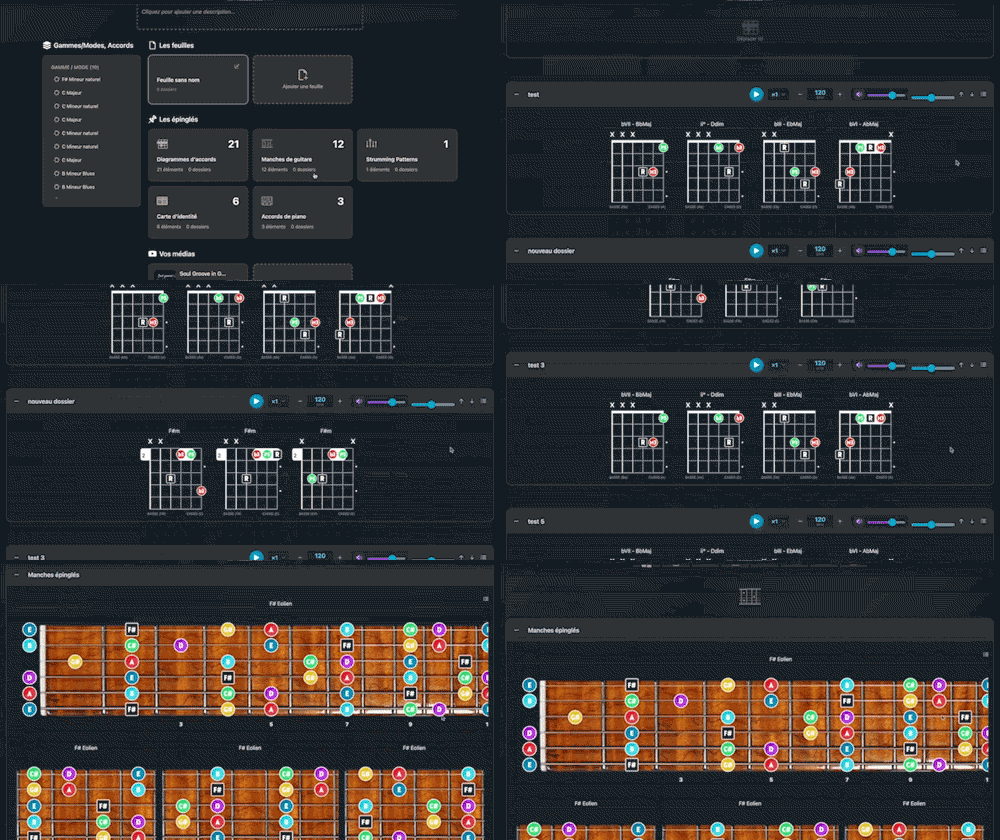
Arrange and lay out all your pinned items—diagrams, composition scales and charts—in the Desk Editor so you can save and print your work.

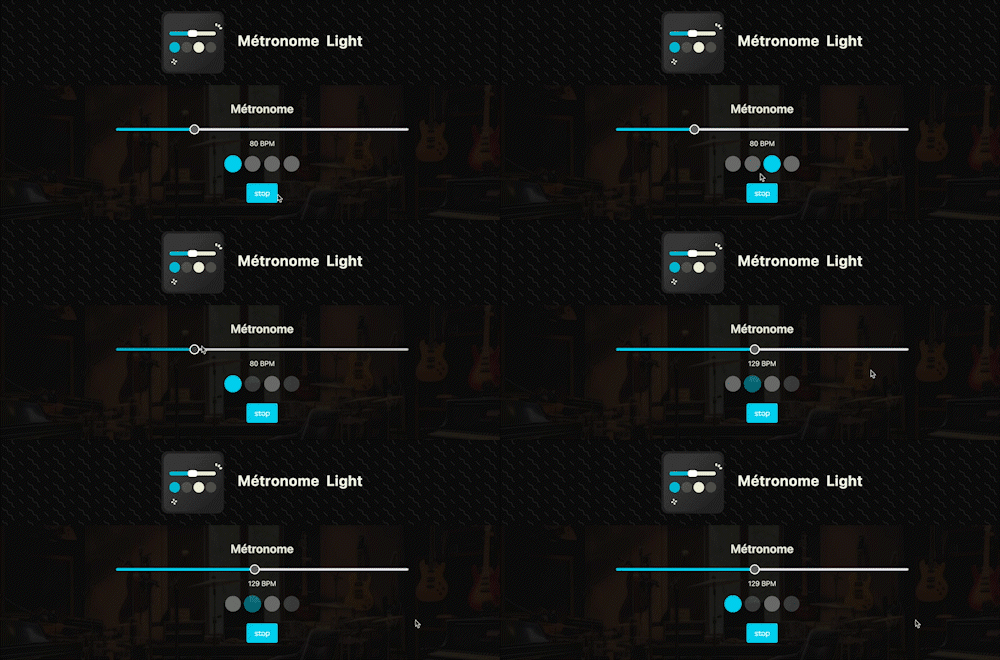
A straightforward, visual metronome: customize the tempo intuitively by clicking on the beat LEDs to set your perfect pulse.

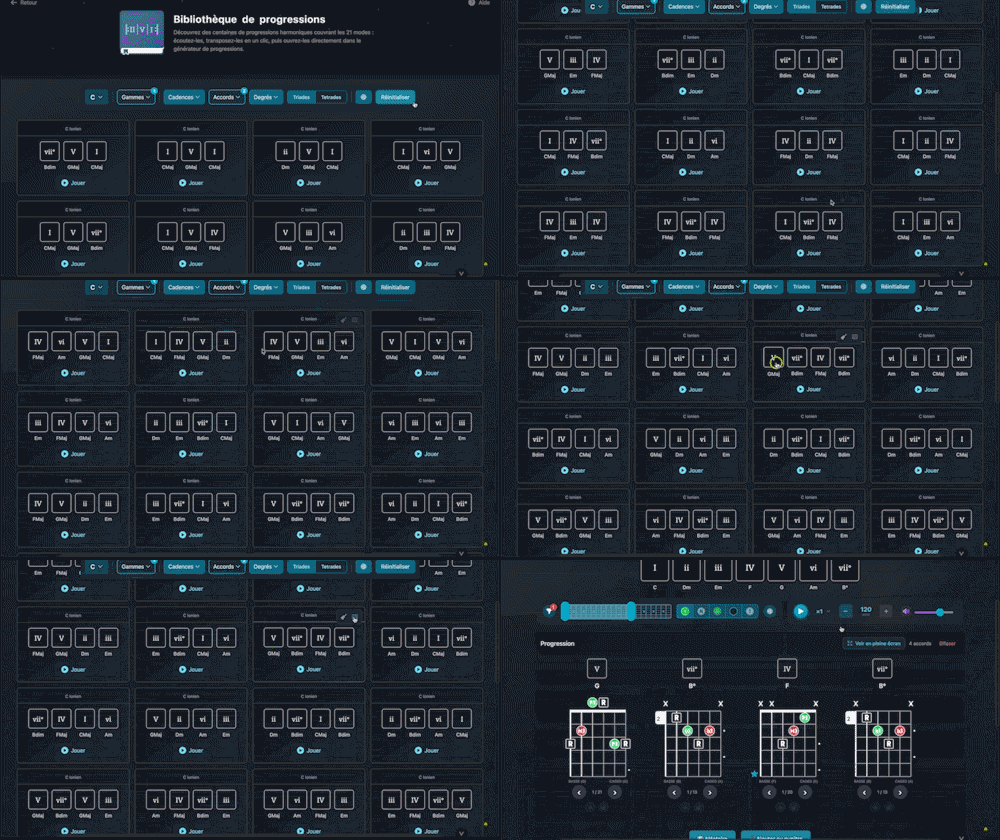
Explore hundreds of harmonic progressions spanning all 21 modes: audition, transpose, and send them straight to the progression generator with a single click.

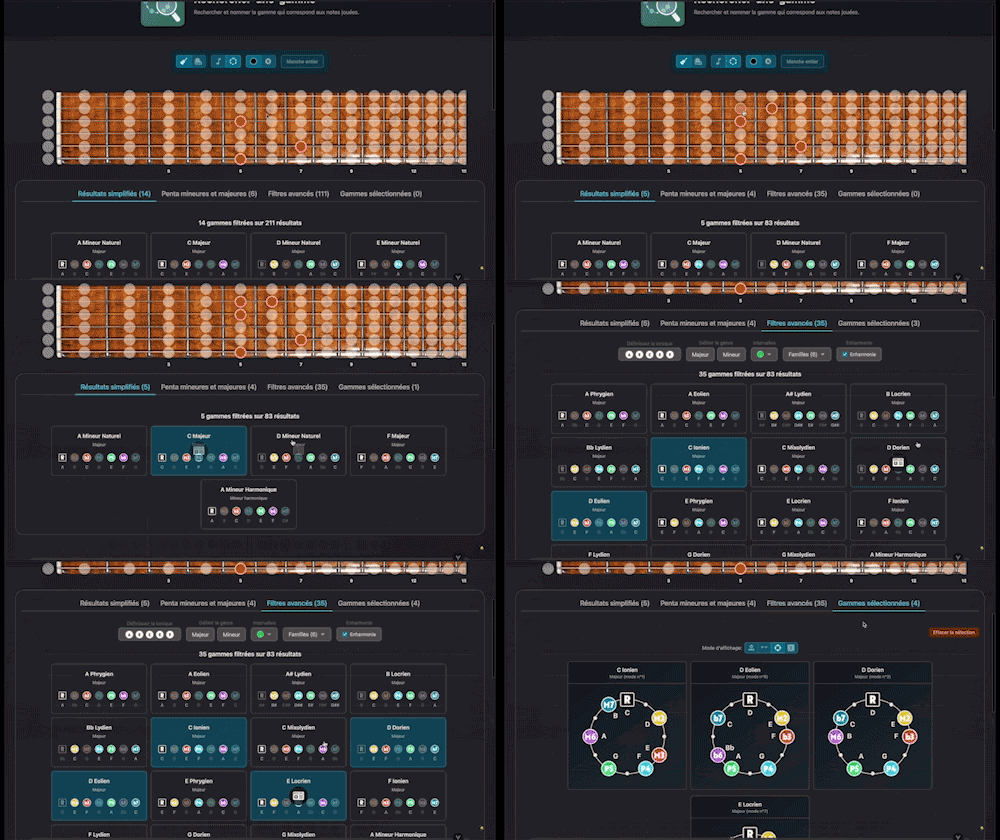
Search for and identify the scale that matches the notes being played

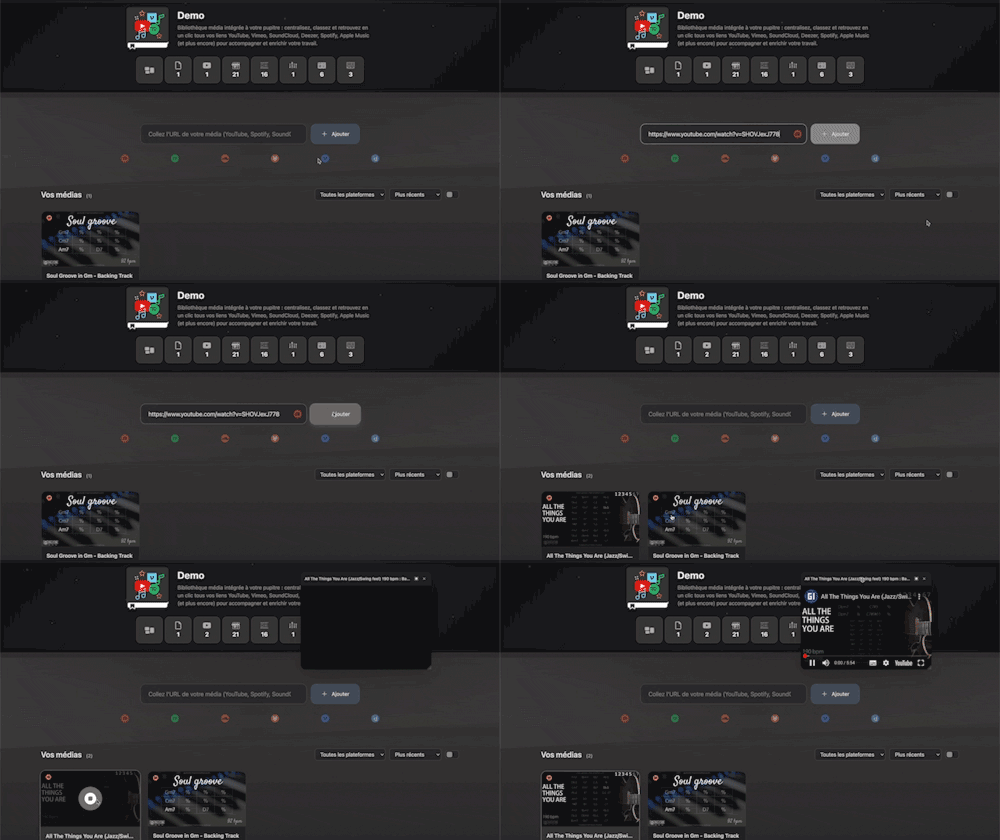
Integrated media library for your workspace: centralize, organize, and access all your YouTube, Vimeo, SoundCloud, Deezer, Spotify, Apple Music links (and more) with a single click to support and enrich your work.