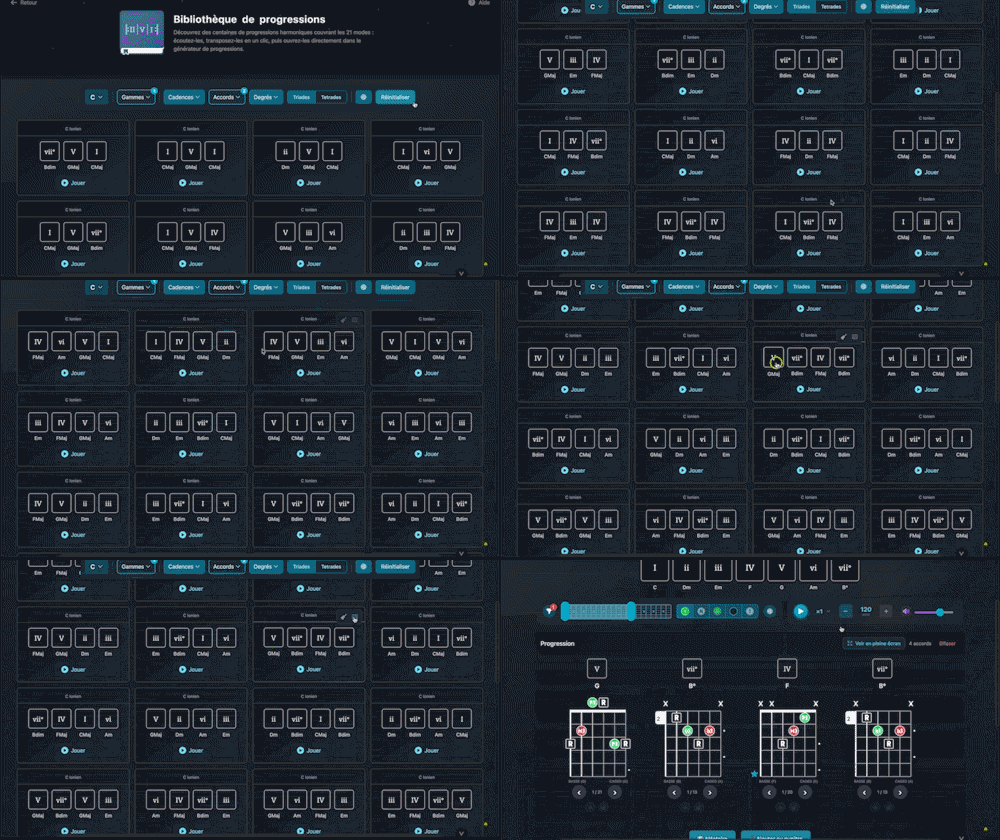
Bibliothèque de progressions
Explore hundreds of harmonic progressions spanning all 21 modes: audition, transpose, and send them straight to the progression generator with a single click.
Display every tetrad (four-note chord) built on the root of the chord currently active in your layers: view each fretboard shape, audition them, and filter by fret area, CAGED position, or difficulty level.
Plans: GUITAR
 PREMIUM


Twelve Assistant is a comprehensive suite of music tools designed to help musicians of all levels improve their practice, understanding, and creativity. From guitar to piano, from harmony to rhythm, we have everything you need.
Learn More →Every app below can be played right in your browser, no sign-up needed.
 Bibliothèque de diagrammes d’accords
Try the demo →
Bibliothèque de diagrammes d’accords
Try the demo →
 Guitar chords progression editor
Try the demo →
Guitar chords progression editor
Try the demo →
 Strumming Pattern Generator
Try the demo →
Strumming Pattern Generator
Try the demo →
 Fretboard Explorer
Try the demo →
Fretboard Explorer
Try the demo →
 Key chords diagrams
Try the demo →
Key chords diagrams
Try the demo →
 Backing Track Finder
Try the demo →
Backing Track Finder
Try the demo →
 Key Degrees Analyzer
Try the demo →
Key Degrees Analyzer
Try the demo →
 Piano Harmony Player
Try the demo →
Piano Harmony Player
Try the demo →
 Key Piano Chords
Try the demo →
Key Piano Chords
Try the demo →
 Progression piano editor
Try the demo →
Progression piano editor
Try the demo →
 Chords Chart Editor
Try the demo →
Chords Chart Editor
Try the demo →
 Desk Layout Studio
Try the demo →
Desk Layout Studio
Try the demo →
Welcome to the world of enriched chords with Tetrad Chords, an indispensable tool for musicians aiming to deepen their understanding of music theory and expand their chord repertoire. This tool is particularly suited for guitarists looking to explore complex voicings and integrate tetrads into their compositions.
With Tetrad Chords, you can visualize every possible four-note chord shape, also known as tetrads, on your guitar fretboard. Whether you’re an aspiring musician or a seasoned professional, this tool is designed to help you master chord positions and experiment with different sounds.
Tetrad Chords is equipped with advanced features that allow you to explore and understand chords in depth.
View each chord on the guitar fretboard. This feature offers a clear and precise representation of chord positions, making it easier to learn and memorize voicings.
Tetrads are built on the root of the active chord in your layers, allowing you to understand how each note interacts within the harmonic context of your piece.
Use filters to sort chords by fret area, CAGED position, or difficulty level. This feature is ideal for targeting voicings that best suit your playing style.
Listen to each tetrad and its inversions to better understand their sound and impact within a chord progression.
Save the voicings that interest you directly to your music stand for easy access during your practice or composition sessions.
Follow these simple steps to make the most of Tetrad Chords.
For example, if you’re working on a piece in C major, explore how tetrads can enrich your chord progression and bring new harmonic colors.
Using Tetrad Chords offers numerous advantages for musicians of all levels.
Alongside Tetrad Chords, Twelve Assistant offers other complementary tools such as the scale library, chord progression generator, and voice leading. These tools allow you to develop a comprehensive understanding of music theory and explore new creative ideas in your compositions.
In summary, Tetrad Chords is a powerful tool for any musician looking to enrich their playing and understanding of the guitar. Try this tool today and discover how it can transform your musical approach.
Choose the plan that fits your needs and unlock this app along with many others.
View Plans14-day money-back guarantee. Cancel anytime.
Explore our full suite of music tools
Explore hundreds of harmonic progressions spanning all 21 modes: audition, transpose, and send them straight to the progression generator with a single click.

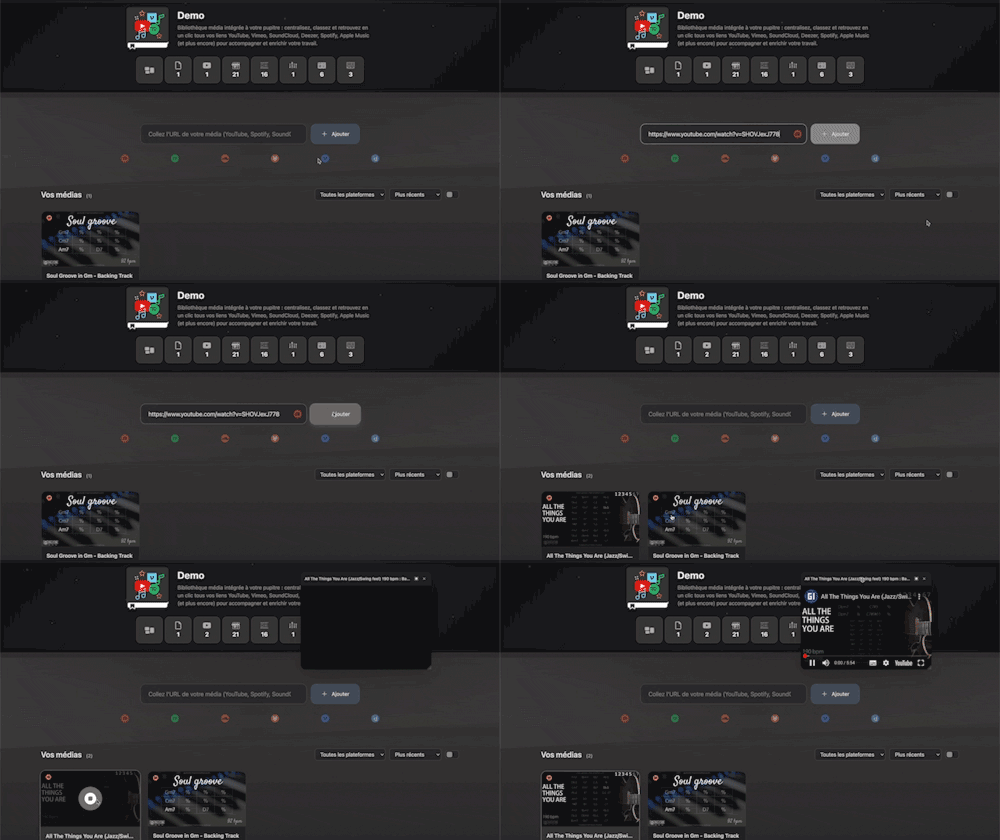
Integrated media library for your workspace: centralize, organize, and access all your YouTube, Vimeo, SoundCloud, Deezer, Spotify, Apple Music links (and more) with a single click to support and enrich your work.

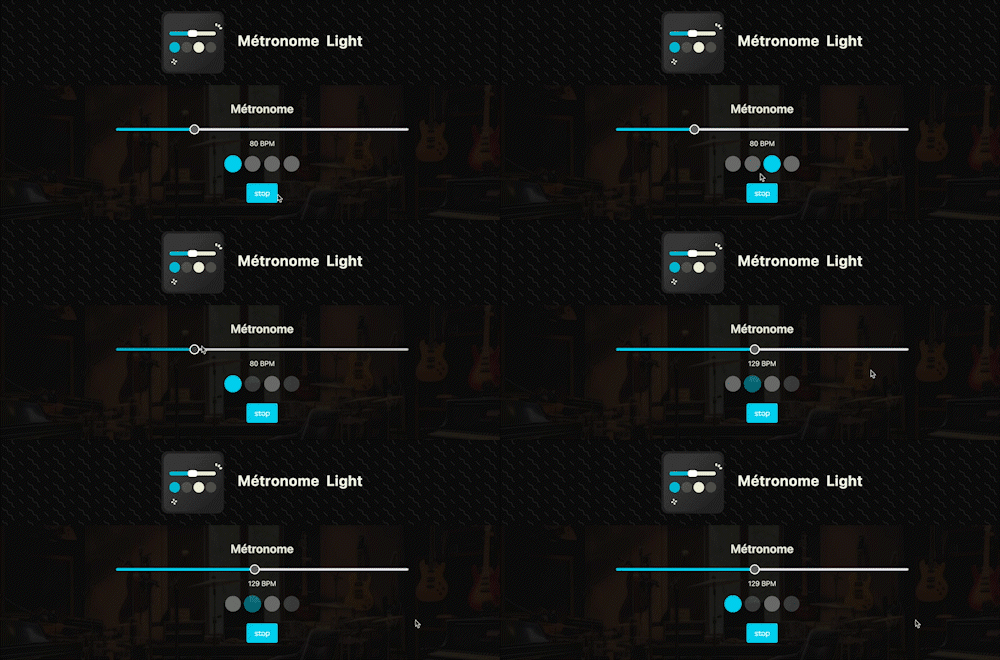
A straightforward, visual metronome: customize the tempo intuitively by clicking on the beat LEDs to set your perfect pulse.

Instantly search and identify the chord being played based on its position on the fretboard

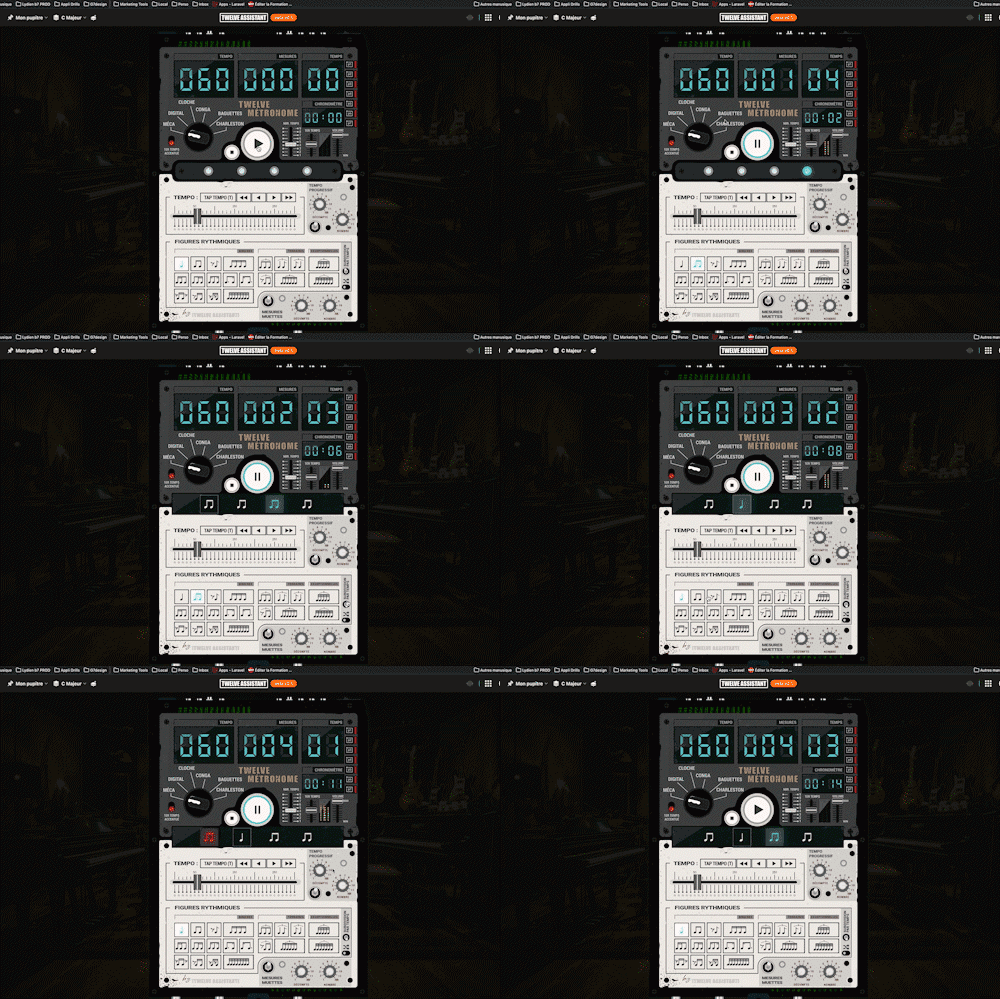
A full-featured metronome with a complete selection of rhythmic figures and advanced settings and functionalities

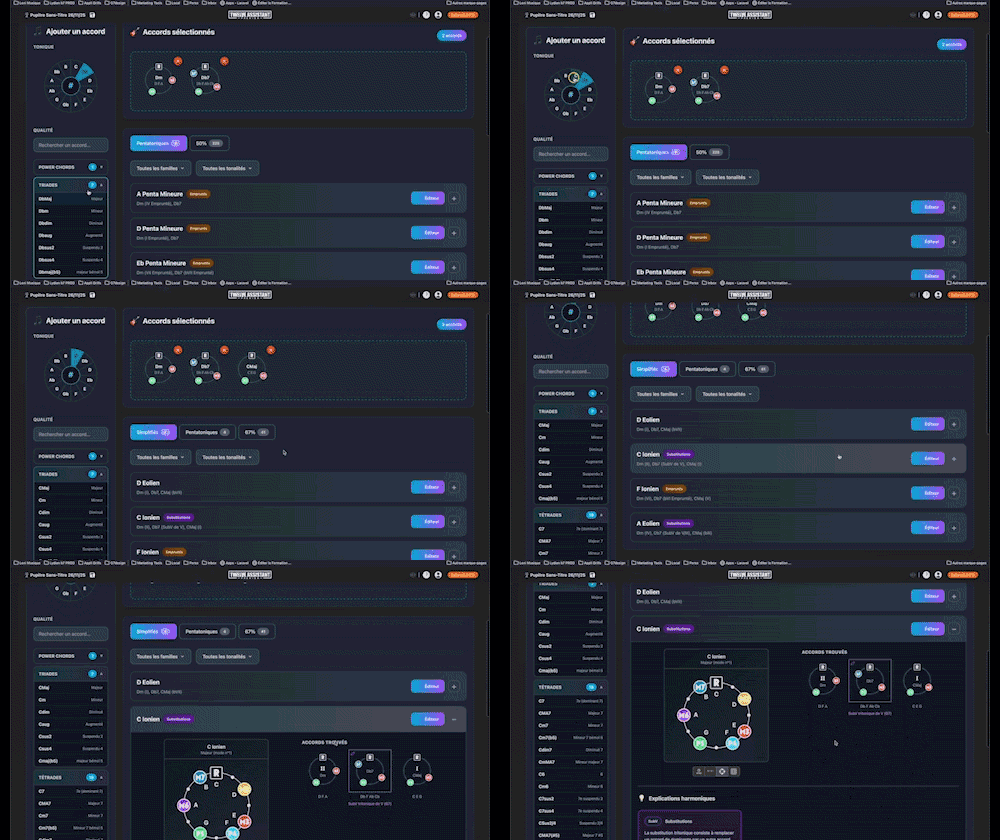
Instantly determine the key of any chord progression: import the sequence or play it live, the app scans the notes, identifies the key and mode, and offers the most relevant harmonization options at a glance.
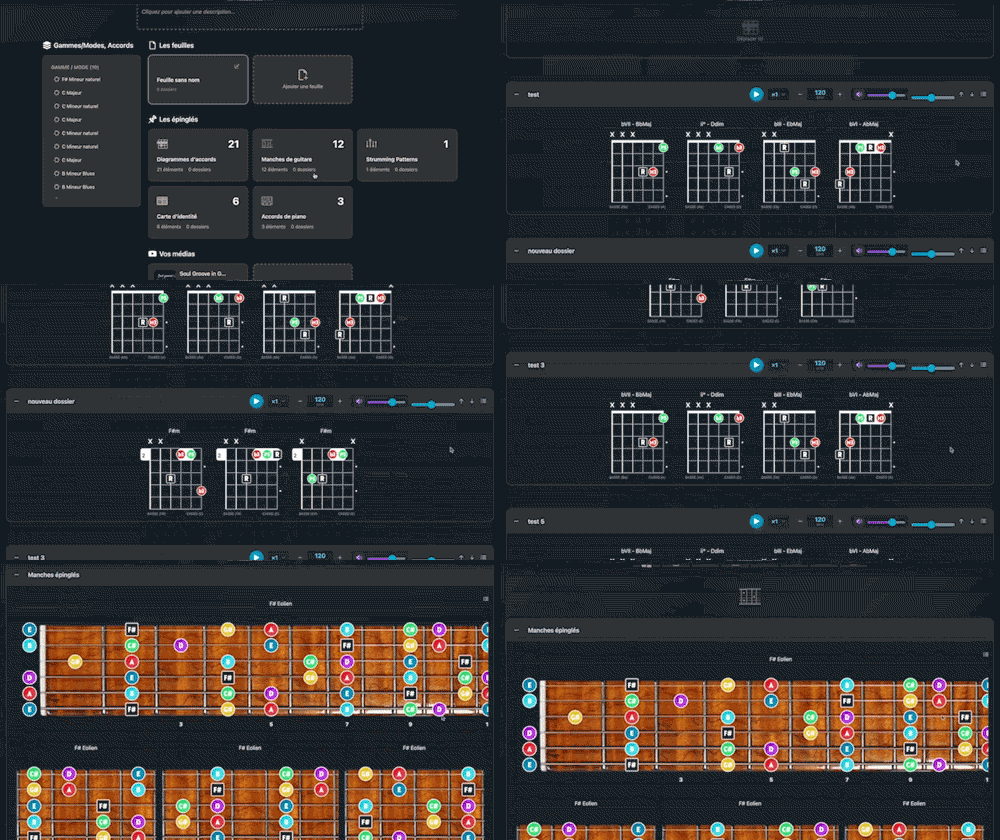
Arrange and lay out all your pinned items—diagrams, composition scales and charts—in the Desk Editor so you can save and print your work.

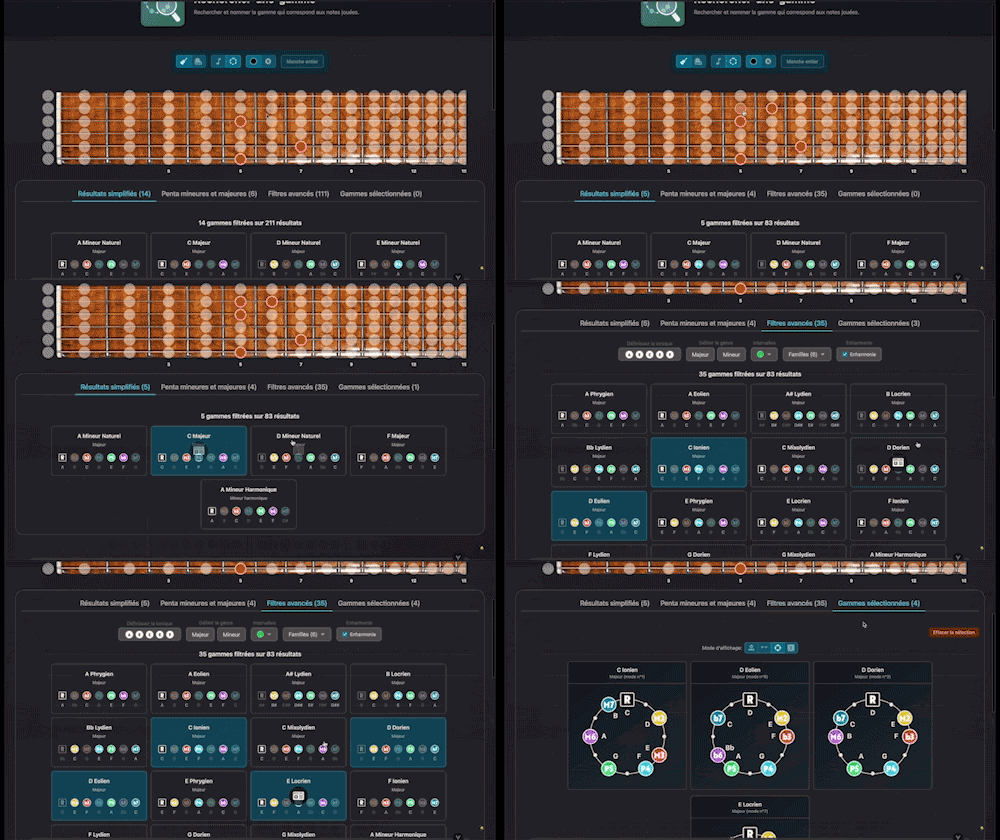
Search for and identify the scale that matches the notes being played