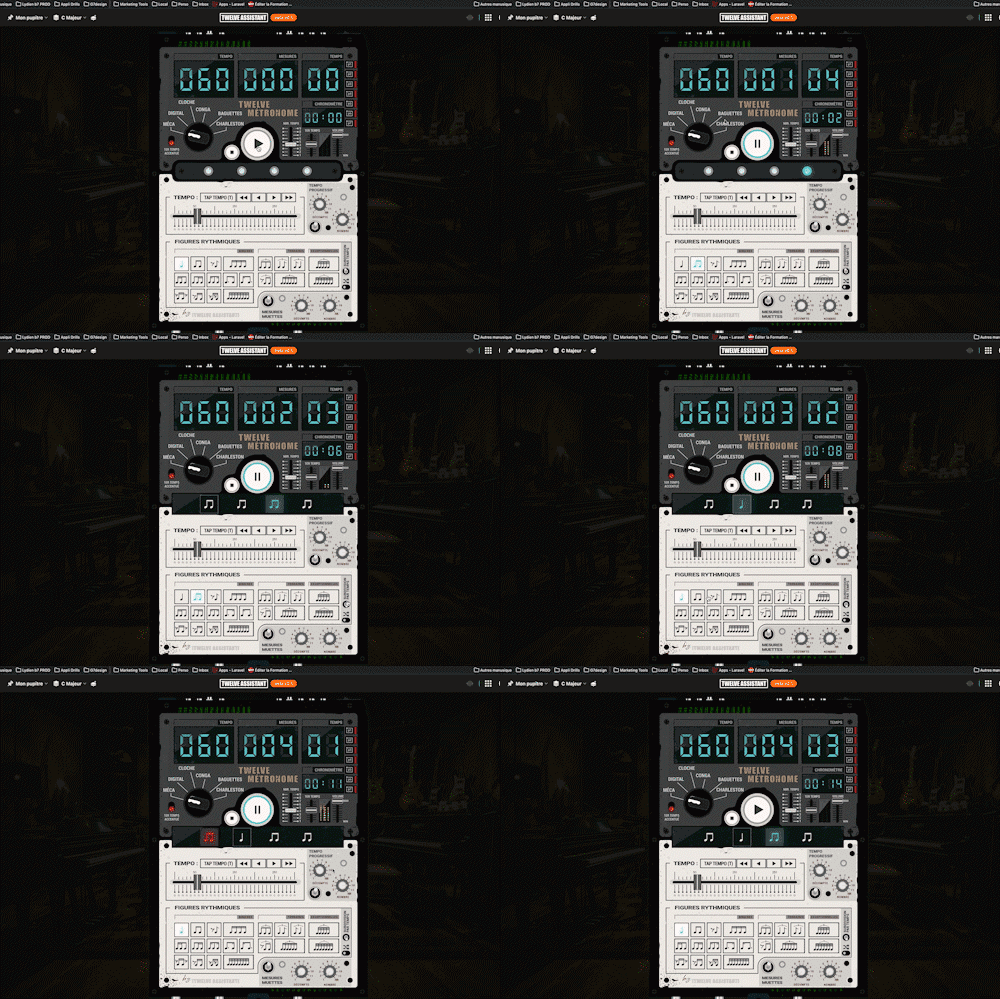
Twelve Metronome
A full-featured metronome with a complete selection of rhythmic figures and advanced settings and functionalities
Easily create, edit, and share guitar tablatures. An intuitive tool designed to write and visualize your musical ideas.
Plans: GUITAR
 PREMIUM


Twelve Assistant is a comprehensive suite of music tools designed to help musicians of all levels improve their practice, understanding, and creativity. From guitar to piano, from harmony to rhythm, we have everything you need.
Learn More →Every app below can be played right in your browser, no sign-up needed.
 Bibliothèque de diagrammes d’accords
Try the demo →
Bibliothèque de diagrammes d’accords
Try the demo →
 Guitar chords progression editor
Try the demo →
Guitar chords progression editor
Try the demo →
 Strumming Pattern Generator
Try the demo →
Strumming Pattern Generator
Try the demo →
 Fretboard Explorer
Try the demo →
Fretboard Explorer
Try the demo →
 Key chords diagrams
Try the demo →
Key chords diagrams
Try the demo →
 Backing Track Finder
Try the demo →
Backing Track Finder
Try the demo →
 Key Degrees Analyzer
Try the demo →
Key Degrees Analyzer
Try the demo →
 Piano Harmony Player
Try the demo →
Piano Harmony Player
Try the demo →
 Key Piano Chords
Try the demo →
Key Piano Chords
Try the demo →
 Progression piano editor
Try the demo →
Progression piano editor
Try the demo →
 Chords Chart Editor
Try the demo →
Chords Chart Editor
Try the demo →
 Desk Layout Studio
Try the demo →
Desk Layout Studio
Try the demo →
The Twelve Assistant tab editor turns your riff ideas into a real, readable and playable guitar tablature. You click directly on the fretboard to place your notes, and the tab writes itself, in the scale of your choice. Designed for the complete beginner noting a melody as much as for the guitarist building a solo, it combines visual fretboard input, rhythm handling, playing effects and integrated playback. Each note remembers its interval in the active scale, which makes it a teaching resource as much as an idea notebook. Once written, your tab pins to the music stand to be laid out, played on a sheet and printed cleanly.
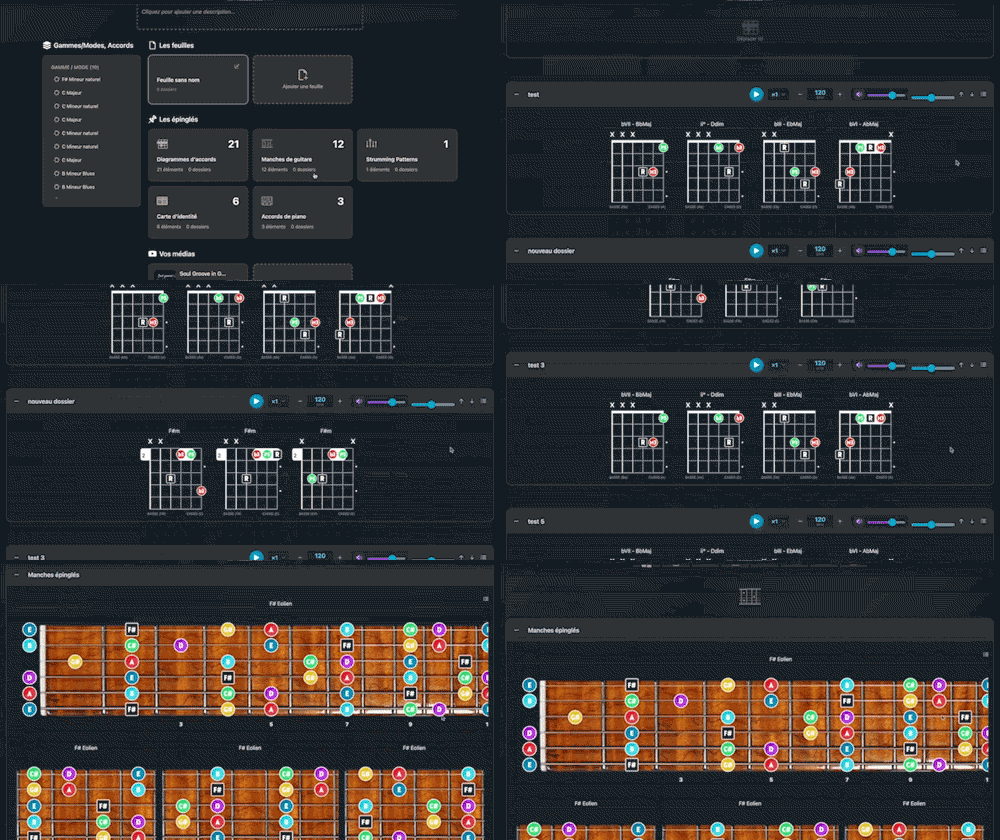
The editor brings writing, editing and playback of a tab into a single interface aligned with the music stand.
The page uses the standard scale selector. You click the fretboard to place notes and the tab writes itself automatically. Each note remembers its interval in the current scale, and you can change scale at any moment while continuing the same tab.
Melodic mode inserts a note on each click. Chord mode stacks several notes on the fretboard, one per string, then validates the insertion in one step (Enter confirms, Escape cancels). You can notate a solo line as well as a sequence of strummed chords.
A Rhythm setting shows or hides the note rhythm. Hidden, you get a simple sequence of notes, without bars or time signature, ideal to capture an idea. Shown, you get durations (from whole note to sixteenth) with stems, beams and matching rests, and bars are handled automatically.
Click a beat to select it and change its duration, effects, fingering, or delete it, with a reminder of the position on the fretboard. The essential effects are there: bend, vibrato, hammer-on, pull-off and slide, placed on the selected beat and drawn in the score.
A left-hand fingering per note (thumb, 1 to 4) appears next to each fret number, including inside chords. Below the fretboard, a selector lets you choose how notes appear: intervals, note names or dots, exactly like in the diagram libraries.
A playback button with adjustable tempo scrolls a cursor through the score, respecting rhythm and rests. You manage several named tabs (intro, verse, solo) in a side library: create, rename, duplicate as a variation and delete, all saved automatically.
From the first note to the pinned riff, the path is direct.
Concrete example: to notate a riff in E minor pentatonic, select the scale, click the notes on the fretboard in Melodic mode, add a bend on the anchor note, turn on the rhythm to align the eighth notes, then pin the riff to the music stand to place it on your song sheet.
Pair the tab editor with the Chord Chart Editor to lay out the chart and the riff of the same song, and with the Fretboard Explorer to visualize the scale across the whole neck. The Chord Diagram Library complements your chords, and the digital music stand brings tabs, charts and diagrams together on your sheets.
Beginner noting a melody or guitarist shaping a solo, the tab editor lets you write your ideas as fast as they come, then files them in your music stand. Open the tool and lay down your first riff.
Choose the plan that fits your needs and unlock this app along with many others.
View Plans14-day money-back guarantee. Cancel anytime.
Explore our full suite of music tools
A full-featured metronome with a complete selection of rhythmic figures and advanced settings and functionalities
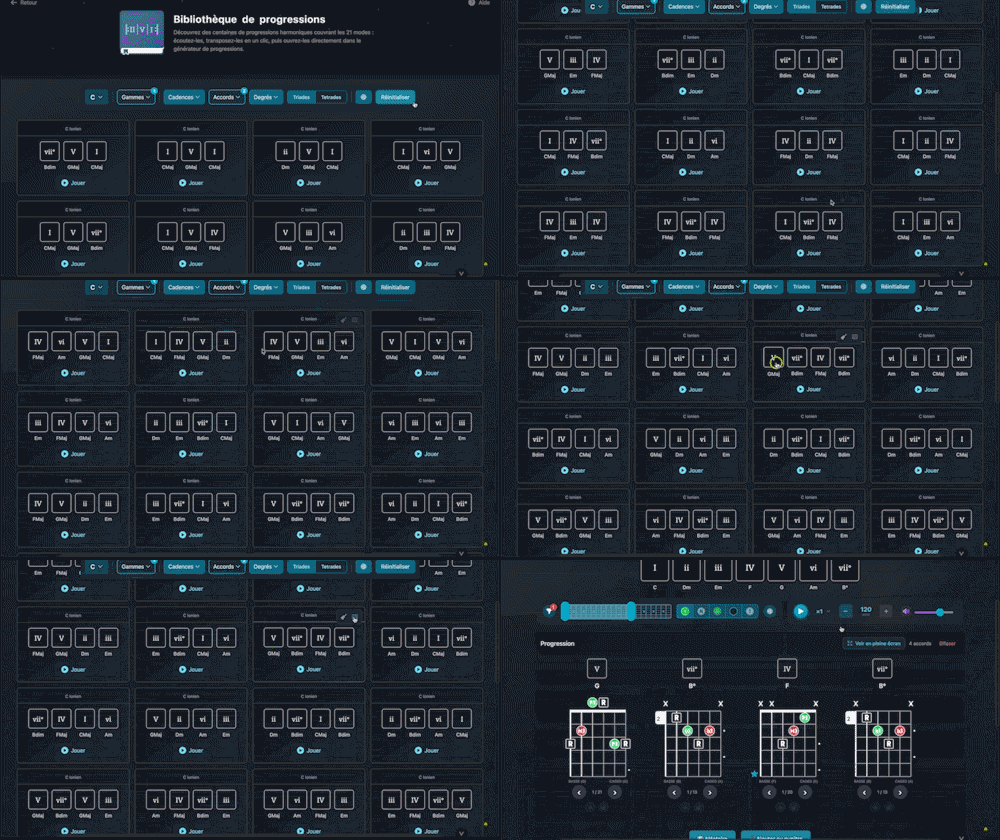
Explore hundreds of harmonic progressions spanning all 21 modes: audition, transpose, and send them straight to the progression generator with a single click.
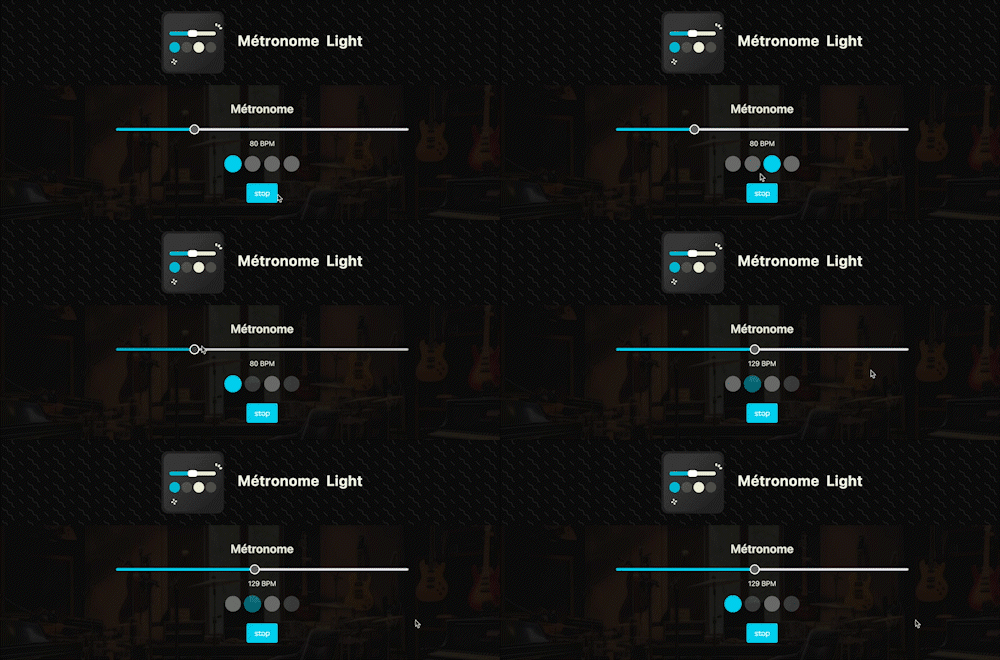
A straightforward, visual metronome: customize the tempo intuitively by clicking on the beat LEDs to set your perfect pulse.

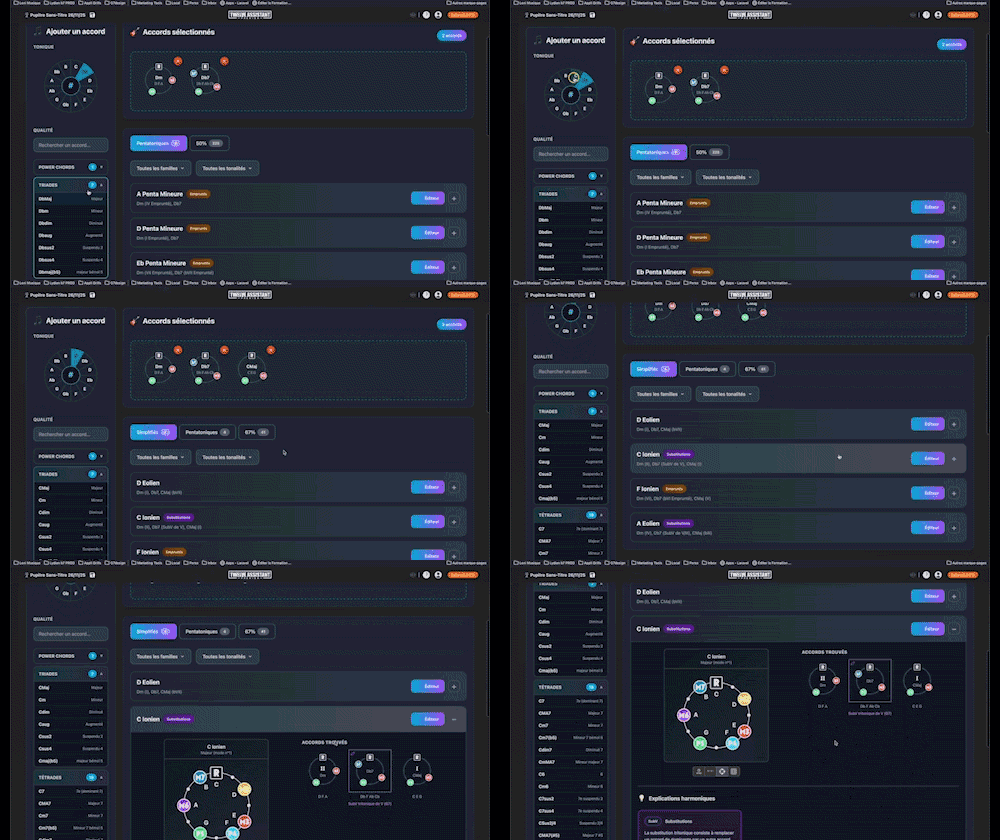
Instantly determine the key of any chord progression: import the sequence or play it live, the app scans the notes, identifies the key and mode, and offers the most relevant harmonization options at a glance.

Instantly search and identify the chord being played based on its position on the fretboard


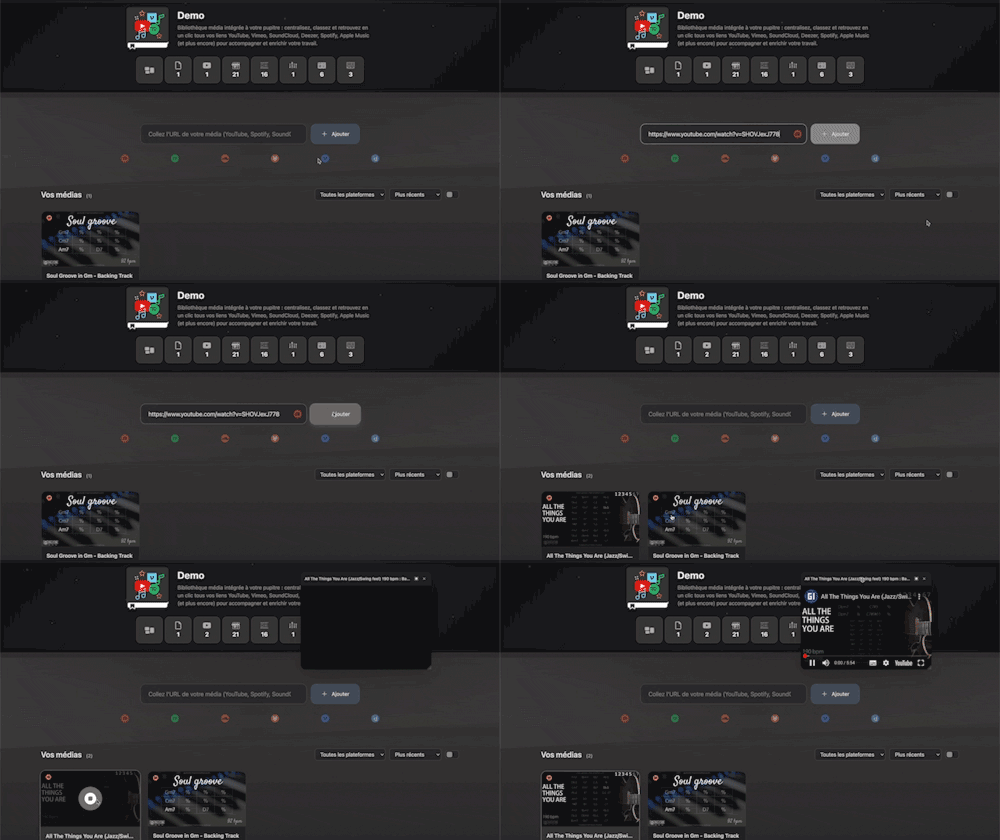
Integrated media library for your workspace: centralize, organize, and access all your YouTube, Vimeo, SoundCloud, Deezer, Spotify, Apple Music links (and more) with a single click to support and enrich your work.

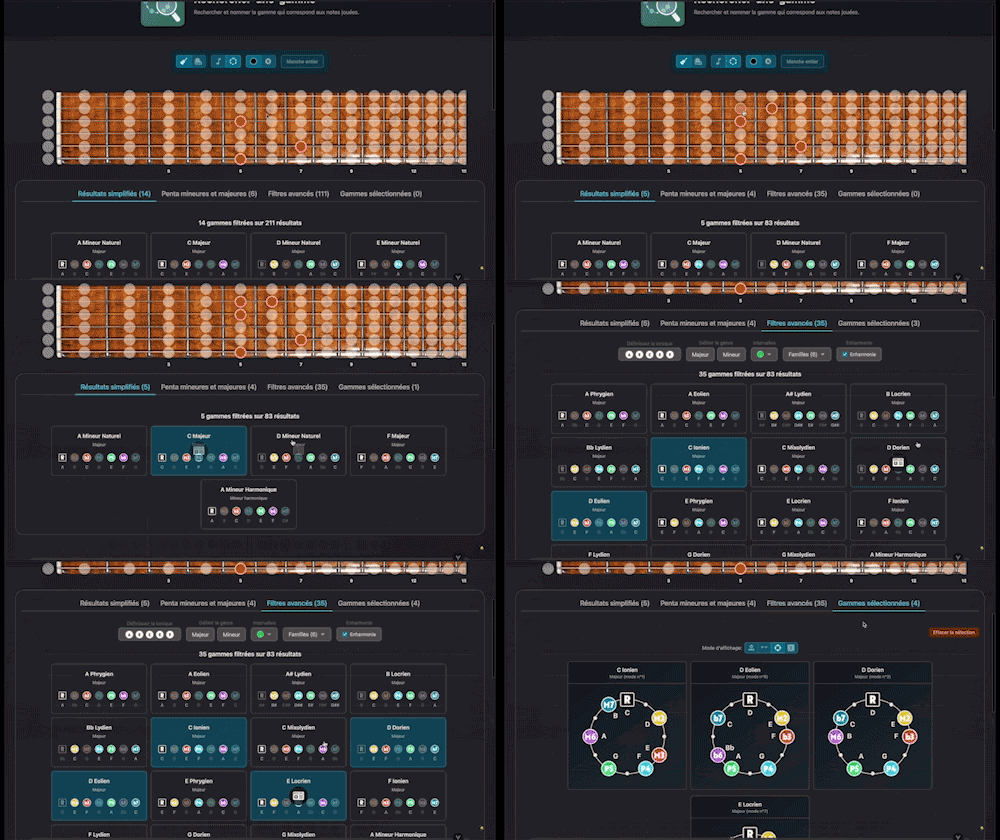
Search for and identify the scale that matches the notes being played
Arrange and lay out all your pinned items—diagrams, composition scales and charts—in the Desk Editor so you can save and print your work.