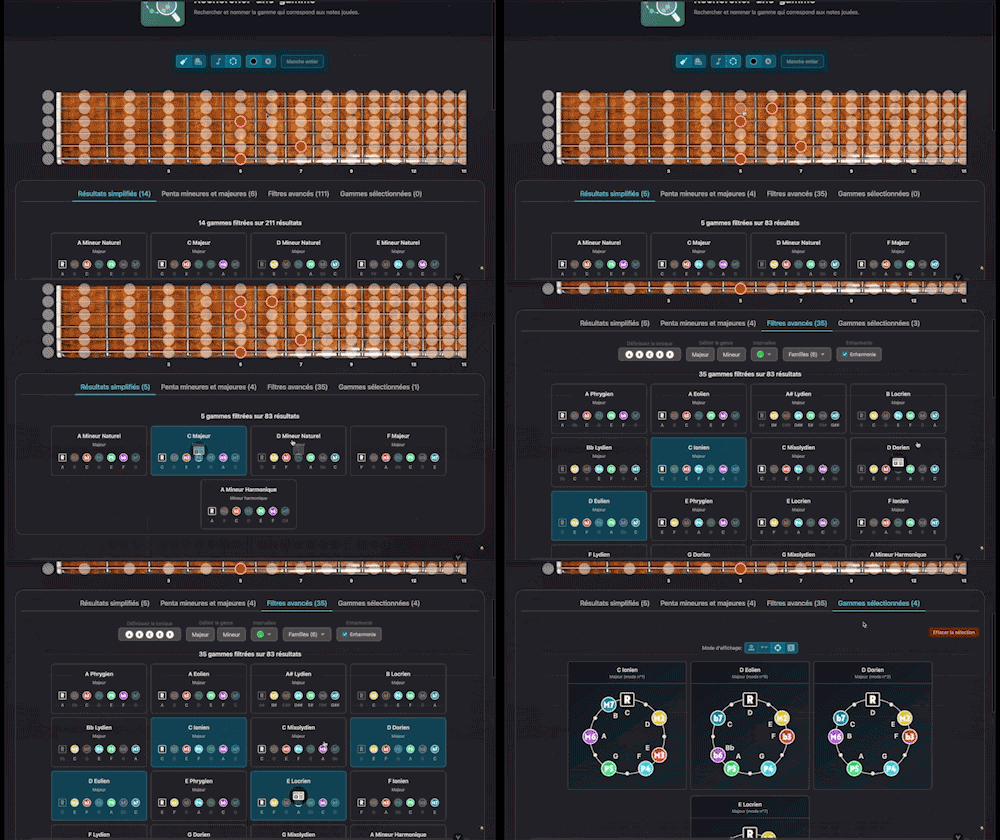
Find Scale
Search for and identify the scale that matches the notes being played

Display only the diagrams of the chord currently selected in your active layer. Enjoy the full power of the library—fret-area filters, CAGED positions, difficulty levels, multiple-diagram views, and audio playback—focused on that one chord quality for instant access.
Plans: GUITAR
 PREMIUM


Twelve Assistant is a comprehensive suite of music tools designed to help musicians of all levels improve their practice, understanding, and creativity. From guitar to piano, from harmony to rhythm, we have everything you need.
Learn More →Every app below can be played right in your browser, no sign-up needed.
 Bibliothèque de diagrammes d’accords
Try the demo →
Bibliothèque de diagrammes d’accords
Try the demo →
 Guitar chords progression editor
Try the demo →
Guitar chords progression editor
Try the demo →
 Strumming Pattern Generator
Try the demo →
Strumming Pattern Generator
Try the demo →
 Fretboard Explorer
Try the demo →
Fretboard Explorer
Try the demo →
 Key chords diagrams
Try the demo →
Key chords diagrams
Try the demo →
 Backing Track Finder
Try the demo →
Backing Track Finder
Try the demo →
 Key Degrees Analyzer
Try the demo →
Key Degrees Analyzer
Try the demo →
 Piano Harmony Player
Try the demo →
Piano Harmony Player
Try the demo →
 Key Piano Chords
Try the demo →
Key Piano Chords
Try the demo →
 Progression piano editor
Try the demo →
Progression piano editor
Try the demo →
 Chords Chart Editor
Try the demo →
Chords Chart Editor
Try the demo →
 Desk Layout Studio
Try the demo →
Desk Layout Studio
Try the demo →
Welcome to the world of guitar chords where every detail matters. “Chords” is an essential interactive tool for all guitarists, whether beginners or professionals. Through our chord library, explore the best chord positions with ease and precision. Whether you’re looking to master new voicings or refine your understanding of inversions, our tool is designed to optimize your guitar learning experience.
With “Chords”, every chord comes to life on your guitar fretboard. Enjoy advanced features to explore the most varied chord positions, from voicings to inversions, to enrich your musical play. Whether you’re seeking creativity or efficiency, this tool is for anyone who wants to deepen their musical theory and improve their musical composition.
Discover the features that make “Chords” an essential tool for guitarists. Each feature is designed to provide you with an enriching and intuitive musical learning experience.
View only the active chord in your layers, allowing complete focus on the desired diagram. This feature is ideal for musicians who want to concentrate on one chord quality at a time, facilitating learning and practical application during practice sessions.
Access a complete visualization of each chord across the entire fretboard. This allows guitarists to understand how each chord moves and transforms along the fretboard, offering a deeper understanding of chord positions.
Use filters by fret area, CAGED positions, and difficulty level to refine your chord search. These filters help you quickly find the chord that best meets your needs, whether for a new composition or to enrich your musical repertoire.
Visualize multiple positions of the same chord simultaneously. This feature is particularly useful for comparing different ways to play a chord and choosing the one that best suits the musical context.
Listen to each chord position to compare sounds. This option allows musicians to better understand the sound effect of each position and choose the one that integrates best into their composition.
Follow these simple steps to get the most out of “Chords” and enrich your musical practice.
For example, if you’re working on a piece in C major, use “Chords” to explore all possible positions of the C major chord and choose the one that harmonizes best with the rest of your composition.
Using “Chords” offers numerous benefits that go beyond simple chord exploration. Discover how this tool can transform your musical practice.
Twelve Assistant offers a range of complementary tools to enrich your musical experience. Explore our scale library to discover modes and pentatonics, use the progression generator to create harmonious chord progressions, and the voice leading for smooth harmonic transitions. Together, these tools offer a comprehensive and integrated approach to musical learning.
“Chords” is more than just a chord visualization tool; it’s an essential companion for any musician eager to improve their guitar mastery. Try it today and see how it can transform your musical practice.
Choose the plan that fits your needs and unlock this app along with many others.
View Plans14-day money-back guarantee. Cancel anytime.
Explore our full suite of music tools
Search for and identify the scale that matches the notes being played

Instantly search and identify the chord being played based on its position on the fretboard


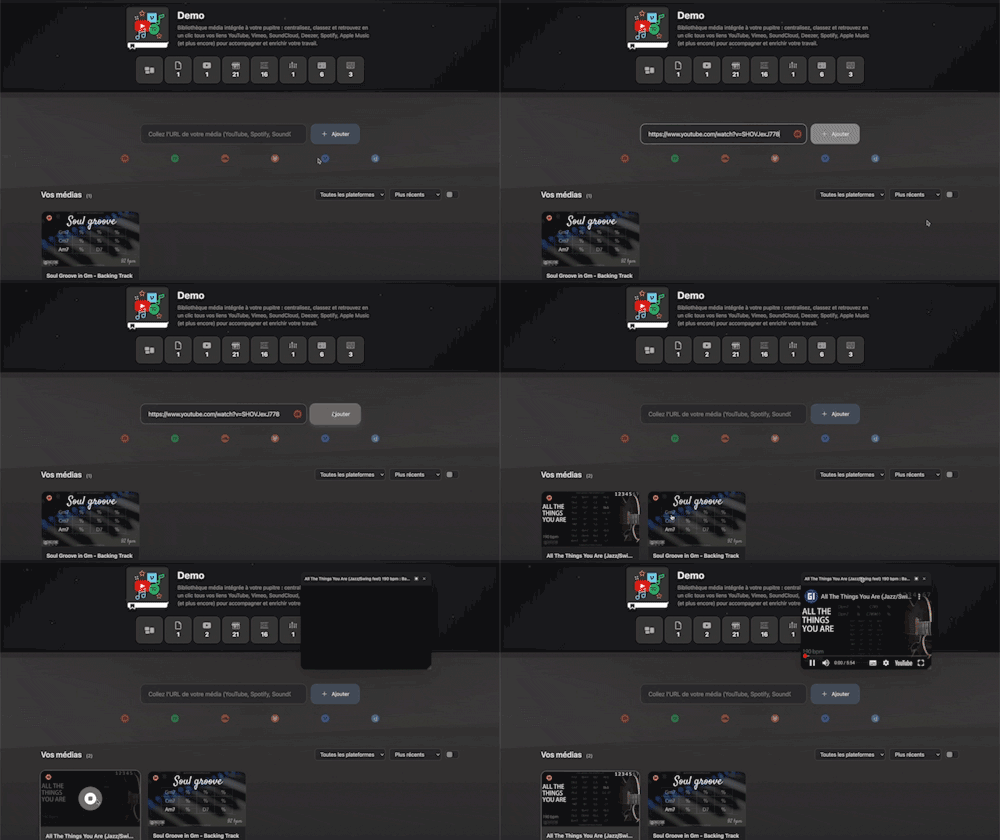
Integrated media library for your workspace: centralize, organize, and access all your YouTube, Vimeo, SoundCloud, Deezer, Spotify, Apple Music links (and more) with a single click to support and enrich your work.
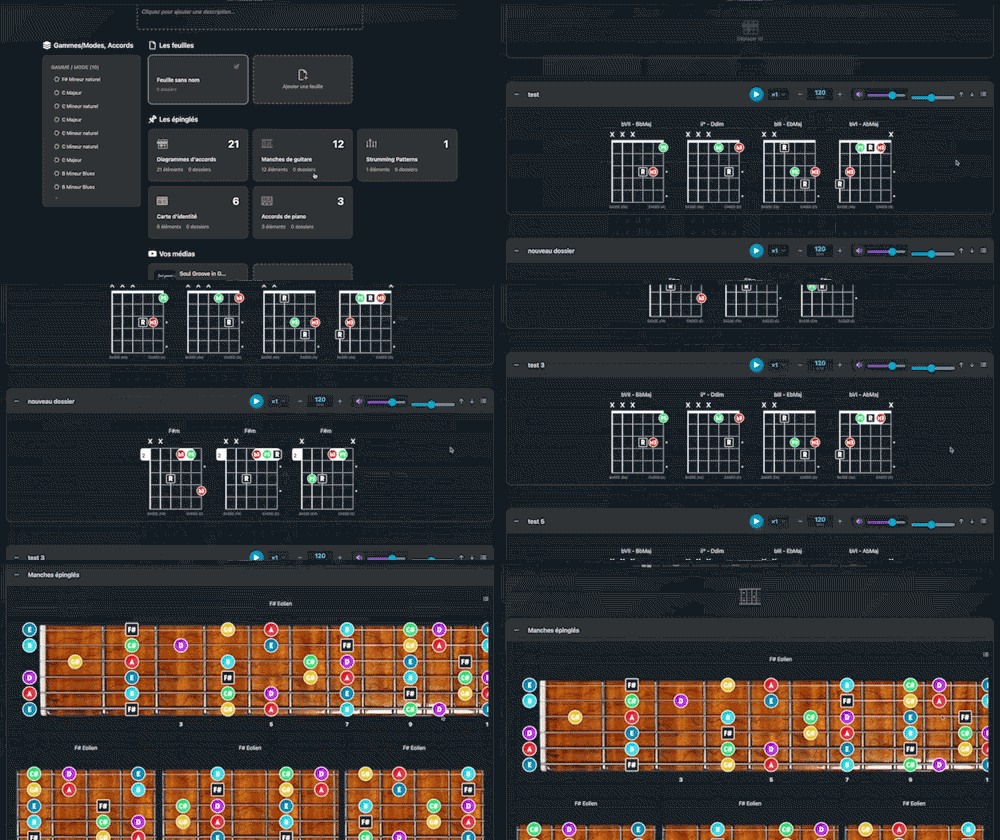
Arrange and lay out all your pinned items—diagrams, composition scales and charts—in the Desk Editor so you can save and print your work.

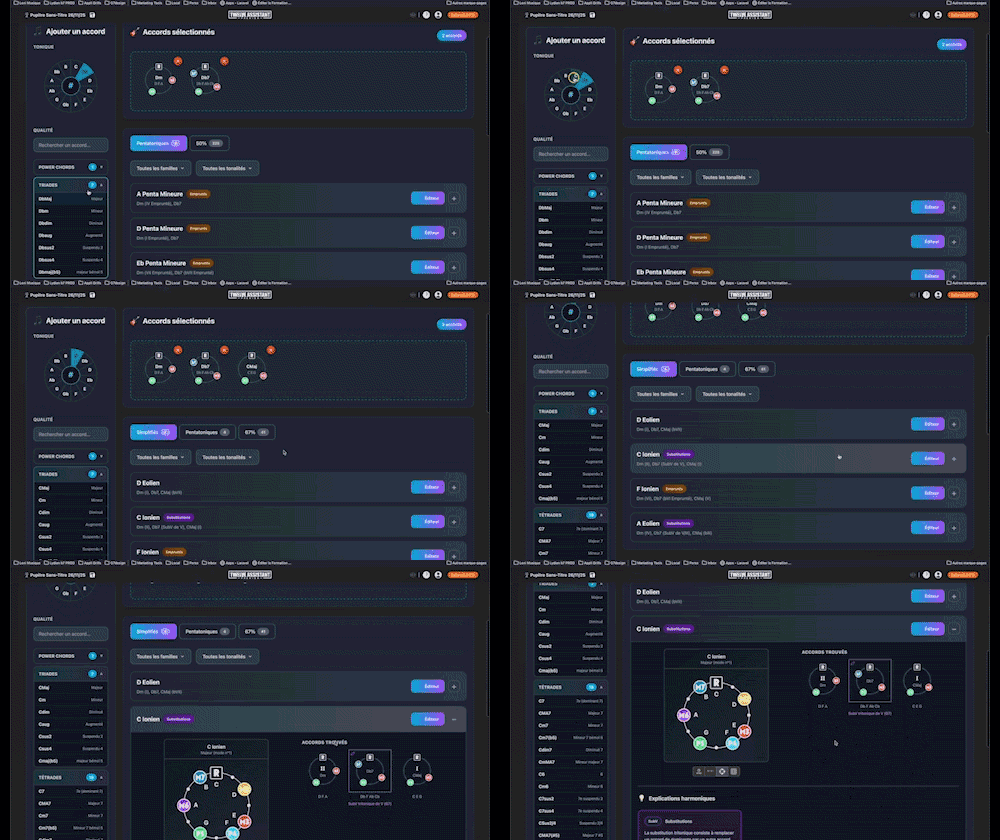
Instantly determine the key of any chord progression: import the sequence or play it live, the app scans the notes, identifies the key and mode, and offers the most relevant harmonization options at a glance.
A full-featured metronome with a complete selection of rhythmic figures and advanced settings and functionalities
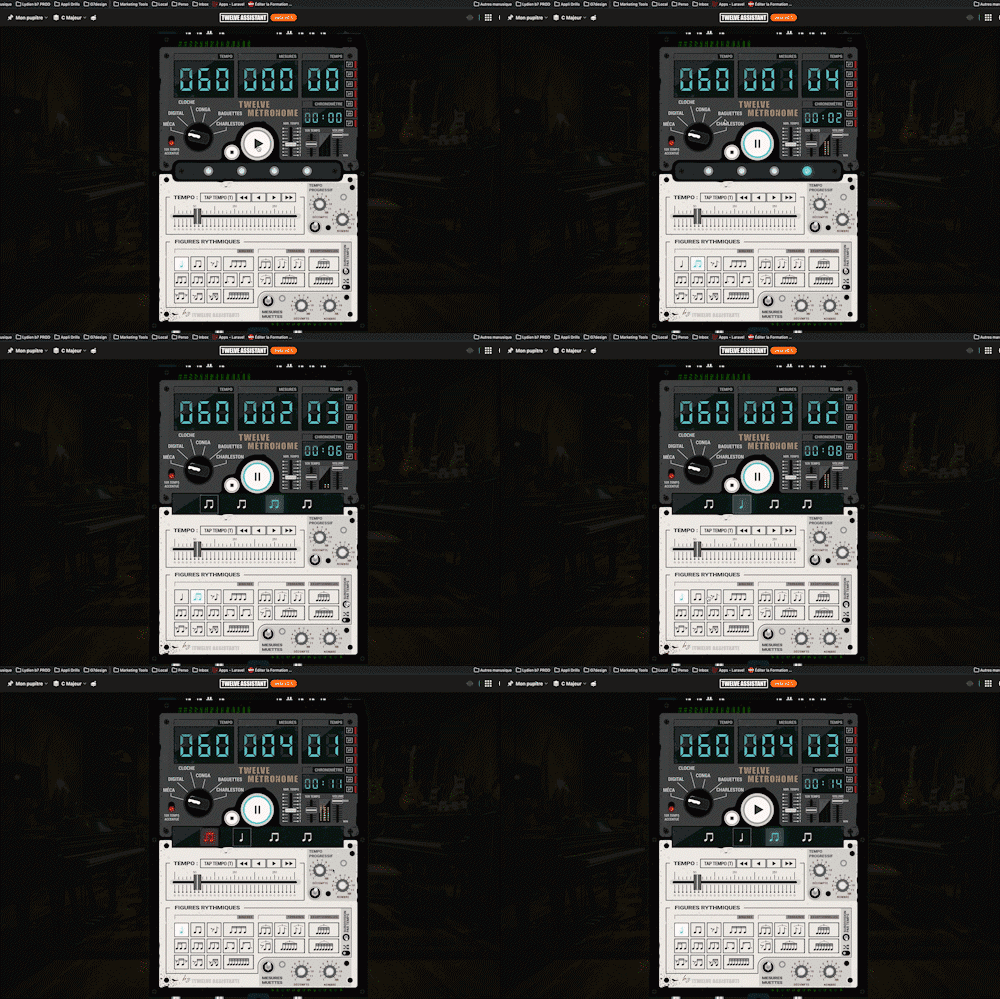

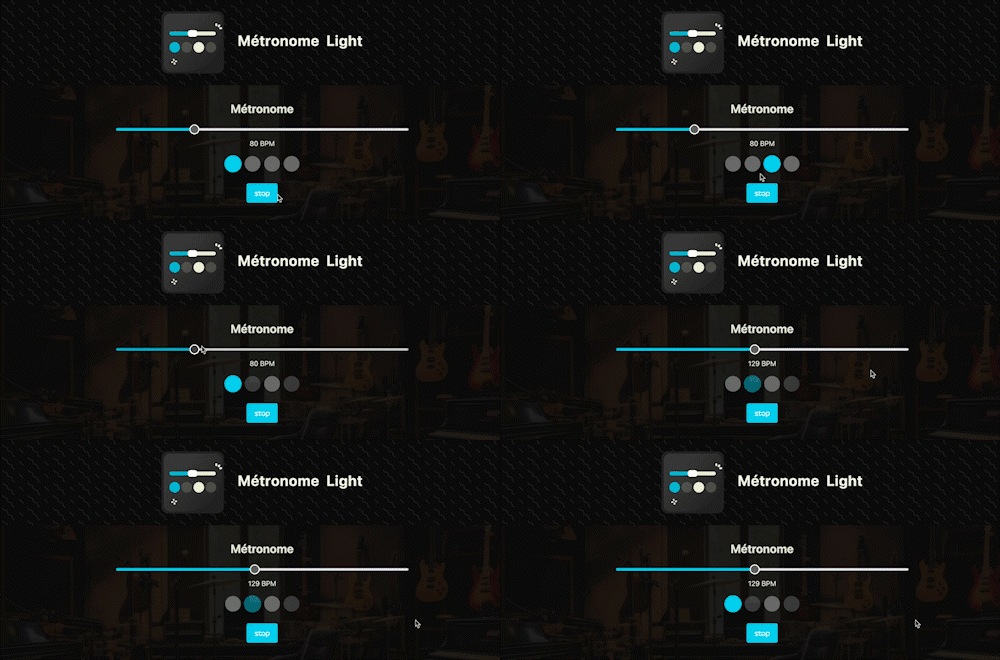
A straightforward, visual metronome: customize the tempo intuitively by clicking on the beat LEDs to set your perfect pulse.
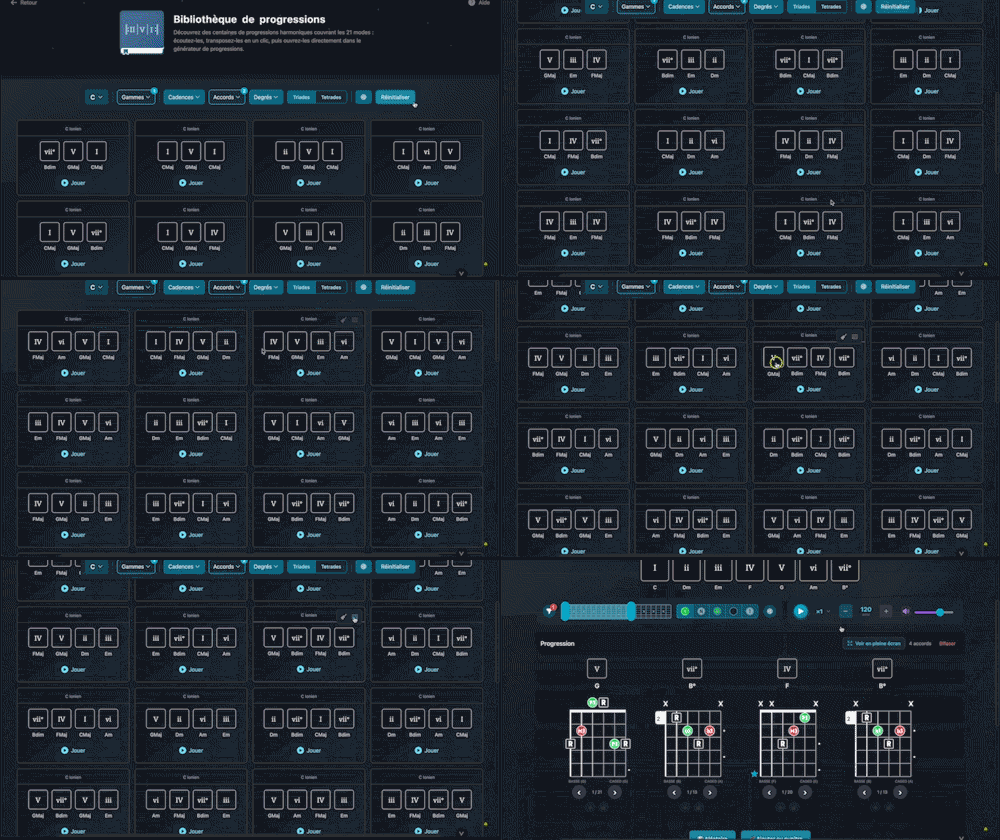
Explore hundreds of harmonic progressions spanning all 21 modes: audition, transpose, and send them straight to the progression generator with a single click.