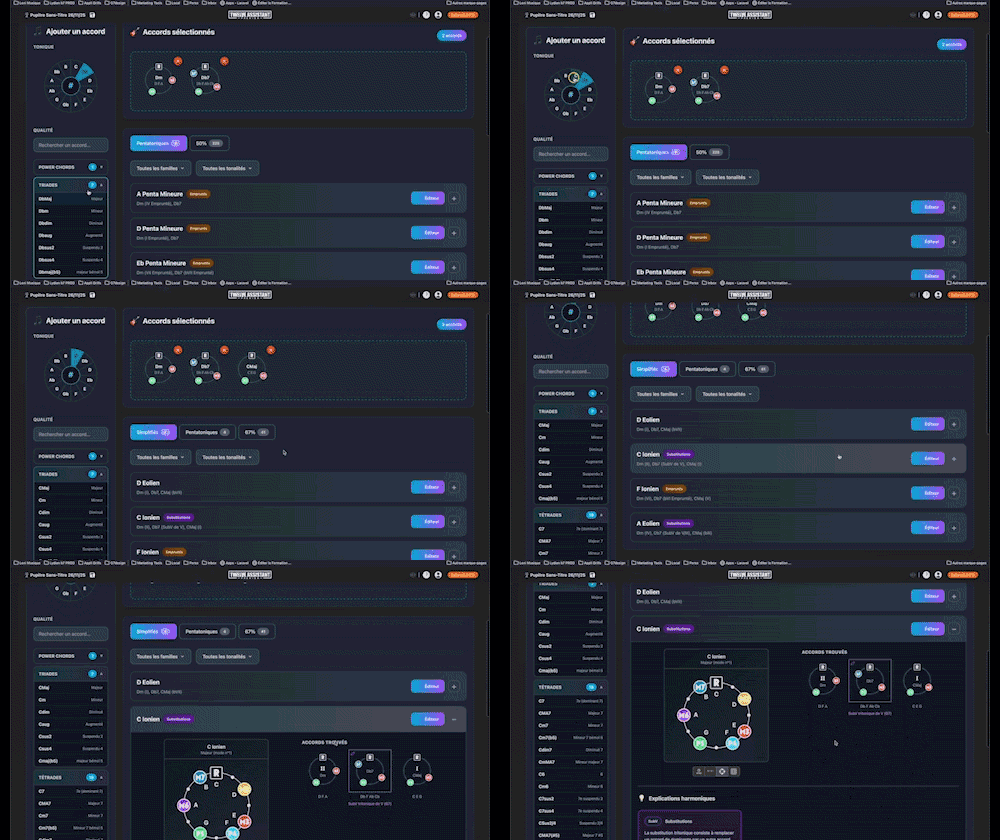
Key to chords search
Instantly determine the key of any chord progression: import the sequence or play it live, the app scans the notes, identifies the key and mode, and offers the most relevant harmonization options at a glance.
View and hear scales, chords, and arpeggios on an interactive piano keyboard.
Plans: HARMONY
 PREMIUM
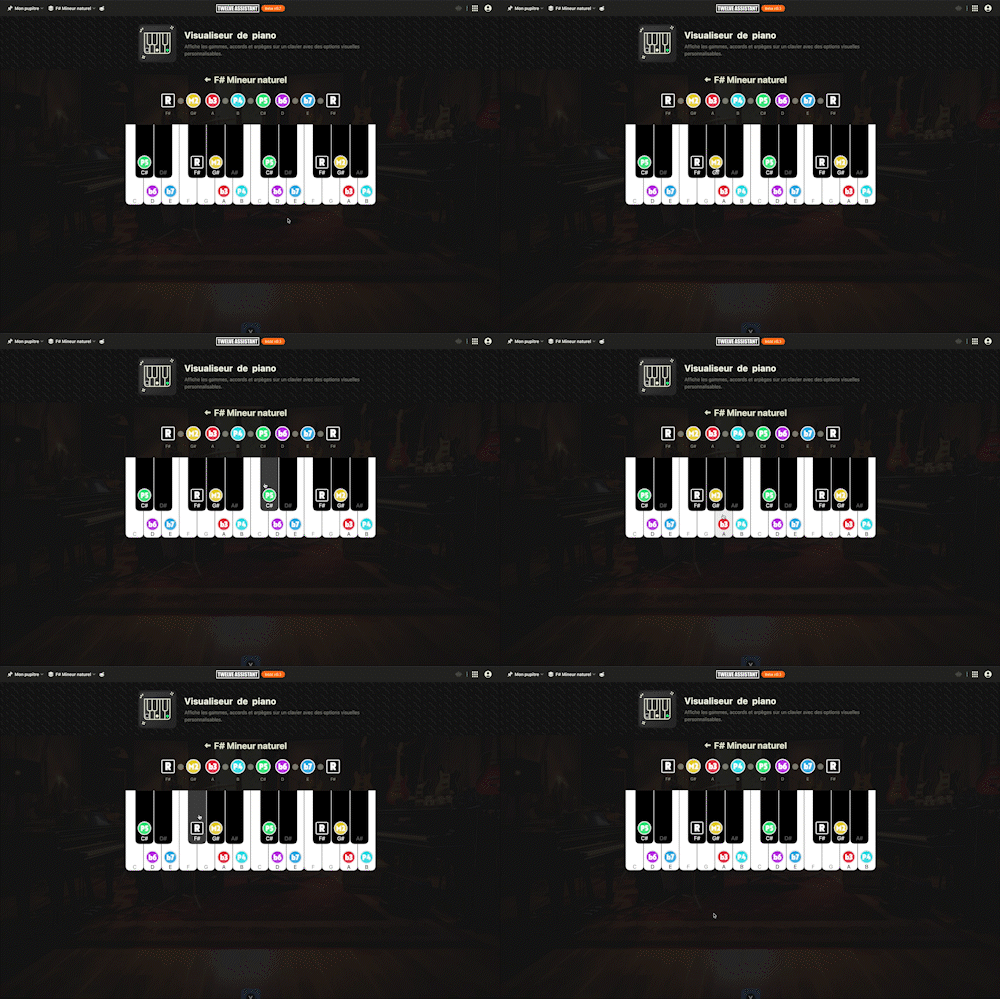
The real application, right below. No installation, nothing to sign up for to give it a try.
Without an account, the preview lasts 2 minutes. Create your free account to remove the timer and use the tool without limits.
Create my free account
Twelve Assistant is a comprehensive suite of music tools designed to help musicians of all levels improve their practice, understanding, and creativity. From guitar to piano, from harmony to rhythm, we have everything you need.
Learn More →Every app below can be played right in your browser, no sign-up needed.
 Bibliothèque de diagrammes d’accords
Try the demo →
Bibliothèque de diagrammes d’accords
Try the demo →
 Guitar chords progression editor
Try the demo →
Guitar chords progression editor
Try the demo →
 Strumming Pattern Generator
Try the demo →
Strumming Pattern Generator
Try the demo →
 Fretboard Explorer
Try the demo →
Fretboard Explorer
Try the demo →
 Key chords diagrams
Try the demo →
Key chords diagrams
Try the demo →
 Backing Track Finder
Try the demo →
Backing Track Finder
Try the demo →
 Key Degrees Analyzer
Try the demo →
Piano Harmony Player
You are here
Key Degrees Analyzer
Try the demo →
Piano Harmony Player
You are here
 Key Piano Chords
Try the demo →
Key Piano Chords
Try the demo →
 Progression piano editor
Try the demo →
Progression piano editor
Try the demo →
 Chords Chart Editor
Try the demo →
Chords Chart Editor
Try the demo →
 Desk Layout Studio
Try the demo →
Desk Layout Studio
Try the demo →
Piano Harmony Player is an essential tool for musicians looking to explore the complexities of scales, chords, and arpeggios on the piano. With an interactive keyboard, it allows you to visualize and listen to each note precisely. Designed for music students, teachers, and composers, this tool transforms your approach to musical harmony.
Whether you’re a beginner or an expert, the tool guides you in a deep understanding of music theory, integrating the main keyword within the first 100 words. Discover how Piano Harmony Player can enrich your musical practice.
Piano Harmony Player offers advanced features that facilitate learning and musical exploration.
The interactive keyboard offers immediate visual and audio feedback. Each key, when pressed, produces a sound faithful to a real piano, allowing users to fully immerse themselves in their musical practice.
With the scale visualization function, easily identify the notes of a specific scale. This simplifies the learning of modes and degrees, essential for mastering complex pieces.
Visualize and listen to a variety of chords, including voicings and inversions. This feature is essential for musicians who wish to enrich their compositions with varied chord positions.
The arpeggio function allows you to break down chords into melodic sequences, perfect for adding dynamism to your compositions.
The automatic playback mode plays the chords and scales for you, facilitating the study of progressions and understanding harmonic cadences.
Thanks to color coding, quickly identify the intervals between notes, a valuable tool for music analysis and composition.
Piano Harmony Player is easy to use, even for beginners.
For example, if you are working on a piece in C major, you can visualize all the notes of the scale and hear how they fit into your composition.
The features of Piano Harmony Player offer numerous benefits to musicians.
Explore other tools from Twelve Assistant to complete your learning. The scale library offers additional resources, the progression generator helps you create harmonic sequences, and the music stand facilitates the organization and access to your creations. Together, these tools provide a comprehensive understanding of music theory.
Piano Harmony Player is a powerful tool for discovering the subtleties of chords, scales, and arpeggios. Try it today and transform your musical practice with intuitive and advanced features.
Choose the plan that fits your needs and unlock this app along with many others.
View Plans14-day money-back guarantee. Cancel anytime.
Explore our full suite of music tools
Instantly determine the key of any chord progression: import the sequence or play it live, the app scans the notes, identifies the key and mode, and offers the most relevant harmonization options at a glance.
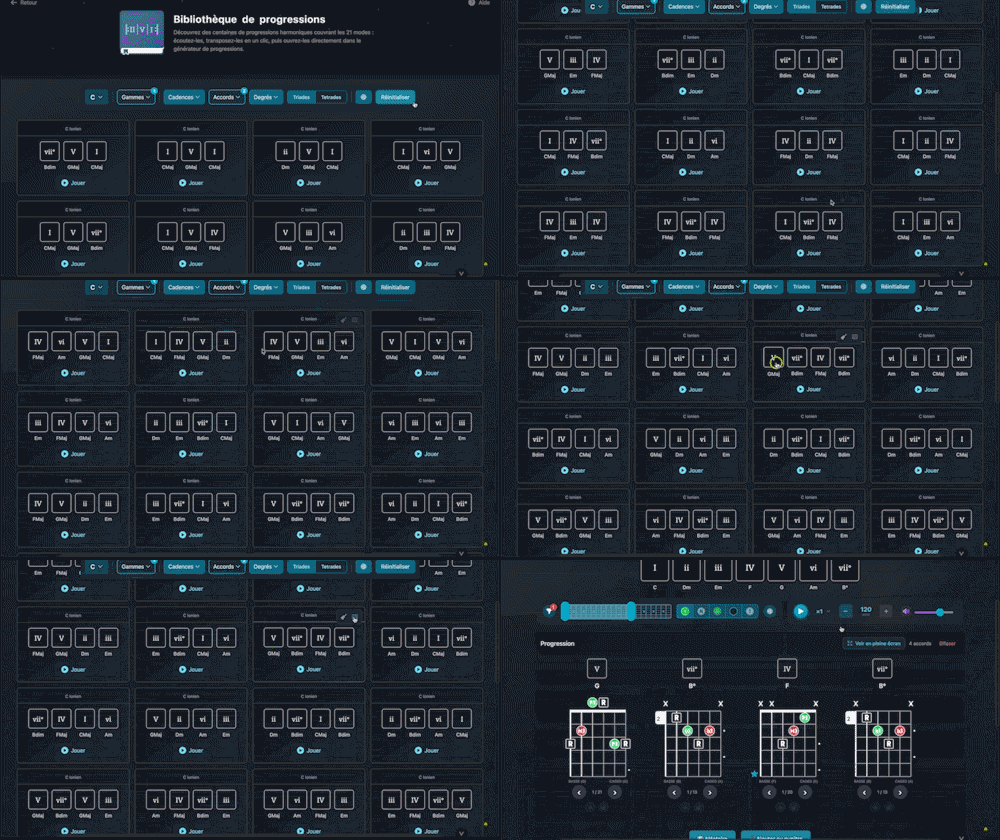
Explore hundreds of harmonic progressions spanning all 21 modes: audition, transpose, and send them straight to the progression generator with a single click.

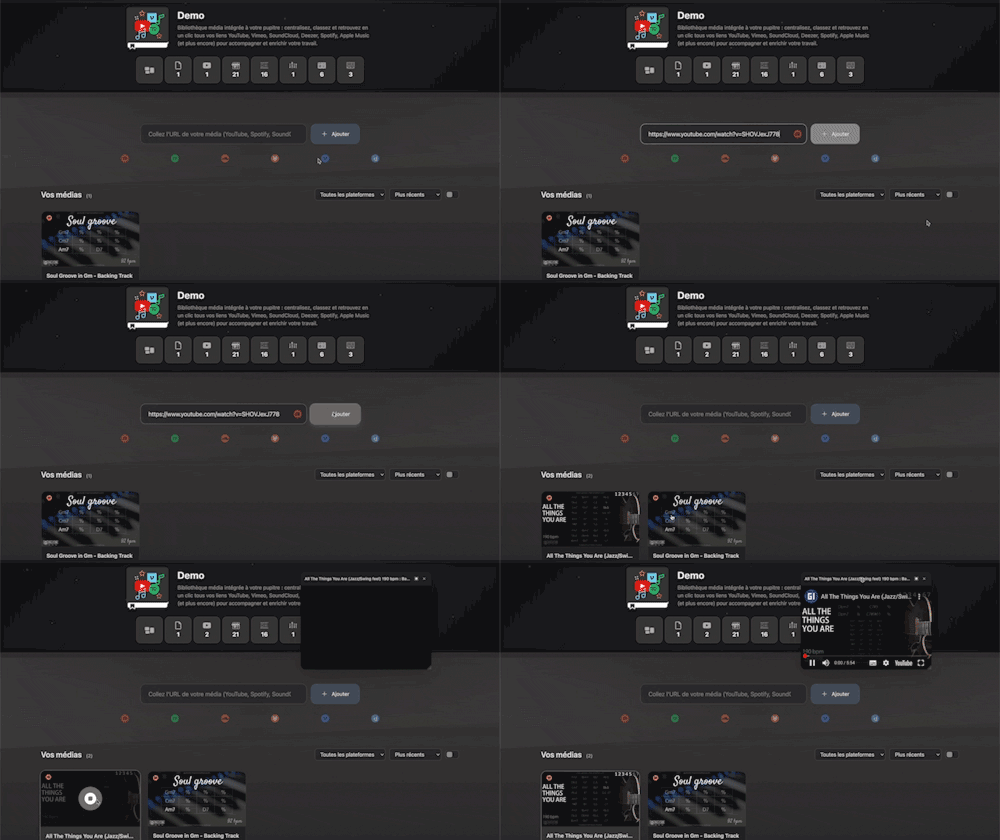
Integrated media library for your workspace: centralize, organize, and access all your YouTube, Vimeo, SoundCloud, Deezer, Spotify, Apple Music links (and more) with a single click to support and enrich your work.

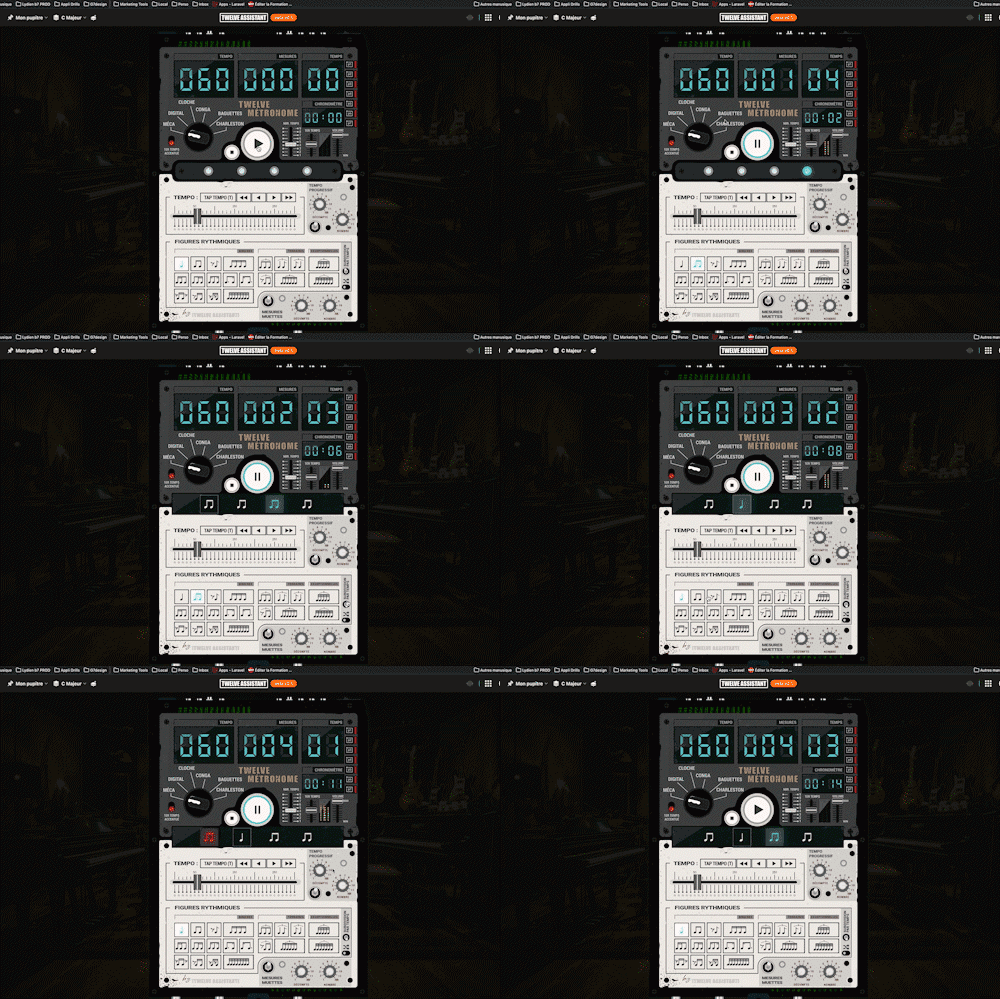
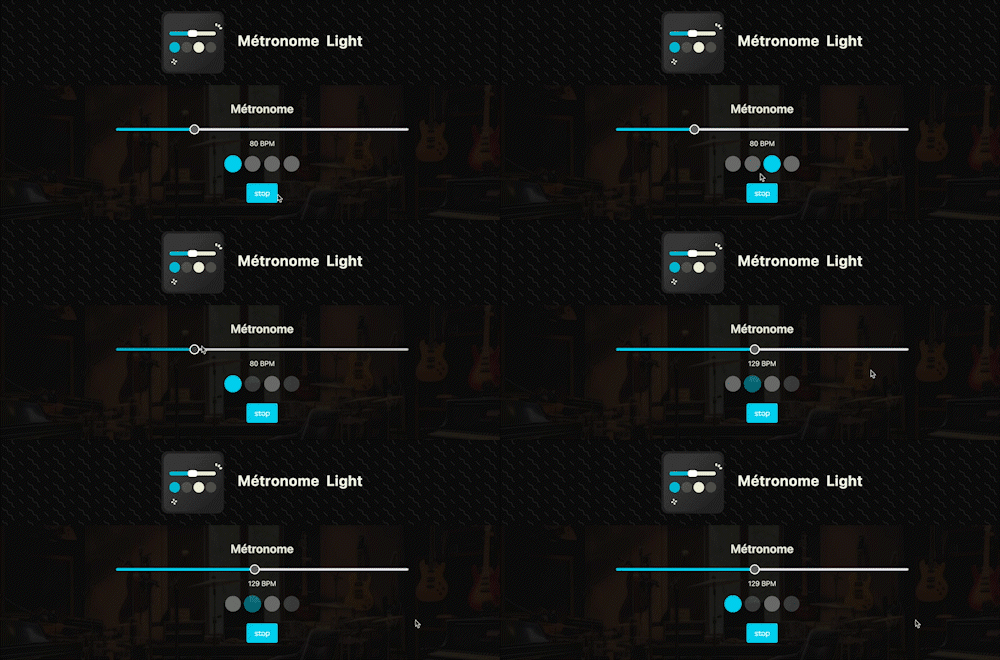
A straightforward, visual metronome: customize the tempo intuitively by clicking on the beat LEDs to set your perfect pulse.

Instantly search and identify the chord being played based on its position on the fretboard

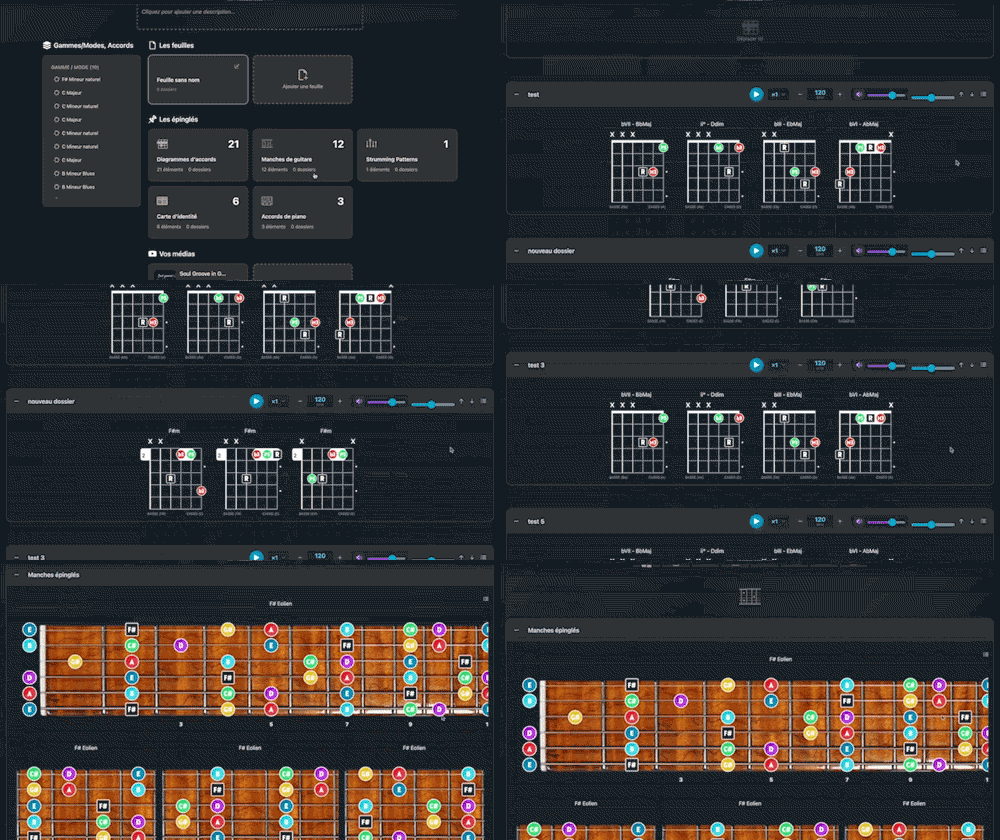
Arrange and lay out all your pinned items—diagrams, composition scales and charts—in the Desk Editor so you can save and print your work.

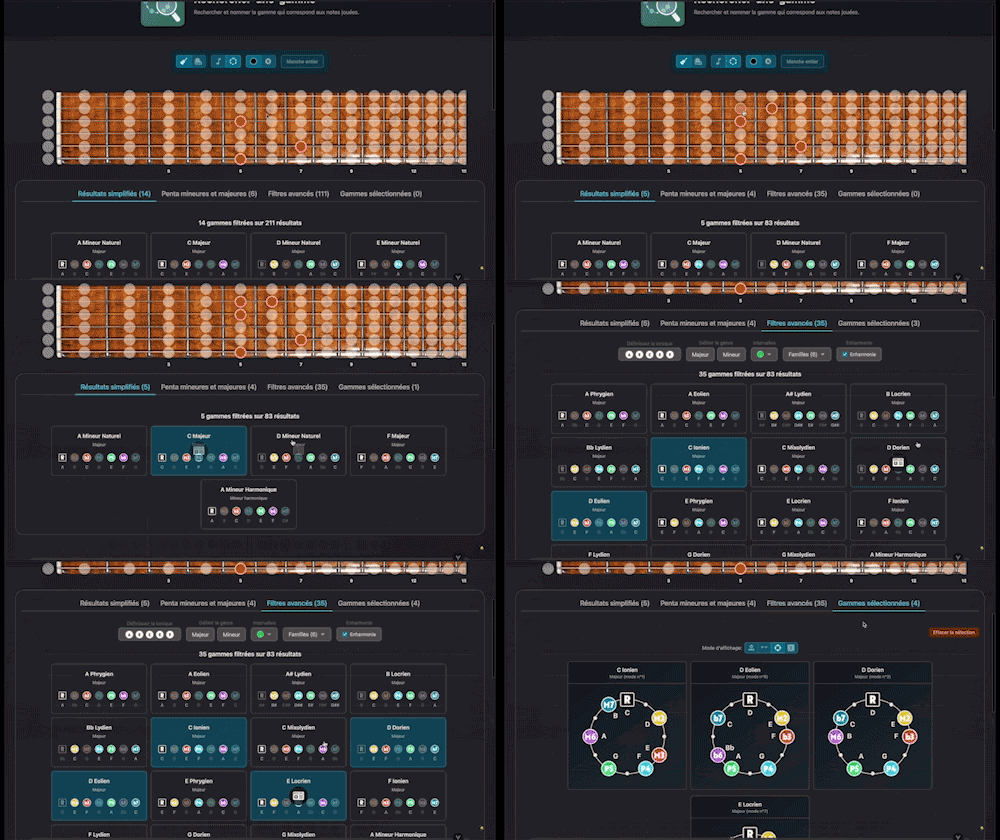
Search for and identify the scale that matches the notes being played
A full-featured metronome with a complete selection of rhythmic figures and advanced settings and functionalities