


Find Chord
Instantly search and identify the chord being played based on its position on the fretboard


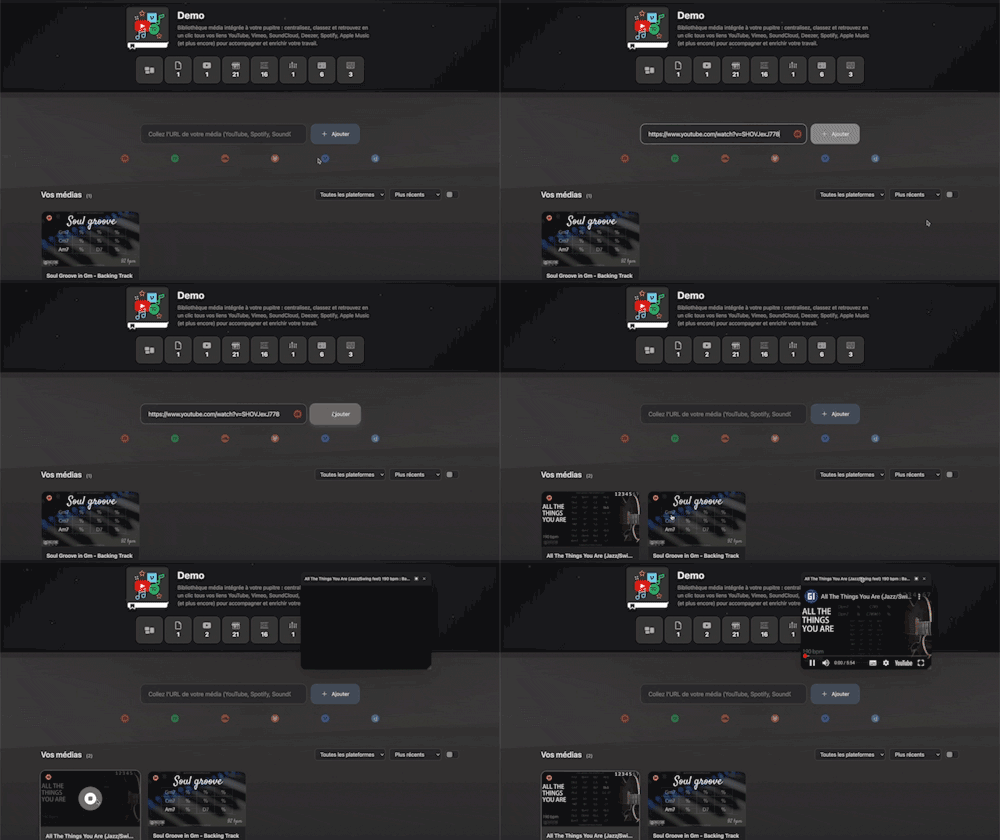
Integrated media library for your workspace: centralize, organize, and access all your YouTube, Vimeo, SoundCloud, Deezer, Spotify, Apple Music links (and more) with a single click to support and enrich your work.
Plans: PREMIUM
 GUITAR
 HARMONY

Twelve Assistant is a comprehensive suite of music tools designed to help musicians of all levels improve their practice, understanding, and creativity. From guitar to piano, from harmony to rhythm, we have everything you need.
Learn More →Every app below can be played right in your browser, no sign-up needed.
 Bibliothèque de diagrammes d’accords
Try the demo →
Bibliothèque de diagrammes d’accords
Try the demo →
 Guitar chords progression editor
Try the demo →
Guitar chords progression editor
Try the demo →
 Strumming Pattern Generator
Try the demo →
Strumming Pattern Generator
Try the demo →
 Fretboard Explorer
Try the demo →
Fretboard Explorer
Try the demo →
 Key chords diagrams
Try the demo →
Key chords diagrams
Try the demo →
 Backing Track Finder
Try the demo →
Backing Track Finder
Try the demo →
 Key Degrees Analyzer
Try the demo →
Key Degrees Analyzer
Try the demo →
 Piano Harmony Player
Try the demo →
Piano Harmony Player
Try the demo →
 Key Piano Chords
Try the demo →
Key Piano Chords
Try the demo →
 Progression piano editor
Try the demo →
Progression piano editor
Try the demo →
 Chords Chart Editor
Try the demo →
Chords Chart Editor
Try the demo →
 Desk Layout Studio
Try the demo →
Desk Layout Studio
Try the demo →
Medias is an integrated media library designed for musicians looking to centralize and organize their multimedia resources. Whether you’re a guitarist, composer, or teacher, Medias allows you to gather all your YouTube, Spotify, SoundCloud, and more links in one place. Simplify your access to the resources needed to accompany, enrich, and inspire your musical work.
With Medias, musicians can now have all their resources at their fingertips. In just a few clicks, you can sort your files, add annotations, and even play your media directly within the app. It is the ideal tool for those who seek to optimize their practice time and structure their music projects.
Medias offers a multitude of features designed to simplify the management of your musical resources. Here are some key features that make Medias an indispensable tool for musicians.
Medias supports a variety of platforms such as YouTube, Vimeo, SoundCloud, Spotify, Deezer, and Apple Music. This means you can centralize all your favorite media without having to juggle between multiple apps. This multi-platform integration is crucial for musicians who use different sources to enhance their learning and inspiration.
With Medias, organize your multimedia files using custom tags. This allows you to sort your resources by genre, project, or any other relevant category. This feature saves you time by simplifying the search for your files and improving your daily workflow.
The integrated player in Medias allows you to play your media directly within the app, without having to switch windows. Whether you want to listen to a backing track or watch a video lesson, everything runs smoothly and without interruption. This feature greatly enhances your user experience by reducing distractions.
Add notes and annotations to each media to never lose sight of your ideas and thoughts. This feature is particularly useful for teachers and students who wish to comment on specific performances or exercises. It helps you keep track of your progress and improve your learning.
Easily share your media collections with other musicians or transfer them between your devices. Medias makes importing and exporting your files easy, allowing you to work collaboratively or save your resources for future access.
Here is how to get started with Medias to optimize your management of musical resources.
For example, if you are working on a piece in C major, use Medias to gather all your relevant resources and track your progress.
Medias offers numerous benefits for musicians of all levels. Here are some of the main advantages you can gain from it.
In addition to Medias, Twelve Assistant offers other complementary tools like the scale library, chord progression generator, voice leading, and music stand. These tools complement each other to provide a complete suite of musical assistance, helping you explore music theory, create harmonious progressions, and improve your harmonic understanding. Together, they constitute a powerful set for any musician looking to deepen their skills.
Medias is a powerful tool to centralize and organize your musical resources. With its many features, it facilitates your learning and optimizes your practice sessions. Try Medias today and discover how it can transform your musical experience.
Choose the plan that fits your needs and unlock this app along with many others.
View Plans14-day money-back guarantee. Cancel anytime.
Explore our full suite of music tools
Instantly search and identify the chord being played based on its position on the fretboard
A straightforward, visual metronome: customize the tempo intuitively by clicking on the beat LEDs to set your perfect pulse.
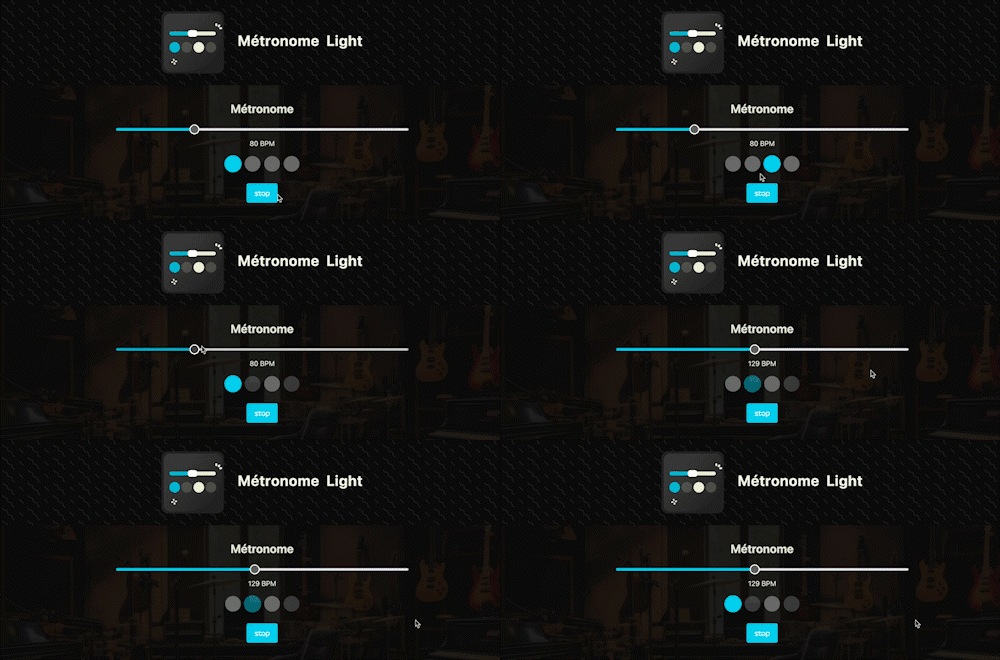
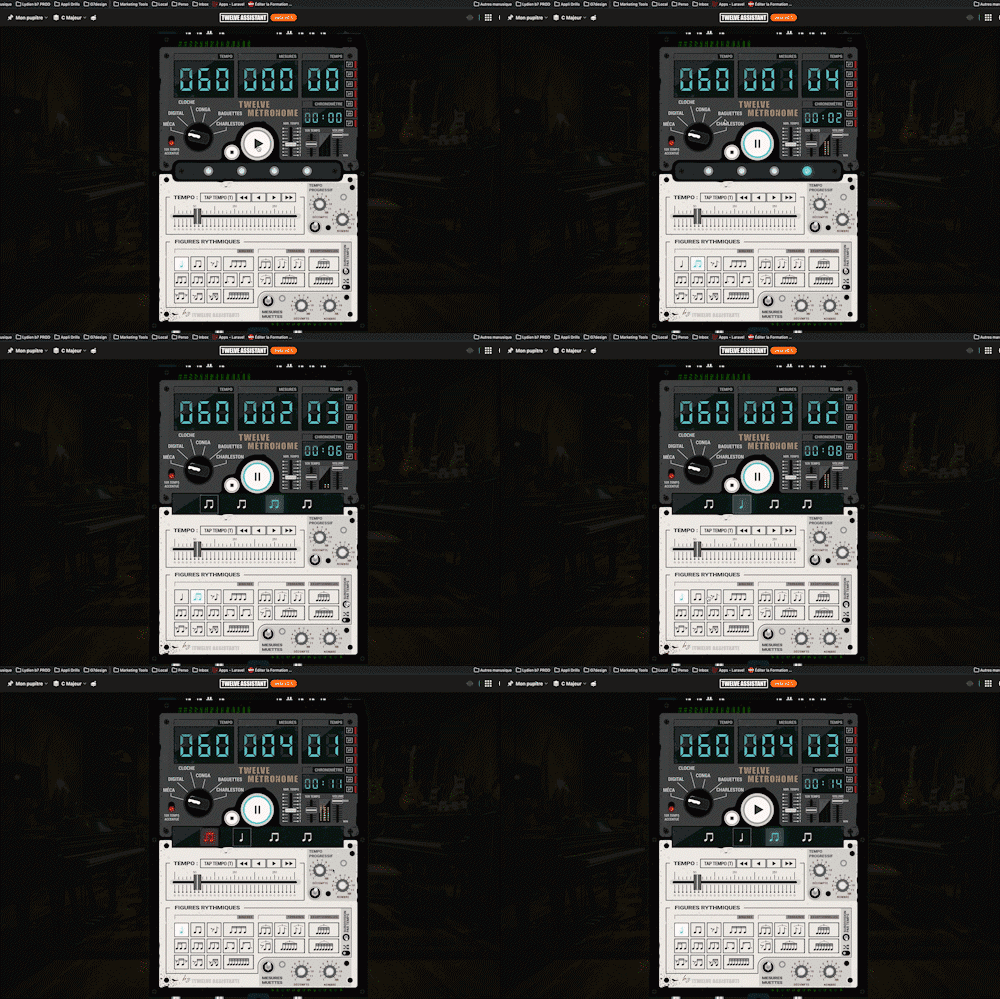
A full-featured metronome with a complete selection of rhythmic figures and advanced settings and functionalities
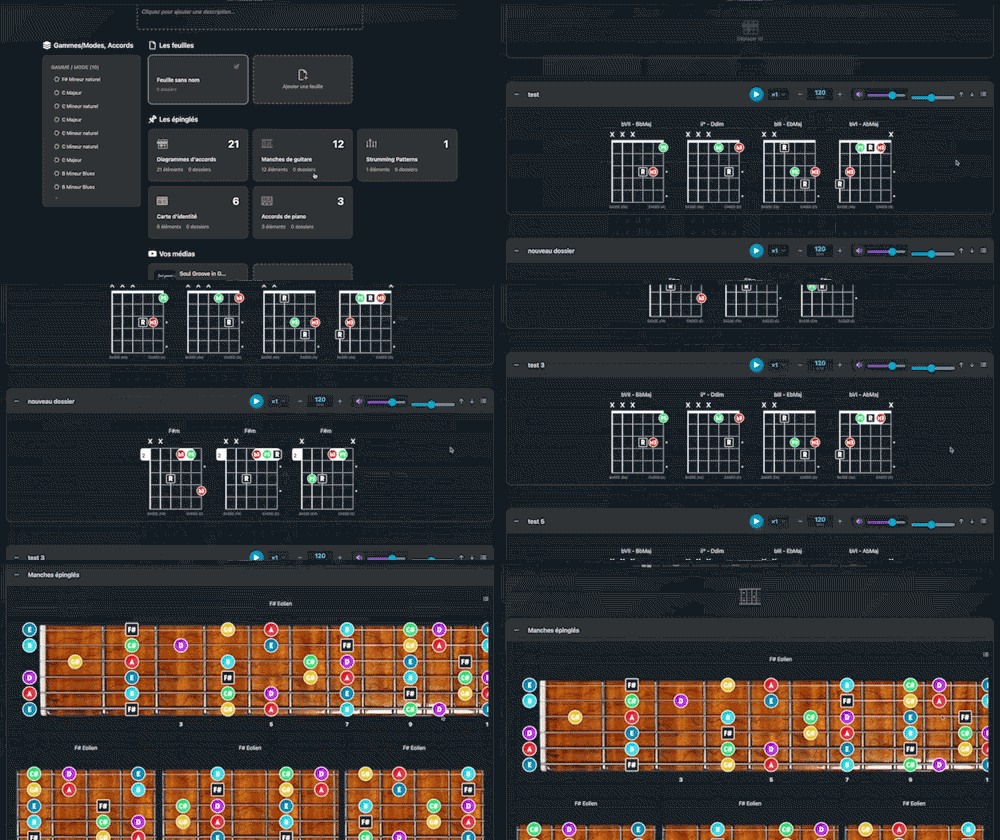
Arrange and lay out all your pinned items—diagrams, composition scales and charts—in the Desk Editor so you can save and print your work.
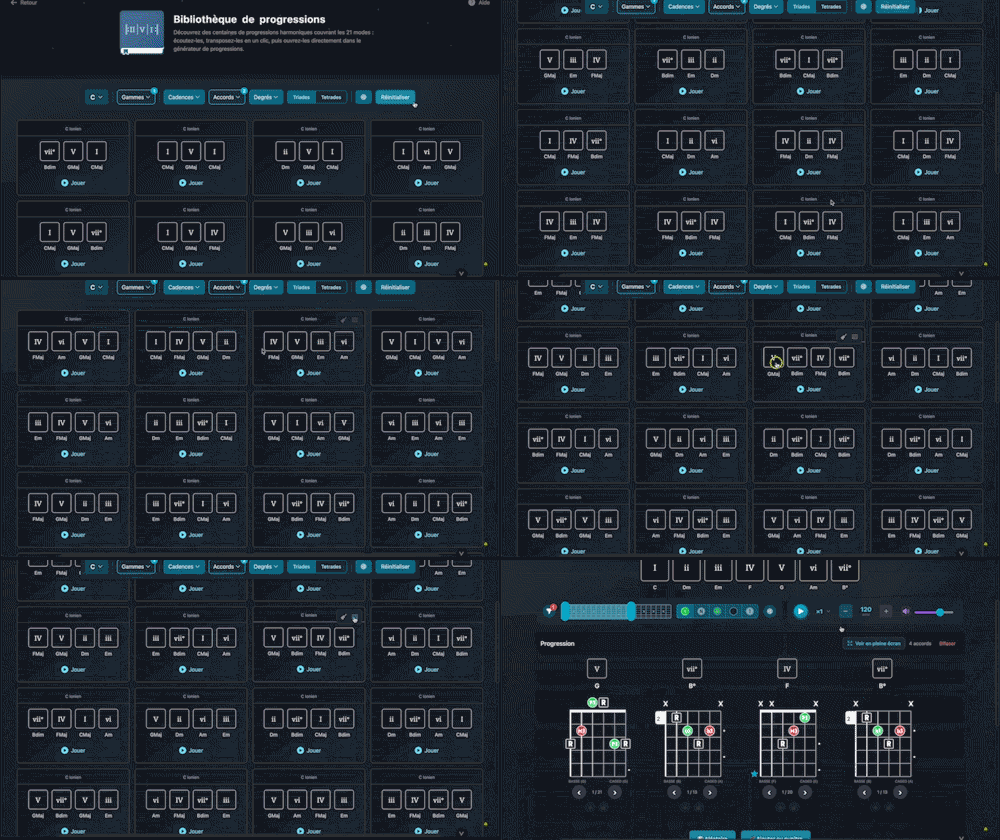
Explore hundreds of harmonic progressions spanning all 21 modes: audition, transpose, and send them straight to the progression generator with a single click.

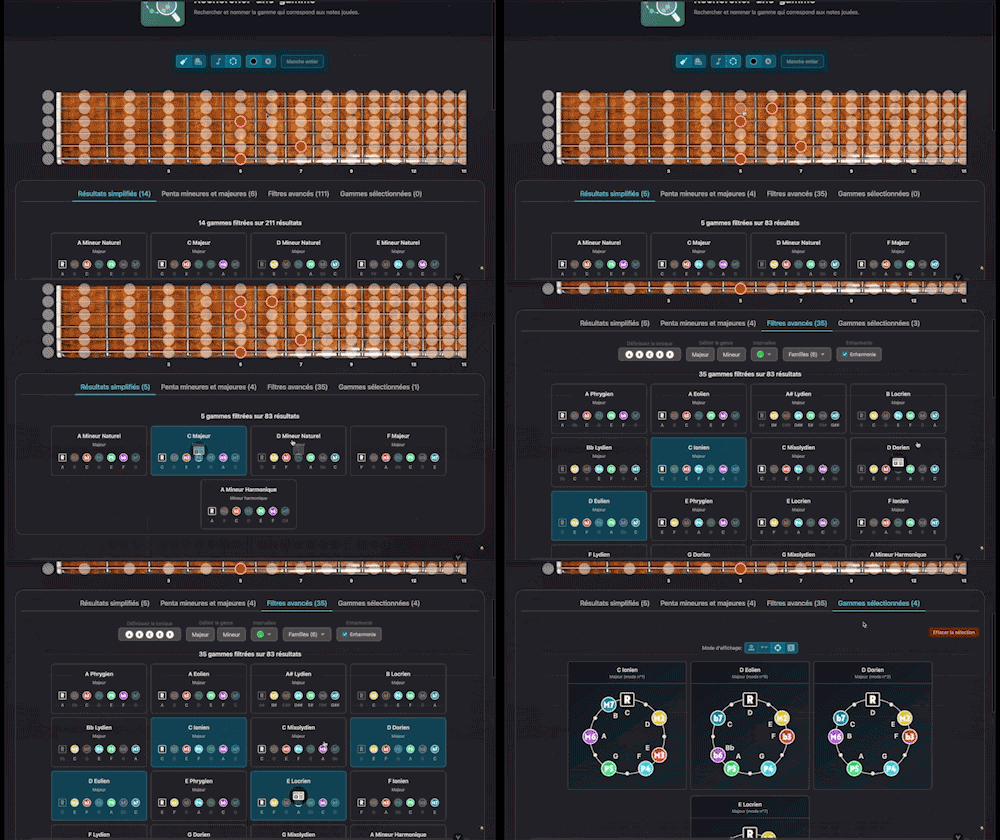
Search for and identify the scale that matches the notes being played
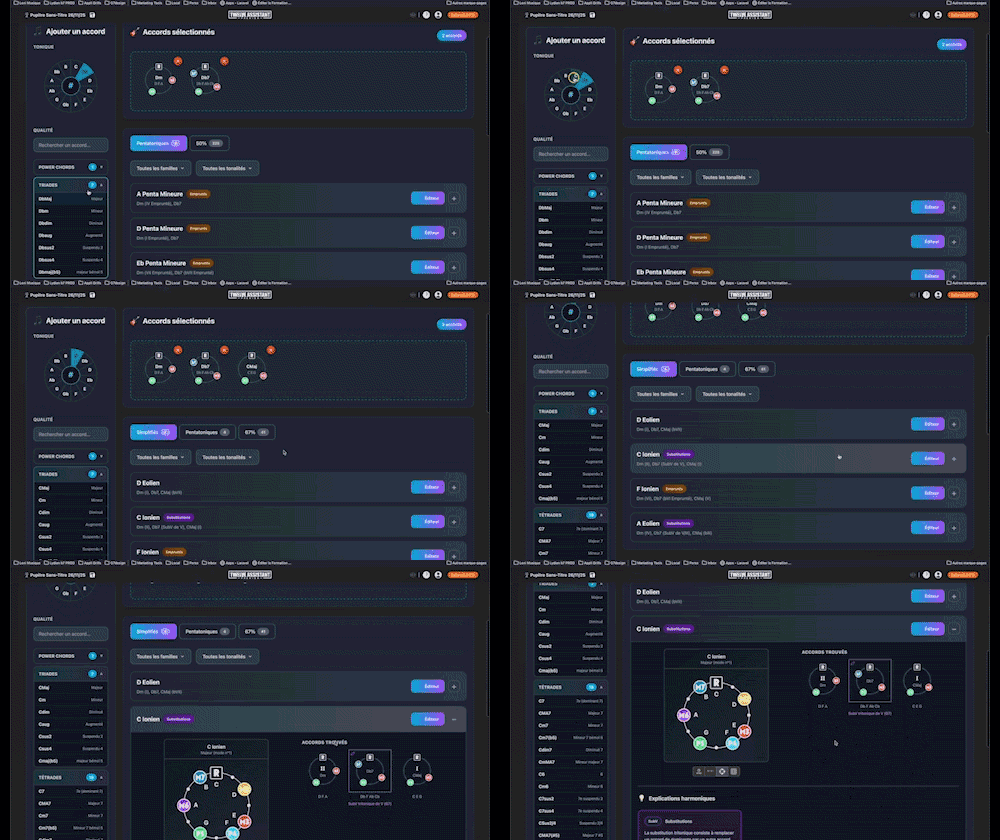
Instantly determine the key of any chord progression: import the sequence or play it live, the app scans the notes, identifies the key and mode, and offers the most relevant harmonization options at a glance.
Integrated media library for your workspace: centralize, organize, and access all your YouTube, Vimeo, SoundCloud, Deezer, Spotify, Apple Music links (and more) with a single click to support and enrich your work.