Twelve Metronome
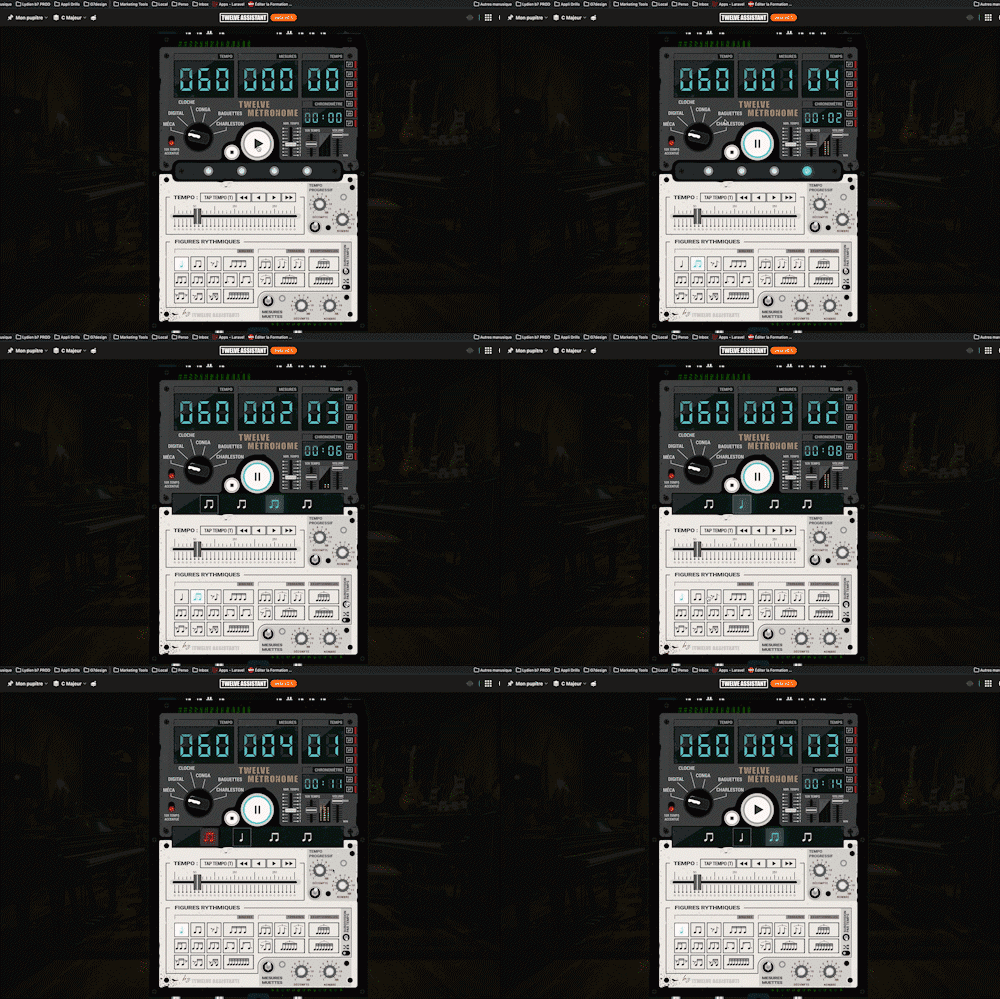
A full-featured metronome with a complete selection of rhythmic figures and advanced settings and functionalities
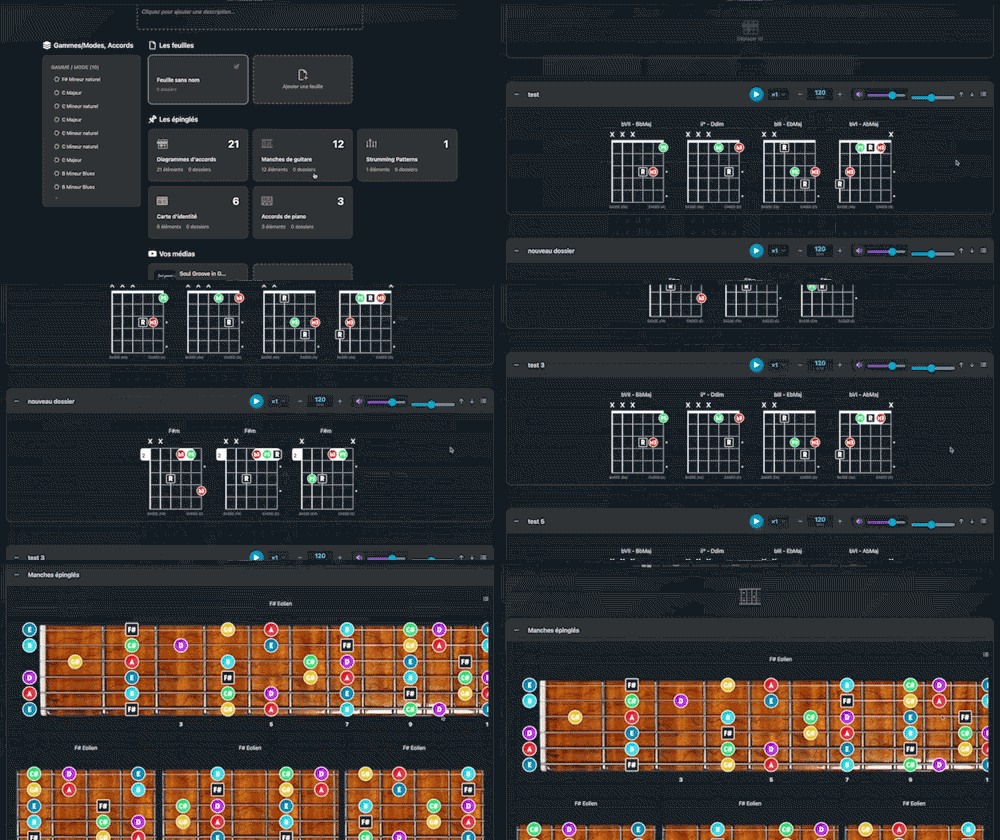
Arrange and lay out all your pinned items—diagrams, composition scales and charts—in the Desk Editor so you can save and print your work.
Plans : PREMIUM
 GUITAR
 HARMONY
Twelve Assistant is a comprehensive suite of music tools designed to help musicians of all levels improve their practice, understanding, and creativity. From guitar to piano, from harmony to rhythm, we have everything you need.
Learn More
Arrange and lay out all your pinned items—diagrams, composition scales and charts—in the Desk Editor so you can save and print your work.
Welcome to the world of Desk Layout Studio, an essential tool for musicians and composers looking to organize and optimize their musical elements. Designed to help you assemble and layout your diagrams, composition scales, and charts in an intuitive workspace, Desk Layout Studio is your indispensable ally whether you’re a guitarist structuring your chords or a composer working on a new piece.
With a user-friendly interface and powerful features, Desk Layout Studio caters to all musicians, from amateurs to professionals. In the first 100 words, we’ve introduced Desk Layout Studio as an essential layout tool for musicians, incorporating the main keyword.
Desk Layout Studio offers a range of features designed to simplify the musical layout process. Here’s an overview of the main features that make Desk Layout Studio an essential choice for musicians.
Desk Layout Studio allows you to freely organize your musical elements on a visual canvas. This offers maximum flexibility to position your diagrams, scales, and charts exactly as you need them. The visual workspace is ideal for musicians who want to experiment with different layouts and find the perfect arrangement for their needs.
The drag-and-drop feature of Desk Layout Studio simplifies adding and rearranging your musical elements. You can easily move and resize your diagrams and charts to create a cohesive and aesthetic layout. This saves significant time and enhances the efficiency of your musical workflow.
With Desk Layout Studio, you can combine various musical elements such as scales, chords, progressions, and tablatures. This versatile feature allows you to create complex compositions and see your entire project at a glance. Musicians can experiment with different elements to enrich their compositions.
Desk Layout Studio enables you to save your projects for future reference. Whether you’re working on a new composition or wish to revisit a previous project, project saving ensures you never lose your valuable musical ideas.
Thanks to the export feature of Desk Layout Studio, you can easily print or share your layouts in PDF or image format. This facilitates the distribution of your work to your fellow musicians or students, ensuring a clear and professional dissemination of your musical ideas.
Using Desk Layout Studio is straightforward and intuitive. Here’s a step-by-step guide to making the most of this powerful tool.
For example, if you’re working on a piece in C major, you can pin the relevant chords and scales to maintain a clear and organized overview.
Desk Layout Studio offers numerous benefits for musicians, enhancing their composition and learning process.
Desk Layout Studio is part of a suite of tools offered by Twelve Assistant, designed to enrich your musical experience. Discover our scale library, chord progression generator, and voice leading tools to complement your use of Desk Layout Studio. These tools work together to provide you with a comprehensive understanding of music theory and harmonization, enabling you to create richer and more nuanced compositions.
In summary, Desk Layout Studio is a powerful tool for any musician looking to organize and optimize their musical elements. With its numerous features and benefits, it is a valuable asset for musical composition and learning. Don’t hesitate to try Desk Layout Studio and discover how it can transform your musical process.
Choose the plan that fits your needs and unlock this app along with many others.
View PlansExplore our full suite of music tools
A full-featured metronome with a complete selection of rhythmic figures and advanced settings and functionalities

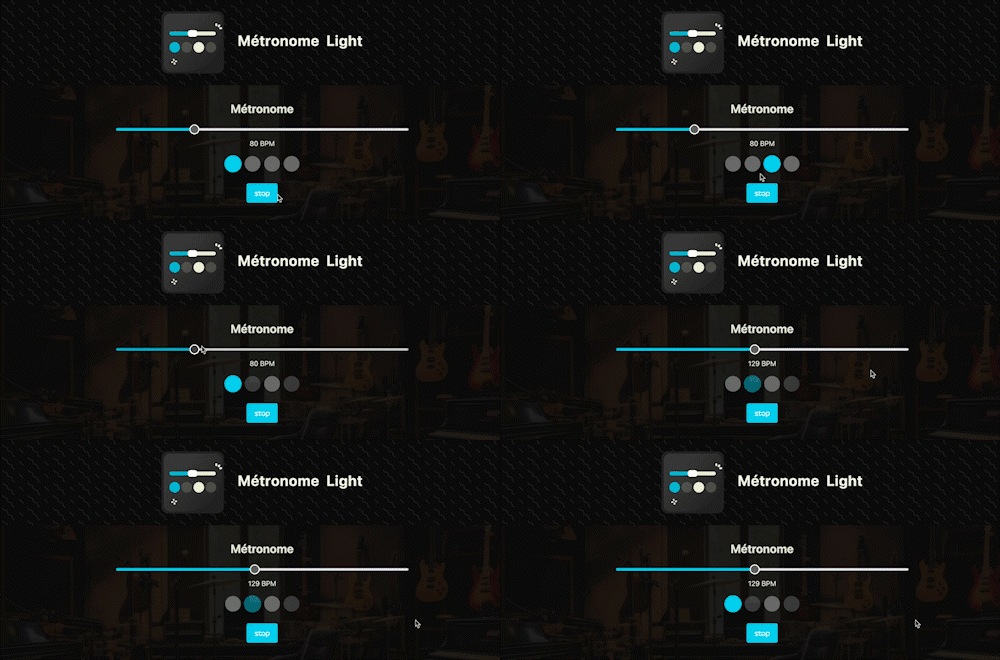
A straightforward, visual metronome: customize the tempo intuitively by clicking on the beat LEDs to set your perfect pulse.

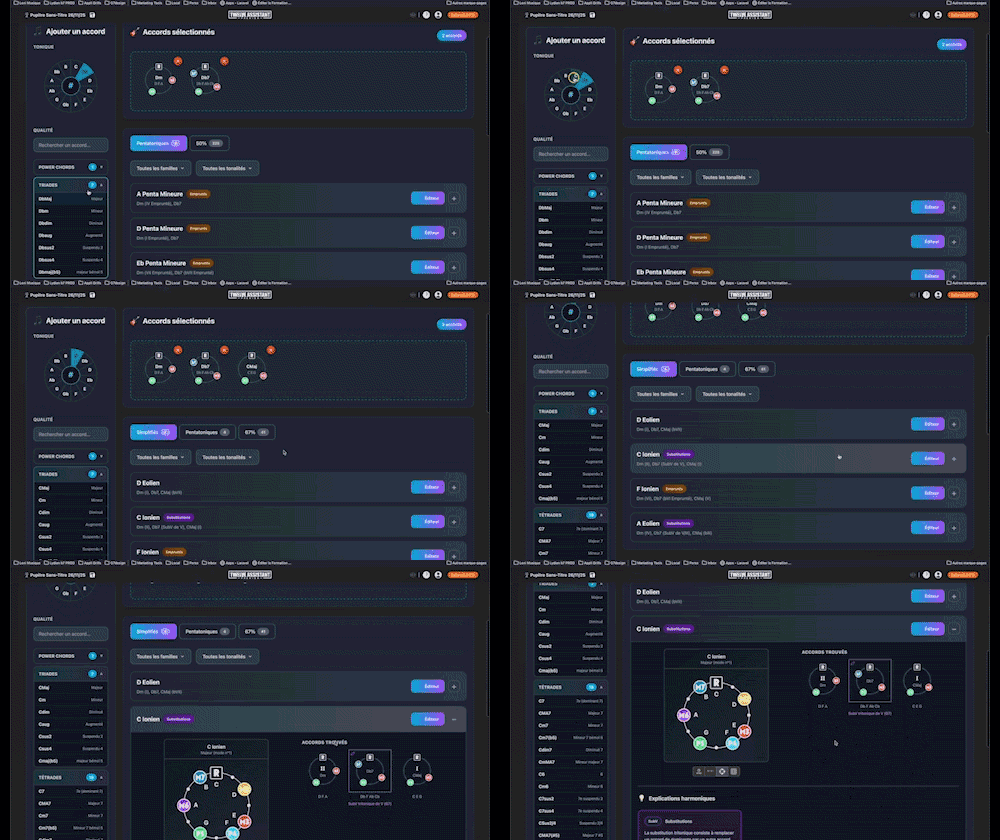
Instantly determine the key of any chord progression: import the sequence or play it live, the app scans the notes, identifies the key and mode, and offers the most relevant harmonization options at a glance.

Instantly search and identify the chord being played based on its position on the fretboard

Arrange and lay out all your pinned items—diagrams, composition scales and charts—in the Desk Editor so you can save and print your work.

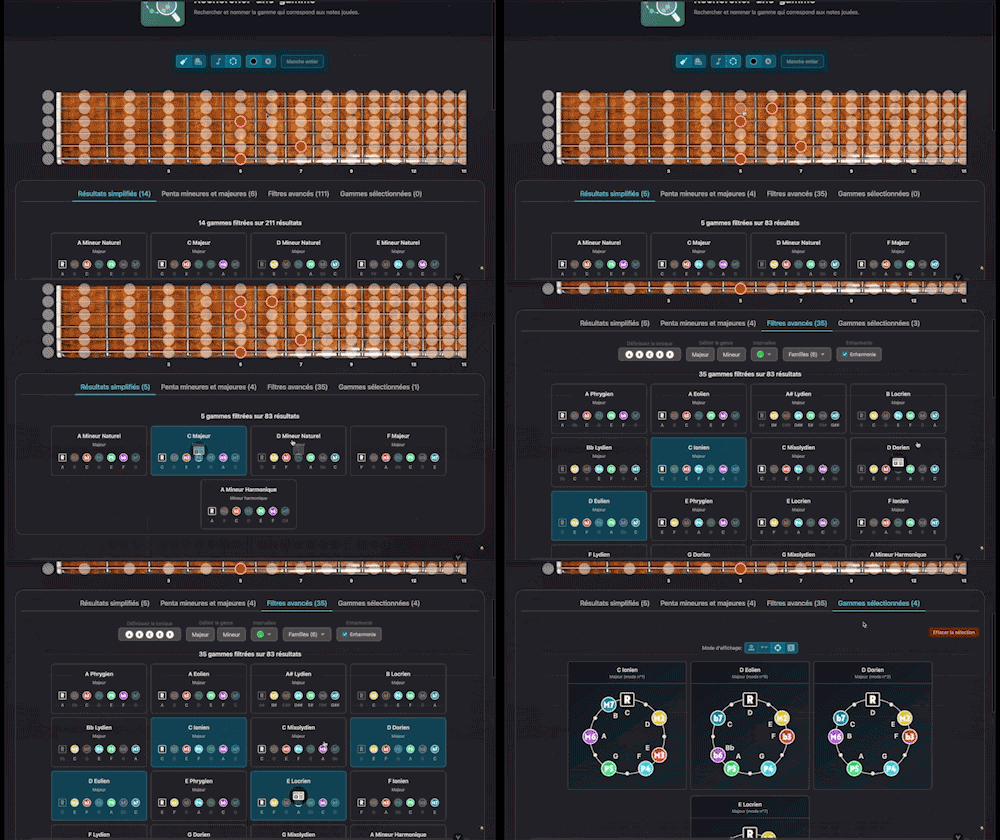
Search for and identify the scale that matches the notes being played

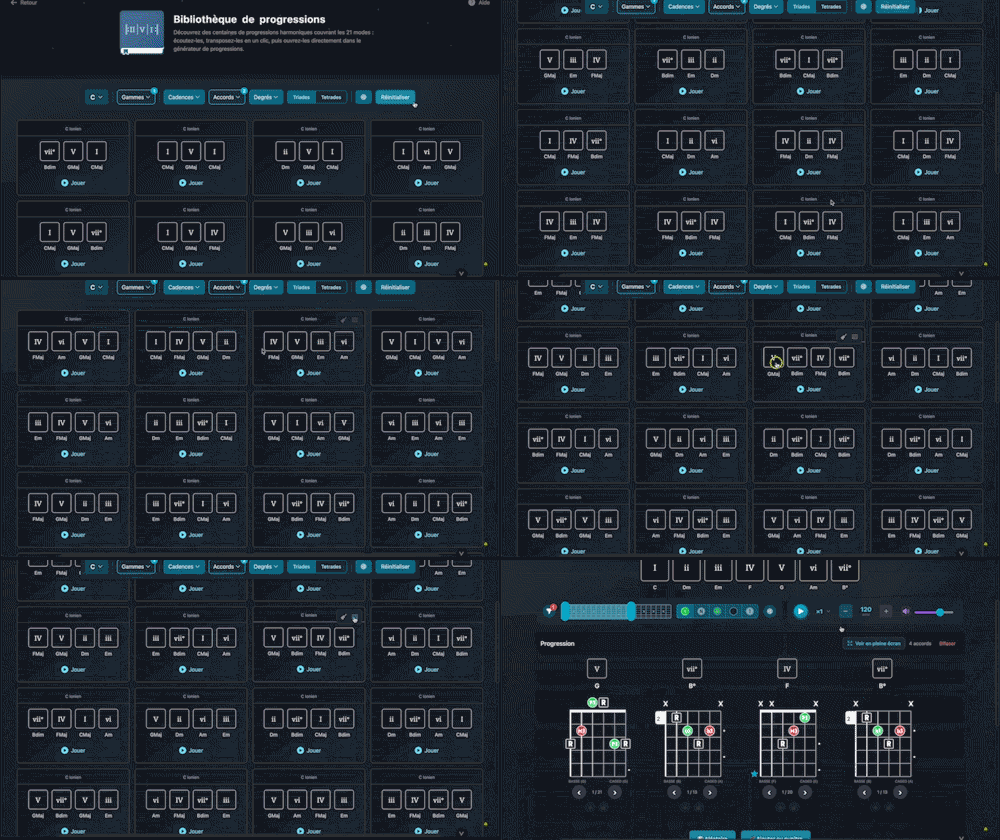
Explore hundreds of harmonic progressions spanning all 21 modes: audition, transpose, and send them straight to the progression generator with a single click.

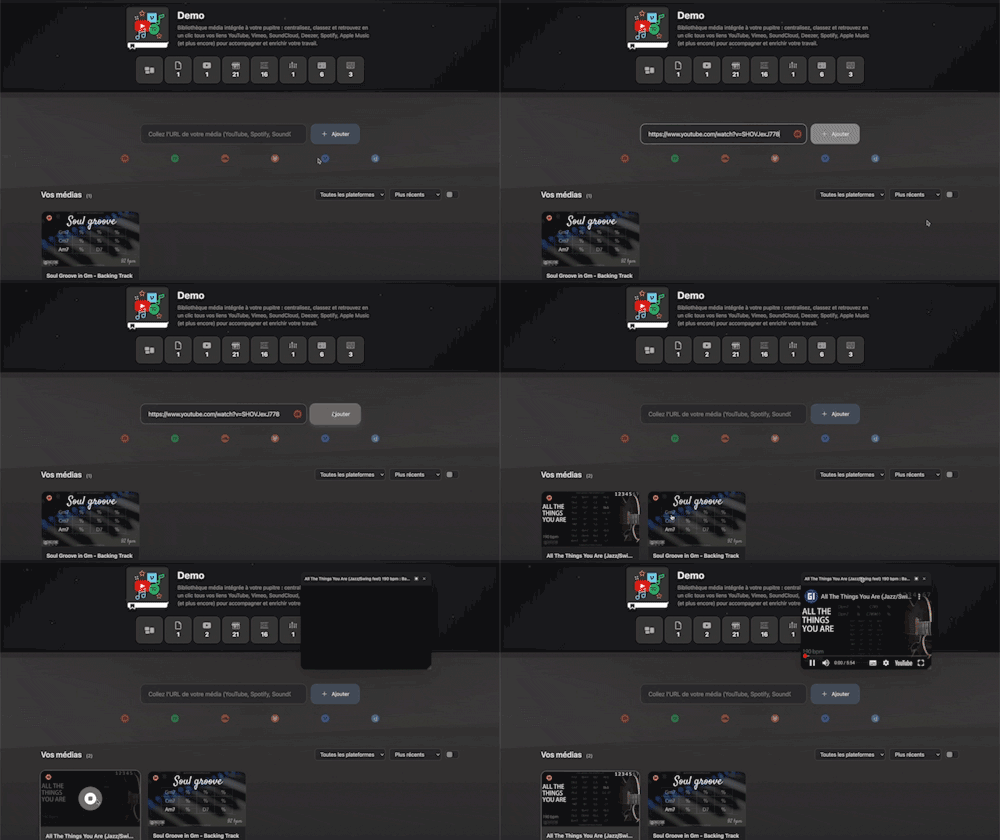
Integrated media library for your workspace: centralize, organize, and access all your YouTube, Vimeo, SoundCloud, Deezer, Spotify, Apple Music links (and more) with a single click to support and enrich your work.